
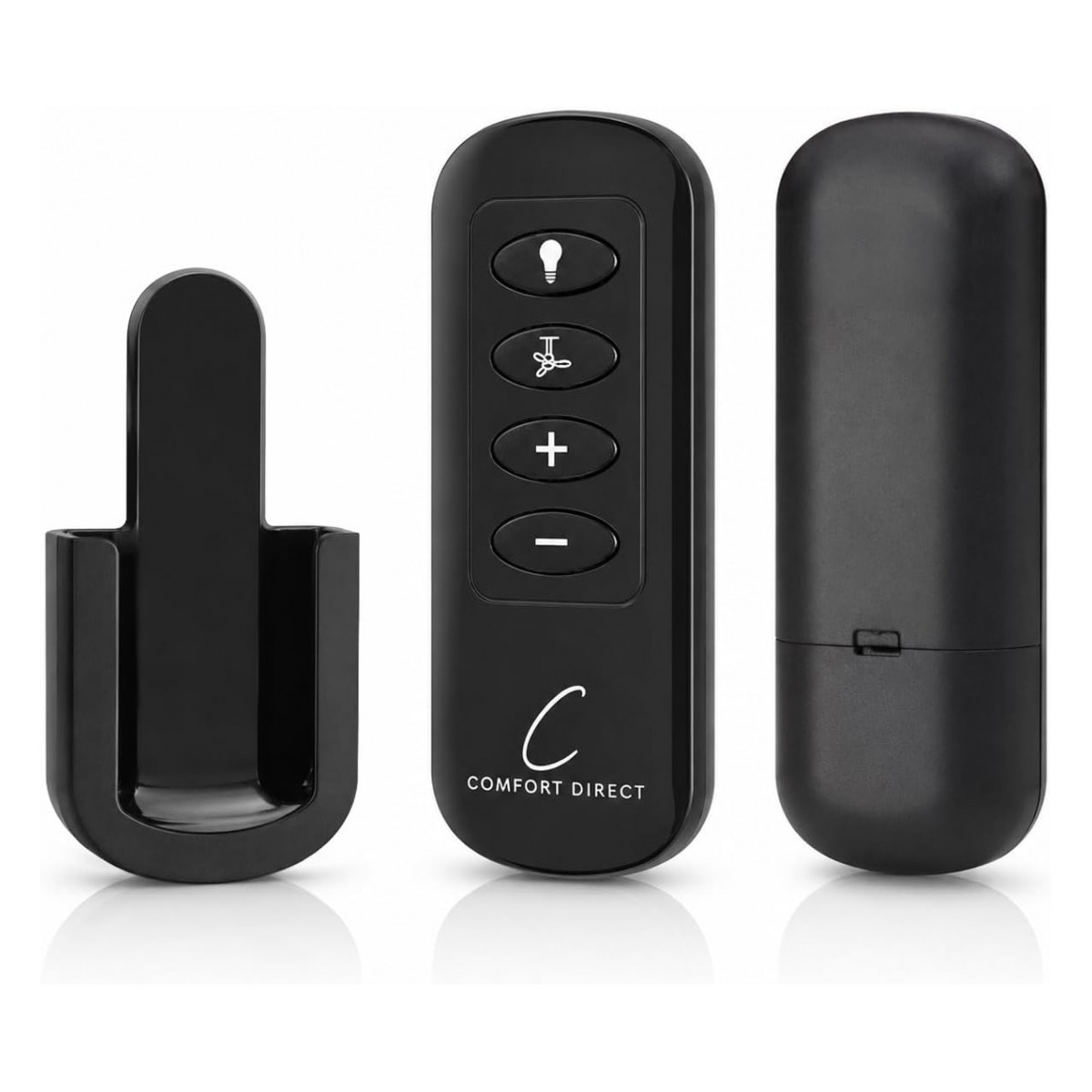
To pair a Hunter four-speed AAA remote, install the batteries, turn the fan's power off for at least 10 seconds, turn it back on, then immediately press and hold the fan button (or the button your manual names) until the fan or light responds. Match the exact part number from your old remote when you order.
Hunter has been making fans since the 1800s, so the controls you find on Hunter ceilings range from modern four-speed handhelds to plain wall switches that have been on the wall for twenty years. The quickest way to the right part is to work out which kind you have, then match its number exactly.
Hunter Fan Company in brief
Hunter was founded in 1886 in Syracuse, New York, by John Hunter and his son James, and moved its plant to Memphis, Tennessee, in 1946, where it is still headquartered. Hunter also owns Casablanca, which it bought in 1996. The two brands share a parent, but their remotes and receivers are separate products, so a Casablanca part has its own listing and its own guide: see Casablanca ceiling fan remotes.
Three kinds of Hunter controls we carry
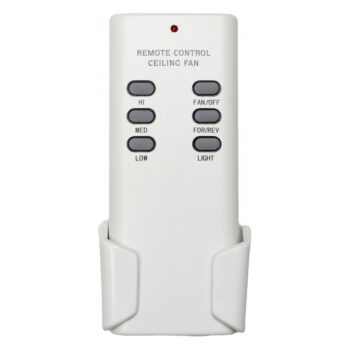
- Four-speed AAA handhelds. These use two AAA batteries, a fan button with plus and minus keys for four speeds, and full-range dimming for dimmable bulbs. They talk to the receiver already in your fan; no receiver is included. Examples: the 99198 Hunter fan remote, the 99122 Hunter remote and the K6266 Hunter remote, each sold as its own listing.
- 9V handhelds. Older Hunter remotes such as the UC7848T Hunter remote run on one 9V battery.
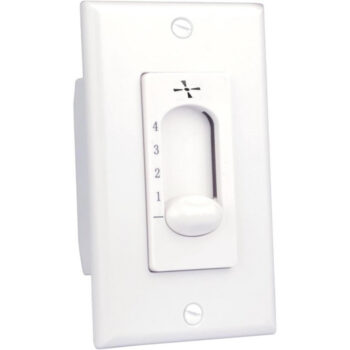
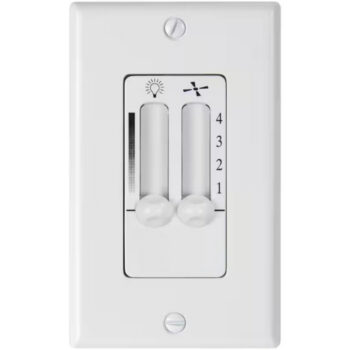
- Hard-wired wall controls. The 27181 Hunter wall control gives four fan speeds (High, Medium, Low 1, Low 2) with no light control. The 27182 Hunter wall control adds a full-range slide dimmer.
How to find your Hunter number
For a handheld, flip it over and open the battery door; the part number is normally printed there. For a wall control, it is usually on the control body behind the wall plate.
Sometimes the fan model is more useful than the remote number. Hunter fan model numbers are five digits, sometimes with a letter at the end, and Hunter says they are on an ID sticker: on top of the motor housing for downrod fans, or on the mounting bracket for low-profile (hugger) fans. Look for the number right after “MOD.” Hunter’s model number help article has pictures, and if the sticker faces the ceiling, a photo or a small mirror held above the fan helps. Hunter also keeps owner’s manuals on its parts and manuals page, searchable by that model number.
How to pair a Hunter AAA remote
Syncing a four-speed AAA handheld takes about a minute:
- Put two AAA batteries in the remote. They are not included.
- Cut power to the fan at the wall switch or breaker for at least 10 seconds, then turn it back on.
- Immediately hold down the fan button and keep holding until you see the fan or light respond. Your fan’s manual may name a different button; if so, use it.
- Check all four speeds and the dimmer.
Button combinations differ between Hunter remote generations, and Hunter publishes them in its how to pair a ceiling fan remote article. Hunter also explains that its pairing works as a toggle: the same command can pair or unpair. If the fan stops answering right after a second attempt, run the routine one more time. You will also need to pair again whenever the receiver in the fan is replaced.
For a side-by-side look at pairing methods across brands, see how to pair a ceiling fan remote.
Installing a Hunter wall control
With the 27181, set the fan’s speed chain to its High position and do not touch it afterward, so the wall control can reach every speed. Remove the old switch, connect the control’s leads to the incoming hot wire and the wire running up to the fan as the instructions show, attach ground to the mounting plate screw if your box has one, then mount the control and wall plate and restore power. Choosing between a wall control and a handheld? Our wall control vs remote comparison lays out the trade-offs.
Hunter remote troubleshooting
The fan reacts to the light button but not the fan button (or the reverse)
That usually means a partial pairing. Cycle the power and run the pairing routine again from the start.
The dimmer jumps or flickers
Full-range dimming expects dimmable bulbs. Swap in bulbs labeled dimmable, or see ceiling fan light not working for other causes.
The remote worked for years and then quit
Try fresh batteries first. If that does not help, the receiver in the canopy may be at fault; our receiver replacement guide explains how to tell.
The fan only runs at one speed from the wall
Check that the pull chain on the fan is set to High. A chain left on Low limits what the wall control can do.
Ordering your Hunter part
Pick the listing whose title carries the same number as your old remote or wall control, character for character. Two Hunter remotes that look alike can still be different parts, so the number is what counts. If you would like a second set of eyes, text a picture to (816) 586-8457 or email info@fanremotes.com between 8 AM and 5 PM Central, Monday through Friday. Order in-stock items by 4 PM Central and they ship the same day; shipping is free above $35. Every remote includes a 1-year warranty, and uninstalled items can be returned within 90 days with no restocking fee. The full lineup is on our Hunter brand page.
Popular Picks
All Hunter Parts We Stock (11)
Find the number printed on your old part (back of the remote or inside the battery cover; on receivers, the label on the side) and pick the listing with that exact number.
Remotes (9)
 9911899118 Ceiling Fan Remote Control for Hunter$21.80
 9911999119 Ceiling Fan Remote Control for Hunter$21.80
 9912299122 Ceiling Fan Remote Control for Hunter$21.80
 9919899198 Ceiling Fan Remote Control for Hunter$21.80
 9939299392 Ceiling Fan Remote Control for Hunter$21.80
 9977099770 Ceiling Fan Remote Control for Hunter$21.80
 K6266K6266 Ceiling Fan Remote Control for Hunter$21.80
 UC7848UC7848 Ceiling Fan Remote Control for Hunter$32.95
 UC7848TUC7848T Ceiling Fan Remote Control for Hunter$32.95
Wall Controls (2)


No match on this page. Search the whole store or text us a photo.
Frequently Asked Questions
Where is the model number on a Hunter ceiling fan?
On an ID sticker on top of the motor housing for downrod fans, or on the mounting bracket for hugger fans, right after the letters MOD.
Does a Hunter replacement remote include a receiver?
The four-speed AAA handhelds we carry do not. They use the receiver already installed in your fan.
Why did my Hunter remote stop working after I paired it twice?
Hunter's pairing works as a toggle, so a second pairing command can undo the first. Cycle the power and pair once more.
Does the 27181 wall control dim the light?
No. The 27181 controls four fan speeds only. The 27182 includes a slide dimmer for the light.
What batteries do Hunter remotes take?
The four-speed handhelds take two AAA batteries and the UC7848T and UC7848 listings each take one 9V. Batteries are not included.