
If your ceiling fan light won't turn on, dim or stop flickering from the remote, first confirm the fan motor responds. If it does, check for dimmable bulbs, the dim/on-off switch inside the remote, the fan's bulb wattage limit, and a failed LED light module. If all of those check out, the receiver's light output has probably failed.
The fan spins fine, but the light ignores you. Or it comes on and then flickers, or it will switch on and off but never dim. Light problems on a remote-controlled fan almost always come down to one of five things: the bulbs, a setting inside the remote, the LED light kit itself, a built-in wattage limiter, or the light circuit in the receiver. This guide walks through them in the order that costs you the least time and money.
Ceiling fan light won’t turn on with the remote: start here
Before you climb a ladder, answer one question: does the fan motor respond to the remote?
- Nothing responds, fan or light. This is a remote or pairing problem, not a light problem. Work through our ceiling fan remote troubleshooting guide first.
- The fan responds, the light doesn’t. The remote is talking to the receiver. Keep reading: the fault is in the bulbs, the light kit, the limiter or the receiver’s light output.
- The light works from the wall switch or pull chain but not the remote. On many fans the pull chain has to be left in the “on” position so the receiver can control the light. Give it a pull and try the remote again.
Why won’t my ceiling fan light dim?
Dimming needs three things to agree: a bulb that can be dimmed, a remote set to dim, and a receiver that supports dimming.
Check that the bulbs are actually dimmable
Plenty of LED bulbs are not built for dimming. ENERGY STAR’s guide to dimmable LED lighting says every dimmable ENERGY STAR LED bulb will have the word “dimmable” printed on the front of the package, and it warns that not every bulb works well with every dimmer. If your bulbs don’t say dimmable, expect flicker, buzzing or no dimming at all when you hold the light button.
Find the dim / on-off switch in the remote
Many fan remotes hide a small light-mode switch in the battery compartment. One position allows dimming; the other gives plain on/off for bulbs that can’t dim. The catch is that the labels aren’t consistent from one maker to the next:
- A Home Depot remote kit manual says to use the “D” setting for full-range dimming with incandescent bulbs and “ON” for LED or fluorescent bulbs.
- A Fanimation remote manual uses the letters the other way around: there, “ON” is the dimmable selection and “D” is on-only.
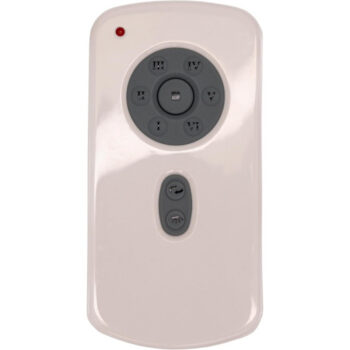
So read the label in your own remote, or its instructions, rather than guessing from the letters. On the RH787T Casablanca remote and the TR29 Fanimation remote, for example, the switch sits under the battery cover and chooses between dimming and on/off only. If you just switched to LED bulbs and the light started acting up, this switch is the first thing to check.
Some remotes never dimmed
Not every fan was sold with dimming. Some remotes give on/off only, and some receivers support only one light. If the light never dimmed, even when the fan was new, a new remote won’t add the feature.
Ceiling fan light flickering: what it usually means
Flicker is a symptom with several possible causes. Work down this list:
- Non-dimmable LEDs on a dimming setting. The most common cause. Fit dimmable bulbs or set the remote to on/off.
- Bulbs from different batches or brands. Mixed LEDs can react differently to the same dimmed signal. Use a matching set.
- A loose bulb or connector. A bulb that isn’t fully seated can flicker when the fan wobbles.
- A failing integrated LED module. On fans with a built-in LED array, flicker that gets worse over weeks often means the module or its driver is wearing out.
- A failing receiver. If the light flickers along with odd fan behavior, the receiver may be on its way out.
Integrated LED light kit not working
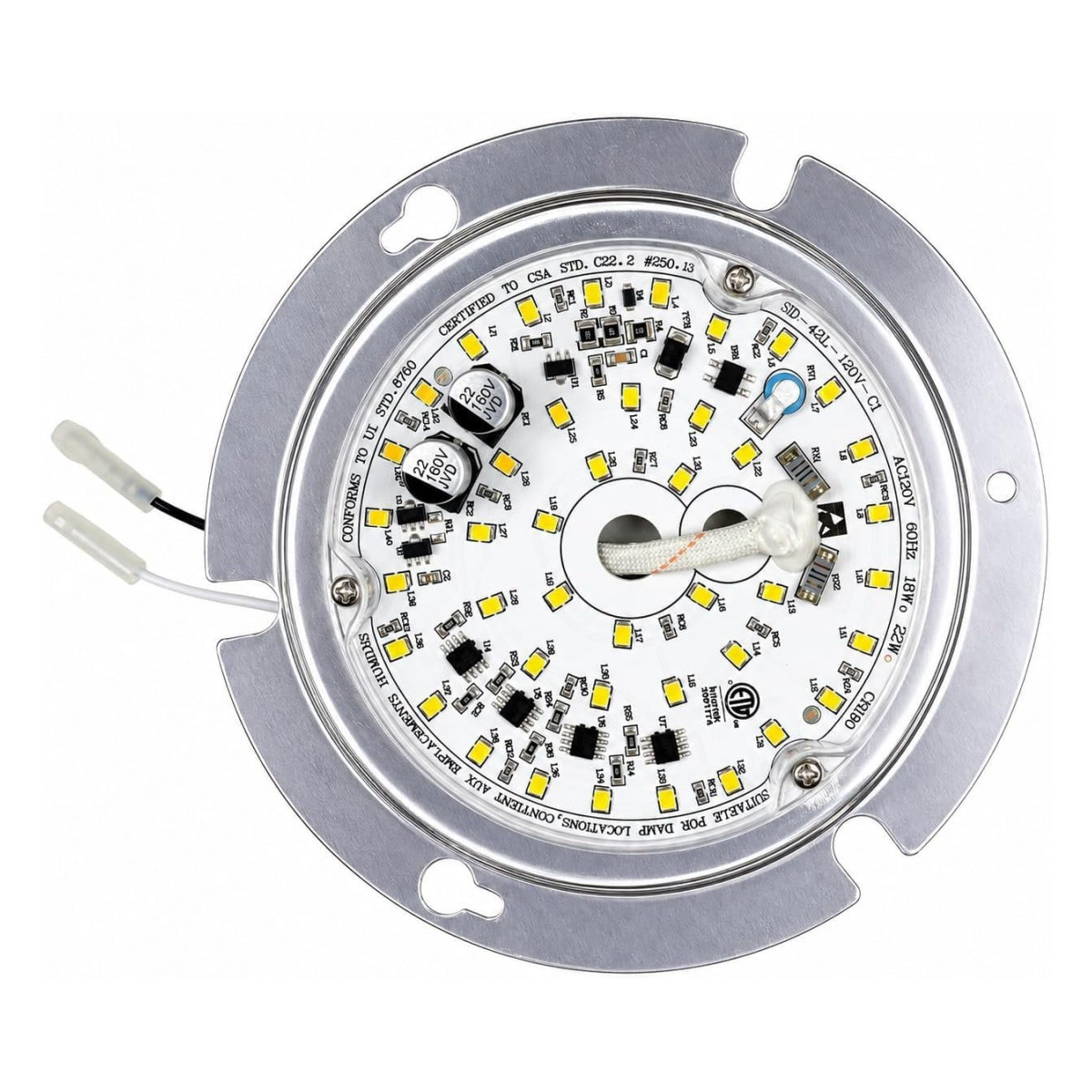
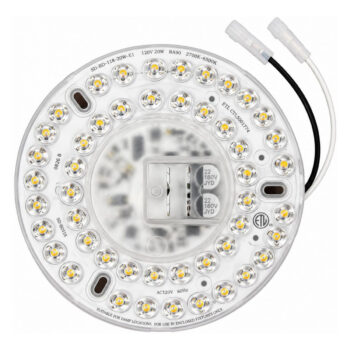
Many newer fans have no screw-in bulbs at all. The light is a round LED array or module wired into the fan’s light housing. When it fails, you replace the module, not a bulb. Typical signs: the light is dead while the fan works and the bulb check doesn’t apply, part of the array has gone dark, or the light flickers more and more before it quits.
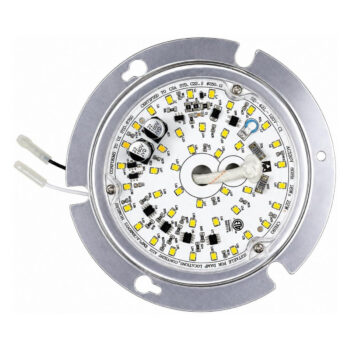
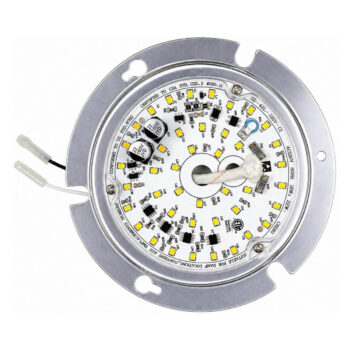
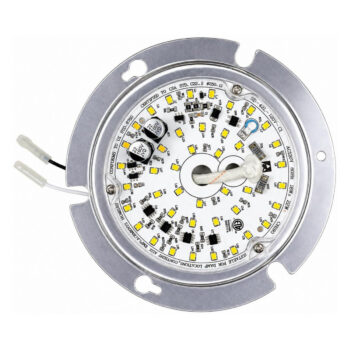
LED light modules are specific to the fan they were designed for, so start with the fan’s model number from the label on top of the motor housing or in the manual. A few of the Harbor Breeze light modules we carry, each listed for its own fan model:
- HTD20004 LED light module
- HTD21017 LED light module
- LAB126A LED light module
- CAL52WW5LR LED light module
Browse every array we stock in the LED light array and module category, or search the store for your number with a search for LED light parts.
Swapping an LED module safely
- Turn the fan’s circuit off at the breaker. The wall switch alone isn’t enough.
- Take down the glass or light cover and keep the screws somewhere they can’t roll away.
- Photograph how the old module is connected before you unplug or unhook it.
- Connect the new module the same way, following the labels and the instructions in the box.
- Mount it, refit the cover, restore power and test on, off and dimming from the remote.
If you aren’t comfortable working at the fan’s light housing, a licensed electrician can do this quickly.
Is a wattage limiter shutting off my fan light?
Federal energy rules cap how much bulb wattage many fan light kits can run. The U.S. Department of Energy’s ceiling fan light kit standards say kits with socket types such as candelabra bases, made on or after January 1, 2009, “shall not be capable of operating with lamps that total more than 190 watts.” Manufacturers meet that rule with a limiting device in the light circuit.
In practice, on fans that have one, putting in bulbs whose combined wattage is too high can make the light shut off, refuse to come on or blink. The fix is simple: use the bulb type and wattage printed on the fan’s light kit label or in its manual. Switching to LED bulbs of the right base type keeps you well under the limit. Receivers carry their own ratings too; the Home Depot remote kit manual linked above lists a maximum of 300 W of light.
Fan works but the light doesn’t: the receiver’s light output
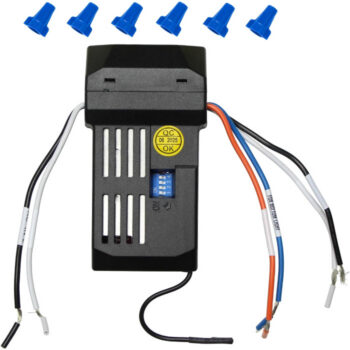
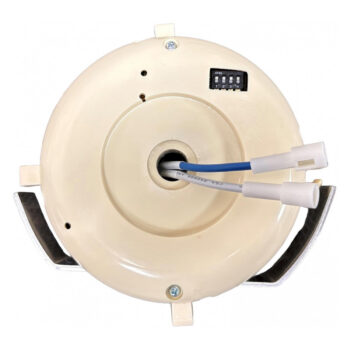
The receiver in the canopy has separate outputs for the motor and the light. It’s possible for the light side to fail while the motor side keeps working. Suspect the receiver when:
- Good, correct bulbs (or a known-good LED module) still don’t light.
- The pull chain is on and the remote’s light-mode switch is set correctly.
- The fan responds normally to every speed button.
Replacing a receiver means opening the canopy, so it’s breaker-off work. Our step-by-step receiver replacement guide covers what to expect. Examples of receivers we stock include the UC7067RC receiver, which handles an uplight and a downlight, and the UC7051R receiver for a single downlight. Shop the full range in ceiling fan receivers.
Quick symptom chart
| What you see | Most likely cause | Try this |
|---|---|---|
| Light dead, fan fine, one bulb out | Burned-out bulb | Replace the bulb |
| Light flickers or buzzes when dimmed | Non-dimmable LEDs or wrong mode setting | Dimmable bulbs, or set the remote to on/off |
| Light won’t dim at all | Mode switch on on/off, or no dimming on this fan | Check the switch in the battery compartment |
| Light shuts off soon after coming on | Too much bulb wattage for the limiter | Use the wattage on the fan’s label |
| Built-in LED dark or partly dark | Failed LED module | Replace the module for your fan model |
| Correct bulbs, still no light, fan fine | Receiver light output | Replace the receiver |
| Light turns on with nobody touching it | Code conflict or receiver fault | See our guide to a fan that turns on by itself |
That last row has its own page: why a ceiling fan turns on by itself. And if the light only stopped responding after a battery swap or a power outage, re-pairing may be all it needs; see how to pair a ceiling fan remote.
Getting the right light part the first time
Light parts are fussy about fit, so match the number on the old part or the fan’s model label exactly. Not sure what you have? Our guide to finding your remote or fan model number shows where to look, or text a photo of the old module, receiver or remote to (816) 586-8457 and we’ll help you pin it down. You can also call that number or email info@fanremotes.com, Monday to Friday, 8 AM to 5 PM Central. In-stock orders placed by 4 PM Central ship the same day, and uninstalled items can come back within 90 days with no restocking fee.
Shop the Parts in This Guide
Frequently Asked Questions
Can I put any LED bulb in my ceiling fan?
Use the base type and maximum wattage printed on the fan's light kit label, and choose bulbs marked dimmable if you plan to dim them from the remote.
Why did my fan light start flickering after I switched to LED bulbs?
The remote was probably still set for dimming, and the new bulbs may not be dimmable. Set the light-mode switch in the remote to on/off or fit dimmable LEDs.
Will a new remote fix a dead LED light module?
No. A remote only sends commands. If the module itself has failed, it needs to be replaced with the module made for your fan model.
Is it safe to replace a ceiling fan LED module myself?
Many homeowners do it with the breaker off and the instructions in hand. If you're not comfortable working at the light housing, hire a licensed electrician.
Why does my fan light turn off on its own a few seconds after I switch it on?
On fans with a wattage limiter, bulbs that add up to more than the allowed wattage can trigger a shutoff. Lower-wattage or LED bulbs of the correct type usually solve it.