
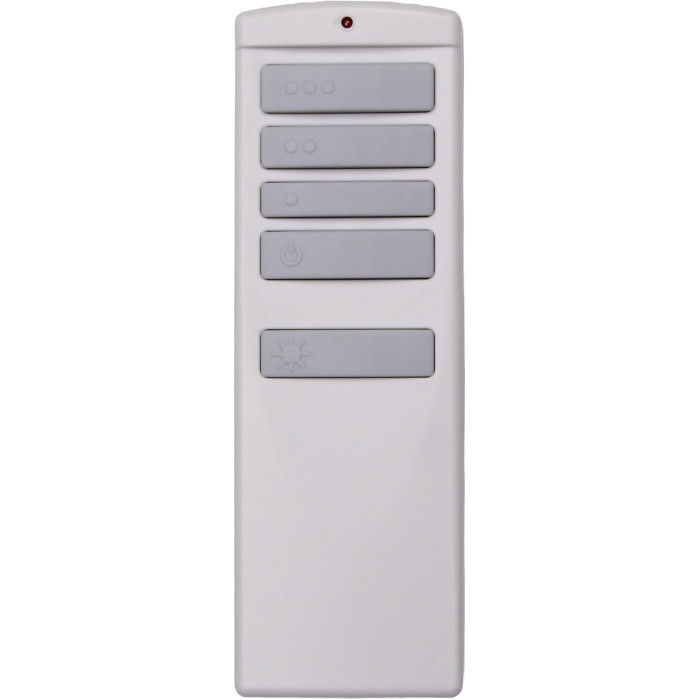
If your ceiling fan remote stops working, start with a fresh battery and make sure the wall switch is on. Next, reset the fan's breaker and re-pair the remote, or check that its DIP switches match the receiver. If a known-good remote still can't control the fan, the receiver in the canopy has probably failed and needs replacing.
When a ceiling fan stops answering its remote, most people assume the remote is dead and order a new one. Sometimes that is right. Just as often the real cause is a tired battery, a wall switch someone flipped off, a receiver that lost its pairing after a power blip, or a code setting that no longer matches. This guide walks through the checks in the order that finds the problem fastest, starting with the free ones and ending with the parts that cost money.
First: is it the remote or the receiver?
Every remote-controlled fan has two halves. The handheld remote sends a radio signal, and a small receiver box hidden in the fan’s canopy (or sometimes in the switch housing below the motor) catches that signal and switches the motor and light. When the fan ignores you, one of those two halves has stopped doing its job, or they have stopped talking to each other.
A few quick observations usually point to the guilty half:
- Remote is likely the problem if its indicator light (on models that have one) no longer blinks when you press a button, if it only works from a foot or two away, if some buttons work and others don’t, or if it was dropped, stepped on or got wet.
- Receiver is likely the problem if the fan hums but won’t spin, runs on only one speed, turns on or off by itself, the light flickers or stays on, or nothing works even after a fresh battery and a successful-looking re-pair.
- Neither is broken if the fan also won’t run from its pull chain or wall control. That points to power, so start with the wall switch and breaker steps below.
Step-by-step: how to fix a ceiling fan remote that stopped working
Work through these in order. Each step takes a few minutes, and most problems are solved by step four.
1. Replace the battery, even if it seems fine
Weak batteries are the number one cause. A battery can still have enough charge to light an indicator but not enough to send a signal across the room. Check which size your remote takes; on the listings we carry it is usually one 12V A23, two or four AAA cells, or a 9V. Put in a fresh one from a new pack, make sure the + and – ends match the marks inside the compartment, and look for corrosion on the springs. If the contacts are green or crusty, clean them gently with a pencil eraser or a cotton swab before trying again. Our guide to ceiling fan remote batteries covers sizes, swapping tips and when a remote is draining batteries too fast.
2. Check the wall switch and pull chains
A remote can only control a fan that has power. If the fan’s wall switch is off, the receiver is dead and no remote will wake it. Many households have one person who flips that switch out of habit. Turn it on and leave it on. Also check the fan’s own pull chains, if it has them: on many fans the speed chain should be set to high and the light chain to on, so the receiver has full range to work with. If your fan uses a wall-mounted control instead of a handheld, check that the control itself is switched on and has a working battery if it uses one.
3. Reset the breaker
Go to your electrical panel and find the breaker for the room. If it has tripped, it will sit in the middle position or feel loose. Push it fully off, then back on. Even if it hasn’t tripped, turning the fan’s circuit off for about 30 seconds and back on is a useful reset. Receivers contain electronics, and a power surge or flicker can leave them confused. A full power cycle clears that.
4. Re-pair the remote and receiver
Many modern fans use learning-code receivers, which store the identity of the remote they were paired with. A power outage, a new battery or a brief wiring disturbance can make some receivers forget. Re-pairing almost always starts with turning the power off and back on, then pressing a specific button within a short window. On the Harbor Breeze listings we stock, that window is usually around 30 seconds; on several DC-motor remotes for Casablanca, Fanimation and Monte Carlo fans it is about 60 seconds, followed by a few minutes during which the blades reverse direction a few times as the receiver sets itself up. Hunter’s own support page describes a longer window on many of its models. Our step-by-step pairing guide explains each method, and each brand guide has the details for that brand.
5. Check the DIP switches
Older fans, and many Hampton Bay and Minka-Aire fans, don’t learn codes at all. Instead the remote and receiver each have a row of tiny on/off switches, called DIP switches, that must be set to the same pattern. If someone changed one switch while replacing a battery, or a new remote arrived on a different setting, the fan will ignore it. Open the battery door and compare the pattern to your old remote or the receiver. Our DIP switch settings guide shows how to read and match them.
6. Rule out interference
Fan remotes share crowded radio bands with garage door openers, other fans, doorbells and similar gadgets. The FCC’s consumer guide on interference lists garage door openers among the household devices that can cause short bursts of interference. Signs of an interference problem include a remote that works up close but not across the room, a fan that responds slowly, or a fan that turns on by itself. Fixes include moving the remote’s wall bracket, pairing with other fans switched off at the wall, and, on DIP-switch fans, choosing a new code on both the remote and the receiver. If your fan is turning itself on, our ceiling fan turning on by itself guide has a dedicated checklist.
7. Look at the light separately
If the fan responds but the light doesn’t, the remote and receiver are probably fine. The bulbs, the LED module or the dimmer setting is more likely. Several remotes have a small switch in the battery compartment that sets dimming or on/off only; LED bulbs that can’t dim often need the on/off setting. See ceiling fan light not working for the full light checklist, and browse replacement LED light kits if the module itself has failed.
Dead remote or bad receiver: a quick comparison
| What you notice | Most likely cause | What to try |
|---|---|---|
| Nothing works, indicator light dark | Battery or remote | Fresh battery, clean contacts |
| Works only up close | Weak battery or interference | New battery, re-pair with other fans off |
| Some buttons dead, others fine | Worn remote keypad | Replace the remote |
| Fan hums but won’t turn | Receiver, or a motor fault | Breaker reset, then have the receiver checked |
| Stuck on one speed or won’t turn off | Receiver | Power cycle; replace the receiver if it continues |
| Fan or light turns on by itself | Code clash or failing receiver | New DIP code or re-pair; then receiver |
| Nothing works from remote or pull chain | Power supply | Wall switch, breaker, then an electrician |
When should you replace the remote, and when the receiver?
Replace the remote when
- A fresh battery and a re-pair don’t bring it back, but a spare remote or wall control still runs the fan.
- The case is cracked, the buttons are sticky, or it went through the washing machine.
- It’s simply lost. If you don’t have the old one to read, the fan’s model number or manual can help you identify it.
Replace the receiver when
- The fan misbehaves even with a known-good remote: stuck speeds, humming, buzzing, a light that won’t switch off, or random starts.
- You smell burning near the canopy or see scorch marks. Turn the breaker off and leave it off until it has been inspected.
- A new remote that matches your old one exactly still won’t pair after several careful attempts.
Receiver work means lowering the canopy and handling the fan’s wiring. Our ceiling fan receiver replacement guide covers the warning signs, how to identify the receiver by the number printed on it, and how the swap goes. Always switch off the breaker first. The Electrical Safety Foundation International strongly recommends hiring a qualified, licensed electrician for electrical work in your home, and that is good advice if you’re not comfortable on a ladder with wires overhead.
Why a remote can’t just be swapped for any other remote
Fan remotes look alike, but inside they differ in radio frequency, code format, button layout and the commands they send. A remote built for one receiver will usually do nothing with another, even if the buttons look identical. That’s why we list each remote under the exact number it fits. The safest way to get one that works is to match the number printed on the back of your old remote or inside its battery door. If you’re considering a one-size-fits-all option, be aware that it may not support every function of your receiver, and note that some brands, such as Hunter, publish their own pairing help on the Hunter support site.
Getting the right replacement the first time
Once you’ve decided which part to replace, the number on your old part is what matters. Turn the remote over or open the battery door and look for the model or part number; our page on how to find your remote model number shows the usual spots. Then search for it in our store, for example search all remotes, or browse ceiling fan remotes and ceiling fan receivers by brand, such as Hampton Bay or Harbor Breeze.
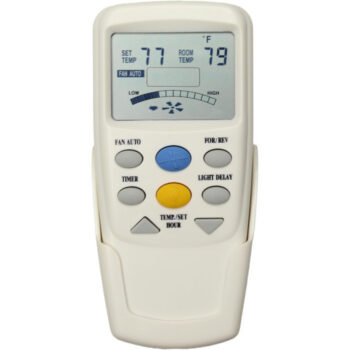
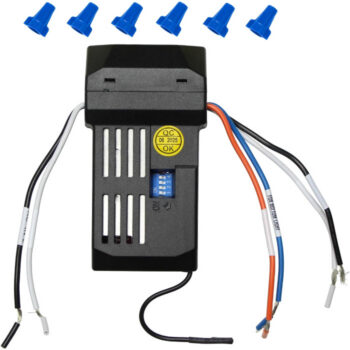
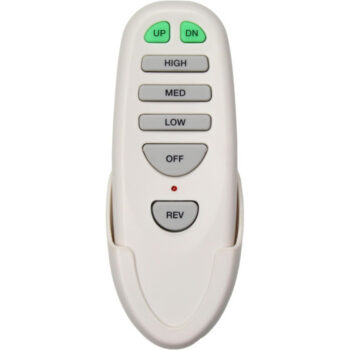
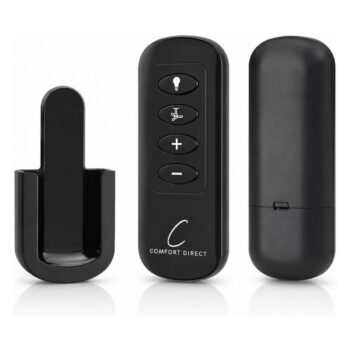
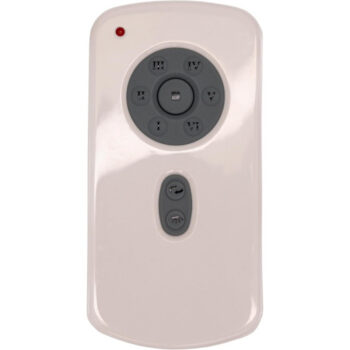
A few listings that come up often in these troubleshooting calls are the TR258B fan remote, the CHQ7096T fan remote and the UC7067RC fan receiver. Each one is sold for its own exact number, so order the listing whose number matches the label on your part.
Can’t read the label, or not sure which half failed? Call or text a photo of your remote to (816) 586-8457, Monday to Friday 8 AM to 5 PM Central, or email info@fanremotes.com and we’ll help you narrow it down. In-stock orders placed by 4 PM Central ship the same day, shipping is free on orders over $35, every remote has a 1-year warranty, and uninstalled items can be returned within 90 days with no restocking fee. Details are on our returns page.
Shop the Parts in This Guide
Frequently Asked Questions
Why did my ceiling fan remote stop working after a power outage?
Some learning-code receivers lose their stored pairing when power drops or surges. Turn the breaker off for about 30 seconds, turn it back on, and re-pair the remote following your model's steps.
Can a ceiling fan receiver go bad?
Yes. Receivers sit in a cramped canopy and can fail over time. Common signs are stuck speeds, humming, a light that won't turn off, or a fan that ignores a remote you know works.
Do ceiling fan remotes need to point at the fan?
Most ceiling fan remotes use radio frequency rather than infrared, so they don't need a clear line of sight. If yours only works when aimed carefully from close range, suspect a weak battery.
Is it cheaper to replace the remote or the receiver?
It depends on the part, but replacing only the half that failed is usually cheapest. Test with a fresh battery and a re-pair first, so you don't buy a remote when the receiver is the problem.
How do I know which replacement remote to buy?
Match the model or part number printed on the back of your old remote or inside its battery door. If you can't find it, text a photo of the remote to (816) 586-8457 and we'll help.
Will a new remote fix a fan that turns on by itself?
Not always. Random starts are often caused by a code clash with a nearby device or a failing receiver, so try changing the code or re-pairing before replacing parts.