
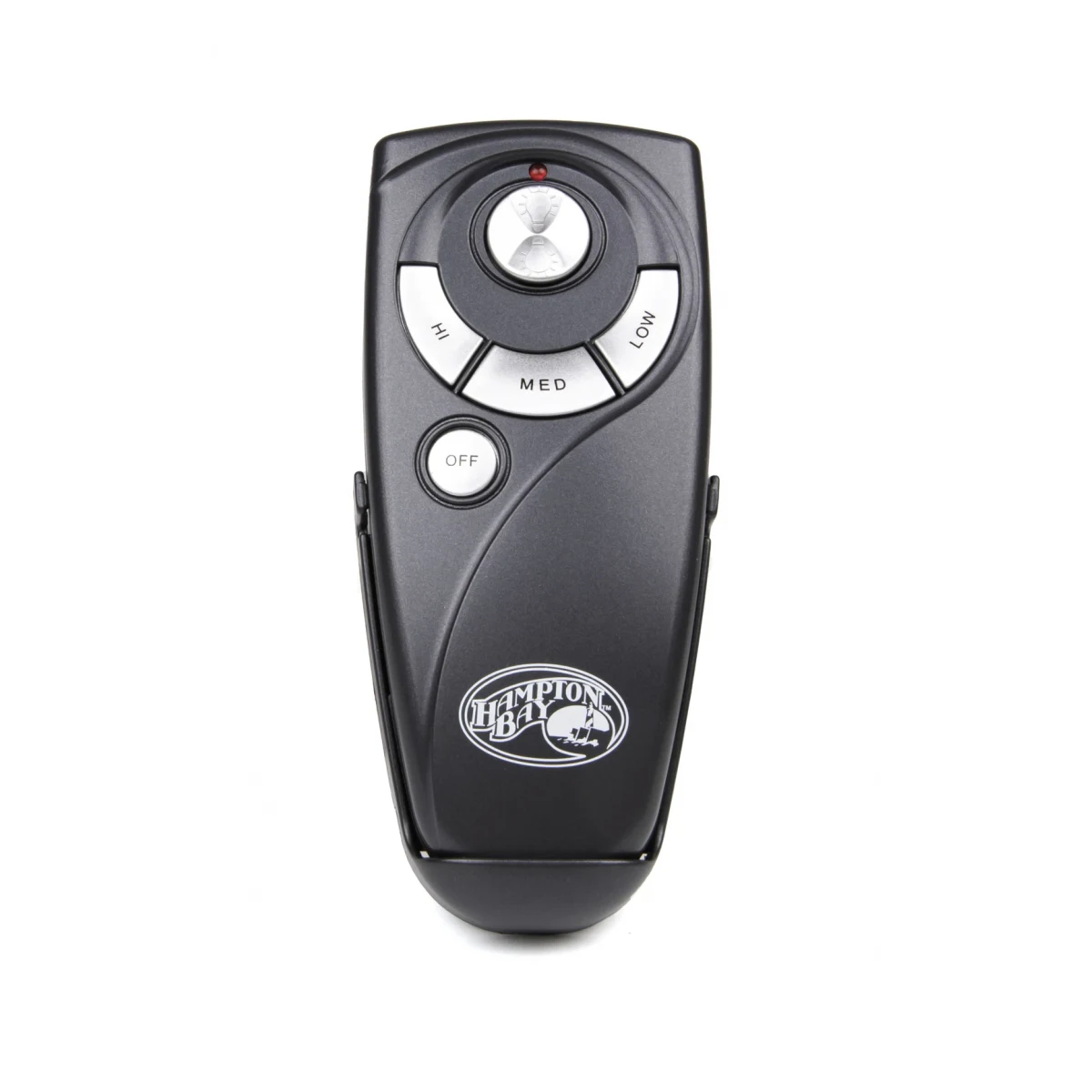
Ceiling fan DIP switches are tiny on/off switches inside the remote's battery compartment and on the receiver in the fan canopy. The fan only responds when both sets match exactly. To set a new remote, copy the pattern from your old remote or the receiver, switch for switch. Four switches give 16 possible codes.
Open the battery door on an older Hampton Bay, Minka-Aire or Harbor Breeze remote and you may find a tiny row of switches that look like they belong on a circuit board. Those are DIP switches, and on fans that use them, they are the entire pairing system. Set them right and the fan responds instantly. Leave one out of place and the fan ignores every button. This page explains what the switches do, where to find both sets, and how to change your code safely when a neighbor’s fan or a garage door opener starts causing trouble.
What are DIP switches on a ceiling fan remote?
DIP stands for dual in-line package, the style of tiny switch block used on circuit boards. On a fan remote, each switch is simply on or off (up or down). With four switches, there are 16 possible combinations, and each combination is a code. The remote sends its code with every button press, and the receiver in the fan only acts on signals that carry its own code.
That is why DIP-switch fans don’t need any “learning” step. There’s no button to press within 30 seconds and no setup routine. The remote and receiver either match or they don’t. A few remotes have a fifth switch that does something else, such as telling the receiver whether the light can dim; on those, the code is usually switches 1 to 4 and the fifth is a setting, so read the label printed beside the switches.
Not every fan uses this system. Many newer fans use learning-code receivers with no switches at all, and Hunter’s own pairing article points out that even within one family of its remotes, not all receivers have DIP switches. If you don’t find switches, use our guide to pairing a ceiling fan remote instead.
Where are the DIP switches?
On the remote
Almost always inside the battery compartment. Slide or unclip the battery cover; on some remotes you also need to take the battery out to see them. They’re usually in a small colored block with numbers 1 to 4 printed beside the switches and the word ON (or an arrow) at one end.
On the receiver
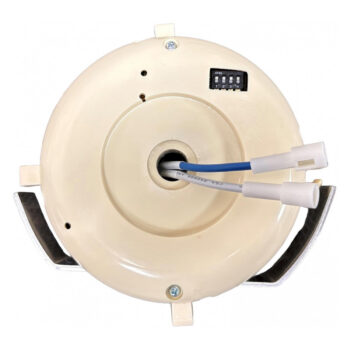
The receiver is the box hidden in the fan’s canopy, the cover that sits against the ceiling. On some Hampton Bay fans it lives in the switch housing under the motor instead. Its DIP switches are on the outside of the box, sometimes under a small sticker or flap. To see them you have to lower the canopy, which exposes the fan’s wiring.
On a wall control
Battery-powered wall controls that talk to a canopy receiver usually have their switches behind the faceplate or under the battery cover. They follow exactly the same rule: the pattern must match the receiver.
How to read a DIP switch pattern
Write the pattern down as a simple list, switch 1 first. Use whatever notation is printed on the block, typically ON/OFF or up/down. For example, a code might read: 1 up, 2 down, 3 down, 4 up. When you copy it, make sure you are holding both remotes the same way round. A remote held upside down turns “up” into “down” and leaves you with a mismatch that is hard to spot.
How to match a new remote to your fan’s receiver
The easiest source for the code is your old remote, even if it no longer works. The switches don’t depend on the battery.
- Read the old remote. Open its battery compartment and note the pattern for switches 1 to 4.
- No old remote? Switch off the breaker, lower the canopy and read the receiver’s switches instead.
- Set the new remote. Use a pen tip, toothpick or small flat screwdriver to slide each switch to the same position.
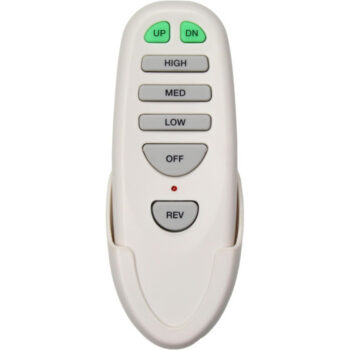
- Fit the battery. Remotes such as the TR227B fan remote take two AAA cells, while the UC7083T fan remote uses one 12V A23 and the CHQ7052T fan remote uses a 9V. Check the listing for your number.
- Restore power and test. Turn the breaker on, make sure the wall switch is on, and try every speed and the light. If nothing responds, recheck every switch; a single one out of place is enough to block the signal.
What if you can’t read the old code?
If the old remote is lost and you’d rather not open the canopy, you can work through the codes one at a time. Set a pattern, press a fan button, and if nothing happens move to the next pattern. With four switches there are only 16 combinations, so this takes a few minutes at most. Keeping a list helps you avoid repeating a pattern. The worksheet below follows the standard binary order.
| Try | Switch 1 | Switch 2 | Switch 3 | Switch 4 |
|---|---|---|---|---|
| 1 | Off | Off | Off | Off |
| 2 | Off | Off | Off | On |
| 3 | Off | Off | On | Off |
| 4 | Off | Off | On | On |
| 5 | Off | On | Off | Off |
| 6 | Off | On | Off | On |
| 7 | Off | On | On | Off |
| 8 | Off | On | On | On |
| 9 | On | Off | Off | Off |
| 10 | On | Off | Off | On |
| 11 | On | Off | On | Off |
| 12 | On | Off | On | On |
| 13 | On | On | Off | Off |
| 14 | On | On | Off | On |
| 15 | On | On | On | Off |
| 16 | On | On | On | On |
Changing your DIP code to stop interference
Because there are only 16 codes, two fans in the same neighborhood, or even the same house, can end up on the same one. Some remotes and receivers ship with every switch in the same position, and if nobody changes it, clashes become more likely. The symptoms are hard to miss: your fan switches on by itself, your light flickers when a neighbor uses their remote, or one remote runs two fans at once. Other radio gadgets can play a part too. The FCC’s consumer guide to interference names garage door openers among the household devices that cause short bursts of interference.
The fix is to pick a fresh code and set it on both ends:
- Choose a pattern that isn’t all on or all off. Something like on, off, off, on is a good start.
- Switch off the breaker, lower the canopy and set the receiver’s switches to the new pattern.
- Set the remote, and any wall control for the same fan, to the same pattern.
- Close up the canopy, restore power and test.
- If two fans in one room should work independently, give each its own pattern.
Changing only the remote won’t help; the receiver will keep listening for its old code. For more on random starts, see why a ceiling fan turns on by itself.
Common DIP switch mistakes
- Half-moved switches. A switch resting in the middle reads unpredictably. Each one should click firmly to one side.
- Reading the receiver upside down. When you are looking up into a canopy, it’s easy to flip the orientation. Use the printed numbers, not the direction you happen to be facing.
- Confusing a setting switch with a code switch. On remotes with five switches, check the label before moving the extra one.
- Assuming any remote with switches will work. Matching switches only helps when the remote was built for that type of receiver. Frequencies and command formats differ between models, which is why we sell each remote under its own exact number.
If the switches match and the fan still won’t respond, the problem is somewhere else, perhaps the battery or the receiver itself. Our ceiling fan remote troubleshooting guide goes through the remaining checks, and ceiling fan receiver replacement explains what to do if the receiver has failed.
Replacing a DIP-switch receiver
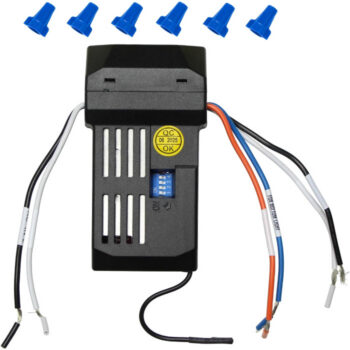
When a DIP-switch receiver fails, the replacement has its own set of switches, and you’ll set them to match the remote you already own. Hampton Bay receivers we stock include the UC7051R fan receiver and the UC7067RC fan receiver; each listing is for that exact number only. Receiver work involves the fan’s wiring, so the breaker must be off and a licensed electrician is the right call if you’re unsure.
Find your exact DIP-switch remote
A remote with the right switches but the wrong frequency will never work, so start with the number on your old remote, not the switches. Our model number guide shows where manufacturers print it. Then browse Hampton Bay remotes, Minka-Aire remotes or all ceiling fan remotes, or try a store search for DIP-switch remotes. If the label is worn away, text a photo of the remote, switches and all, to (816) 586-8457 and we’ll take a look. You can call the same number weekdays from 8 AM to 5 PM Central or email info@fanremotes.com. Orders in by 4 PM Central ship the same day when in stock.
Shop the Parts in This Guide

Frequently Asked Questions
Do all ceiling fan remotes have DIP switches?
No. Many newer fans use learning-code remotes that pair with a Learn or Set button instead. If your battery compartment has no row of tiny switches, your remote uses another pairing method.
Does it matter which DIP code I choose?
Any code works as long as the remote and receiver match. Avoid the all-on or all-off patterns, since those are the most likely to clash with other fans nearby.
Can I change the DIP switches with the battery in?
Yes, the switches work with or without a battery. Many people find it easier to remove the battery first so the switches are easier to see and reach.
Why does one remote control two of my fans?
Both receivers are set to the same code. Give one fan a new pattern by changing its receiver and its remote together.
What do I do if my DIP switches are stuck?
Gently nudge them with a toothpick or small flat screwdriver. If a switch is broken or won't stay in position, the remote should be replaced.