
99122 Ceiling Fan Remote Control for Hunter
- Part # 99122
- Ceiling Fan Remote
If your old remote reads 99122, this replacement restores four speeds and light dimming on a compatible receiver on your Hunter fan.
$21.80
Ships today from FanRemotes.com
if ordered in the next
- 1-Year WarrantyOn every product
- Same-Day ShippingIn-stock orders by 4 PM
- 90-Day ReturnsSee return policy
- Expert Support(816) 586-8457Mon–Fri, 8 AM – 5 PM CT
Will This Remote Fit?
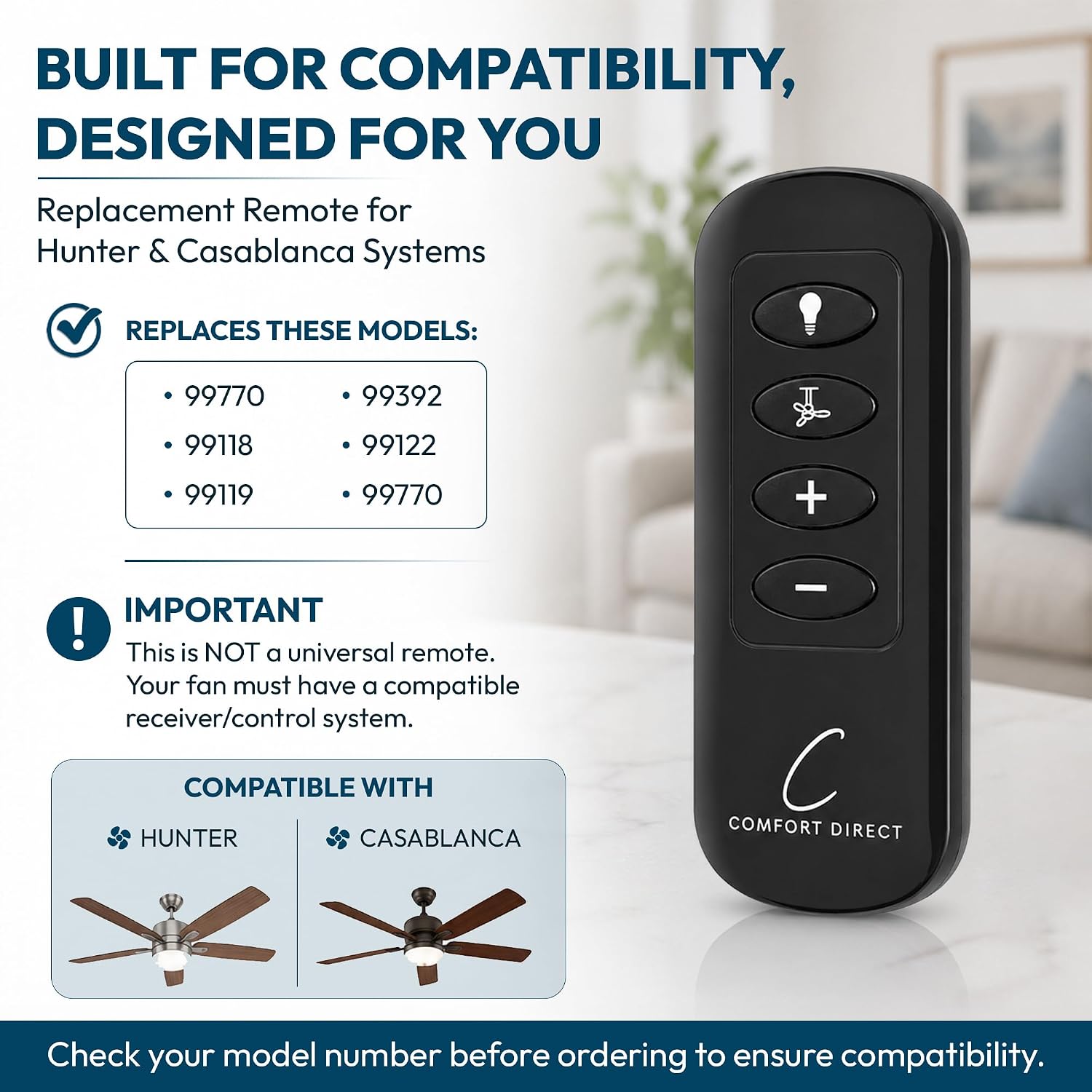
This remote is made to replace the 99122. Check the label on your old remote (often inside the battery cover) — if it reads 99122, this is the one you need.
Need help finding your model number? Not sure? Call (816) 586-8457 or email info@fanremotes.com.
About the Hunter 99122 Remote
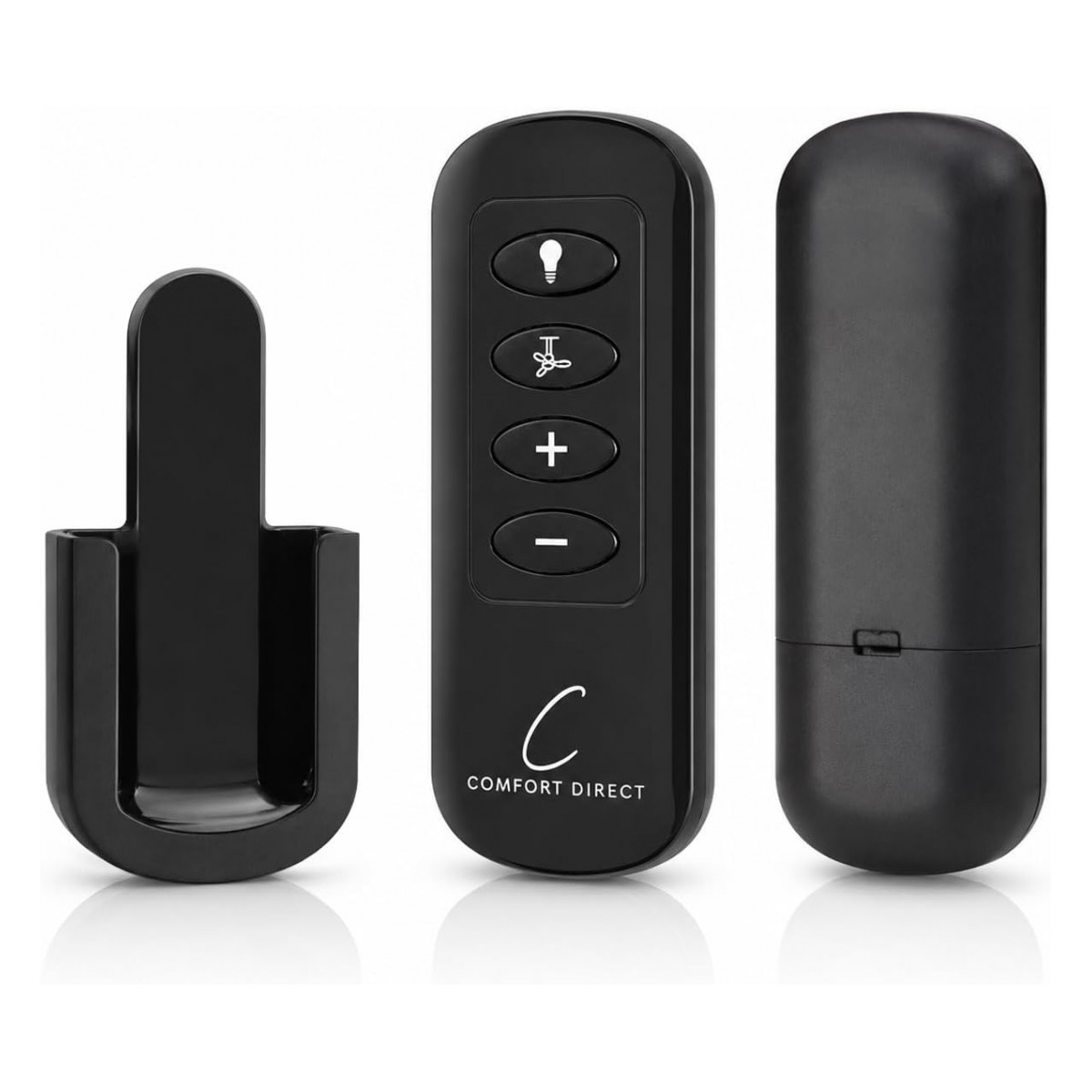
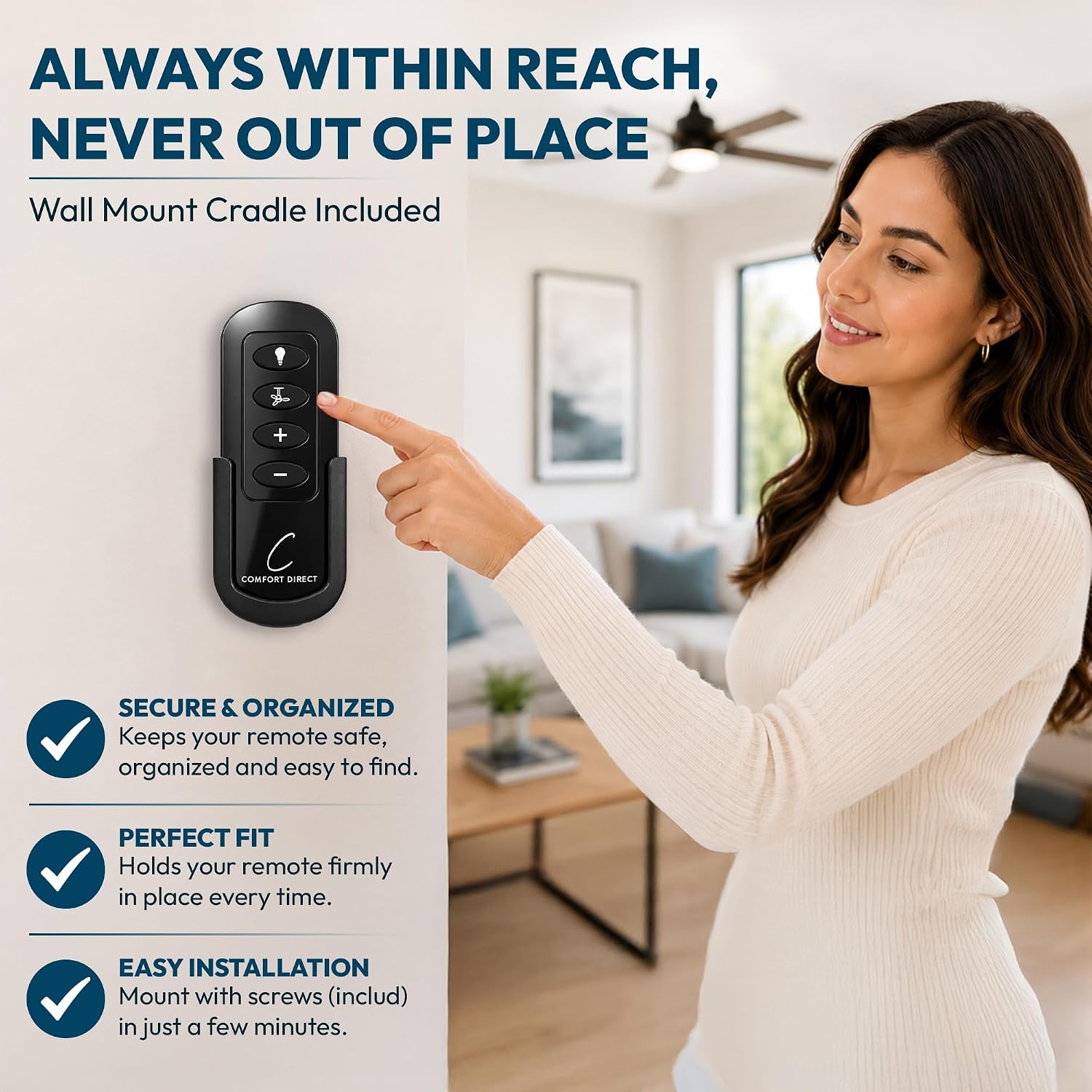
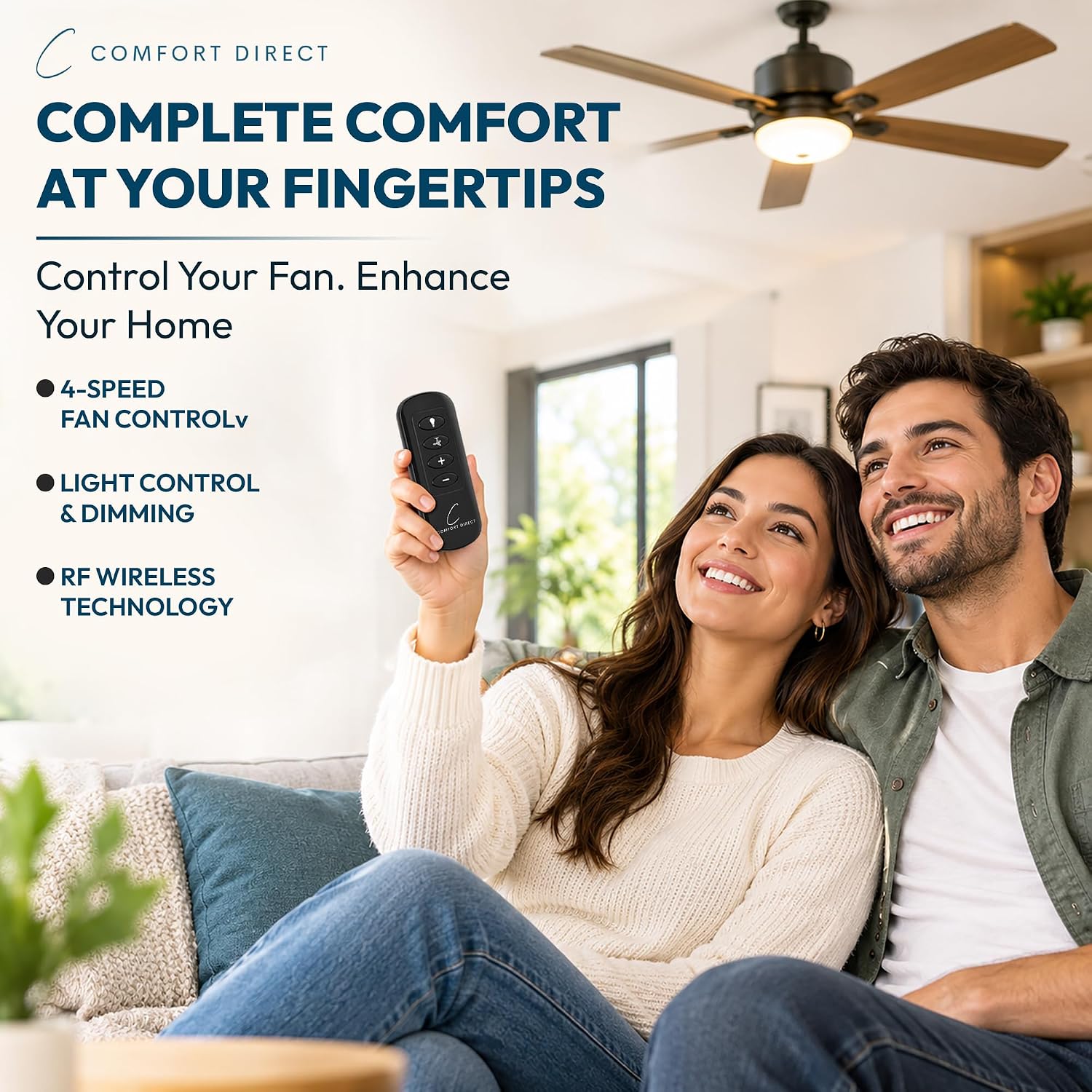
Rather than climbing up to the pull chains, swap in this remote for your missing 99122 and bring back speed control with + and - keys plus a dimmable light. Slide the battery cover off your old remote and you'll typically find 99122 on the label there or on the back. The original is a handheld that runs on two AAA batteries, with a fan button, + and - keys and a light control.
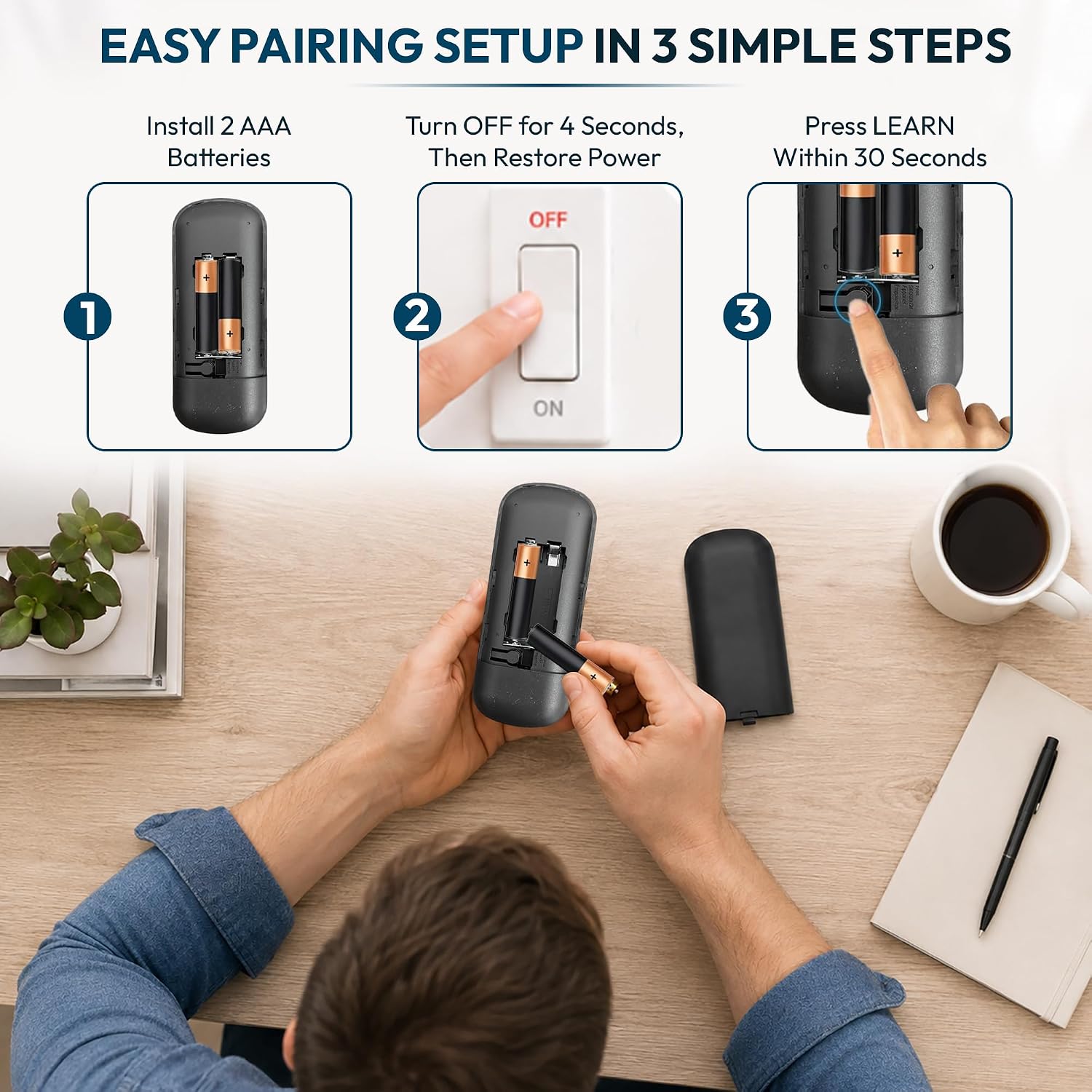
Your old remote should carry 99122 on its label; if it does, this replacement fits. Put in two AAA batteries, cycle the power and hold the fan button to sync.
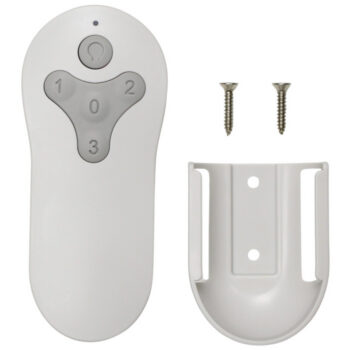
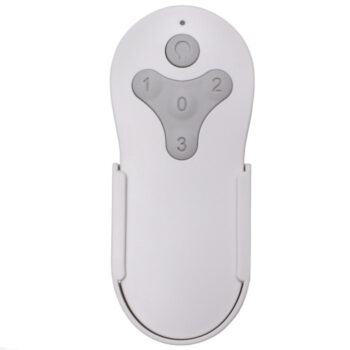
- Wall cradle included
- Two AAA batteries, sold separately
- Syncs to your existing receiver
Choosing AAA batteries
Use fresh alkaline AAA cells from the same pack. Mixing an old cell with a new one, or a rechargeable with an alkaline, can shorten battery life and make the remote act up. Check the + and - marks in the compartment as you load them. If a cell ever leaks, clean the contacts with a cotton swab before putting new ones in.
Four speeds, two keys
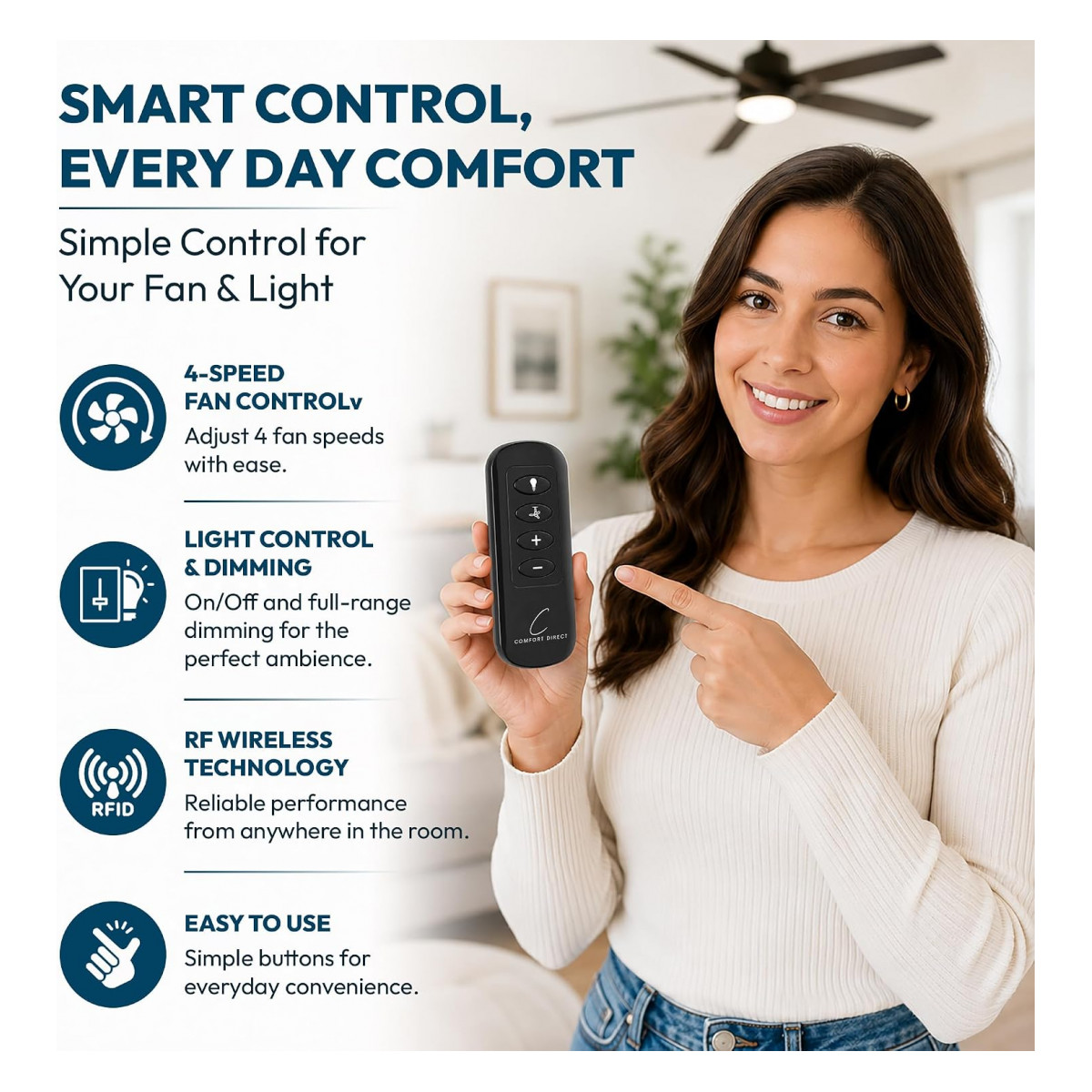
Instead of one key per speed, this remote uses a fan button plus + and - keys. Press the fan button to start or stop the fan, then step up or down through the four speeds. It's quick to learn and lets you fine-tune airflow one step at a time.
Before you order
- Replacement remote only. It does not include a receiver, so the fan must already have a compatible Hunter or Casablanca receiver.
Setup & Pairing
Syncing takes about a minute.
- Load two fresh AAA batteries.
- Cut power to the fan for at least 10 seconds, then restore it.
- While the receiver is still in its pairing window, hold the fan button, or the button your manual names, until the fan or light answers.
- Check each of the four speeds and dim the light up and down.
Pair again if your receiver is ever replaced.
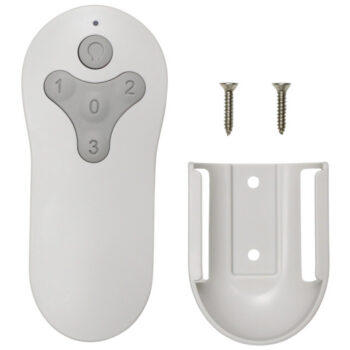
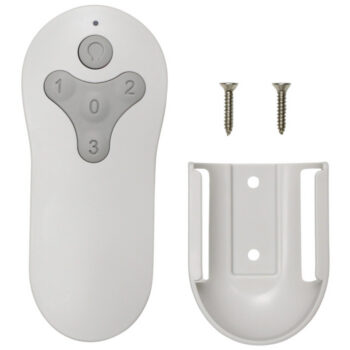
In the box: 99122 replacement handheld remote, plus a wall cradle.
Product Details
| Part Number | 99122 |
|---|---|
| Fan Brand | Hunter |
| Product Type | Ceiling Fan Remote |
| Made By | Comfort Direct |
| Condition | New |
| Fan speeds | 4, with fan button and +/- keys |
| Light | On/off and full-range dimming (dimmable bulbs) |
| Battery | Two AAA (not included) |
| Receiver | Not included; uses your fan's existing receiver |
| Wall mount | Wall cradle included |
| Warranty | 1 year |
| Availability | In stock |
| Ships | Same business day if ordered by 4 PM |
| Returns | 90 days on unused items |
Why Buy From FanRemotes.com?
- 1-Year WarrantyEvery product is covered against defects
- Same-Day ShippingIn-stock orders placed by 4 PM ship the same business day
- 90-Day Return PolicyBuy with confidence
- Real Remote Experts(816) 586-8457 · Mon–Fri, 8 AM – 5 PM CT
Frequently Asked Questions
What if holding the fan button doesn't pair it?
Some fans use a different pairing button, named in the fan's manual. Cycle the power and try that button within the receiver's pairing window.
My Casablanca fan uses pull chains. Will this work?
Not by itself. Pull-chain Casablanca fans need the 99199 receiver installed first.
Is it a universal remote?
No. It's for Hunter and Casablanca fans with a compatible receiver, not other brands.
How long does the battery last?
It depends on how often you use it, but a fresh battery usually lasts a long time. Replace it when the range shrinks or the fan stops answering from across the room.
Does it come with a wall holder?
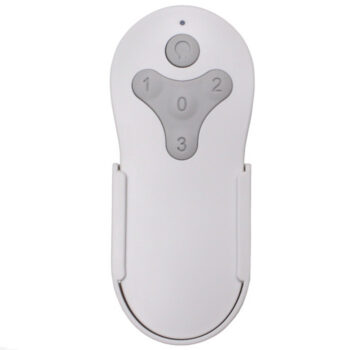
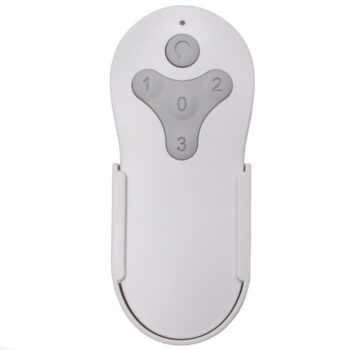
Yes. A wall mount comes in the box so the remote always has a place to go.
When will my order ship?
In-stock orders placed by 4 PM, Monday to Friday, ship the same business day.
What is your return policy?
You can return items within 90 days. Items must be unused and uninstalled, in their original packaging. No restocking fees. Please read our return policy before sending anything back. Questions? Call (816) 586-8457 or email info@fanremotes.com.
Is there a warranty?
Yes. Every product we sell comes with a 1-year warranty against defects. If it fails because of a defect, contact us and we’ll send a replacement.
Help & How-To Guides
Related products
-
MZ44WW3LR Harbor Breeze Ceiling Fan Remote Control Replacement
$26.95 Add to cart -
BRD60OSB6LR Harbor Breeze Ceiling Fan Remote Control Replacement
$26.95 Add to cart -
TR214A Harbor Breeze Ceiling Fan Remote Control Replacement
$26.95 Add to cart -
TG52LW3D1RCS Harbor Breeze Ceiling Fan Remote Control Replacement
$26.95 Add to cart -
BRD60MBK6LR Harbor Breeze Ceiling Fan Remote Control Replacement
$26.95 Add to cart