
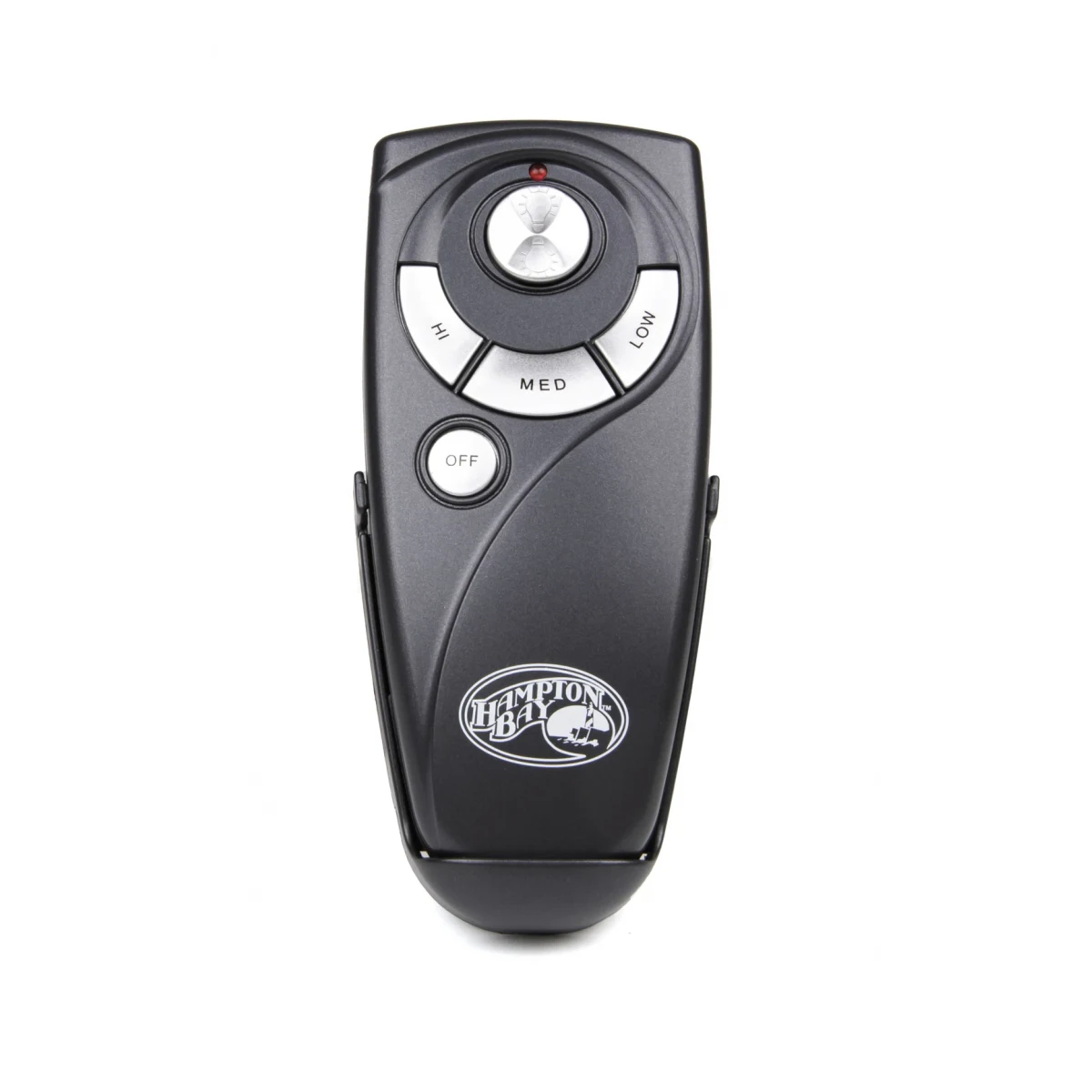
If your ceiling fan remote is lost, use the wall switch or pull chains to run the fan for now. Find the replacement number from your receipt, the fan box, the label on the motor housing, or the receiver label inside the canopy, with the breaker off. Then order the remote that matches that number exactly and pair it to the receiver.
Lost your ceiling fan remote? Start here
Before you buy anything, give the house one more sweep: couch cushions, the bedside drawer, the laundry, the dog’s bed. Remotes on wall cradles tend to wander off the cradle and stay gone. If it still hasn’t turned up, the good news is that a lost remote is one of the easier fan problems to fix. The receiver in your fan is almost certainly fine. You just need a new transmitter with the right number, and then a minute or two to set it up.
This page walks you through it in order: keep the fan usable today, work out the exact remote you need, then order and pair it.
How to run a ceiling fan without the remote
Use the wall switch as an on/off
On most remote-controlled fans, the wall switch feeds power to the receiver in the canopy. As Hunter puts it in its ceiling fan remote installation guide, if the switch is off the fan won’t work because the receiver doesn’t get power. That makes the wall switch a crude but useful on/off for the whole fan, light included. What you can’t do from the switch alone is change speed or turn the light on and off separately.
Check for pull chains
Older and budget fans often still have pull chains hanging from the switch housing. If yours does, the chains still change speed and toggle the light on many models, as long as the receiver is passing power through. Many newer fans have no chains at all, so the wall switch is your only fallback.
If the fan was left running
A fan left spinning in an empty room just wastes power. Flip the wall switch off until the new remote arrives, and leave it in whatever position suits the room.
How to find the right remote number without the remote
Normally you’d read the part number off the back of the old remote. With the remote gone, you need another trail to the same number. Work down this list until one of them gives you a clear answer.
1. Your order history, receipt or the fan box
Check your email or retailer account for the original fan purchase. The fan’s box and the manual that came inside often list the fan model and the remote that shipped with it. Hunter, for example, notes that its model number appears in the part guide or installation manual and on the outside of the box.
2. The label on the fan motor
Most fans carry an ID sticker on the motor housing. On Hunter downrod fans it’s on top of the motor, facing the ceiling, according to Hunter’s model number help page; on their hugger fans it’s on the mounting bracket. Other brands use similar labels; check the top of the motor, the switch housing and the mounting bracket. You won’t see it from the floor, so the easiest trick is to hold your phone up and take a photo, or use a small mirror. Some of our listings are titled by the fan model number rather than the remote number, so once you have it, search the ceiling fan remotes category for that number.
3. The receiver label in the canopy
The receiver has its own printed label with a model or part number. Getting to it means lowering the canopy, so switch off the breaker first, not just the wall switch, and skip this step if you aren’t comfortable on a ladder near wiring. A licensed electrician or handyman can read it for you in a few minutes. While you’re there, photograph any DIP switches on the receiver too; you’ll want that pattern when you set up a code-switch remote.
4. Our model number guide, or just text us
Our how to find your remote model number page has photos of where labels hide on common fans. If you’re still unsure, text a photo of the fan label, receiver label or even the whole fan to (816) 586-8457. Include the brand if you know it and roughly where it was bought. We’ll reply with the listing that matches your fan.
Buy the replacement remote
Once you have a number, match it exactly, letters and digits included. Each listing in our store is presented for the single number in its title, and that’s the one it’s meant for. If your number comes from the fan’s label, look for a listing titled with that fan model.
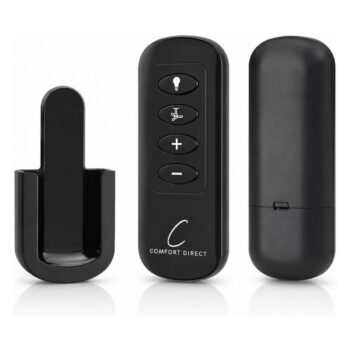
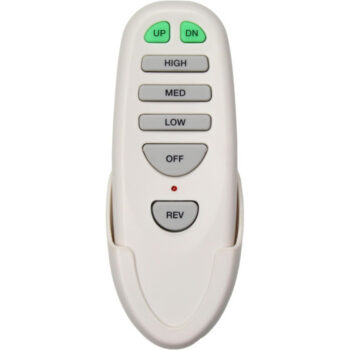
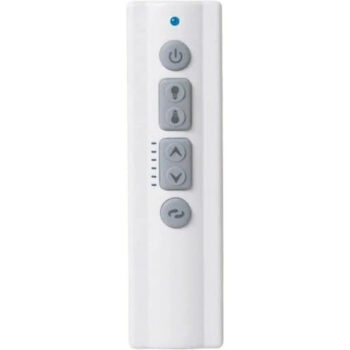
A few of the replacements homeowners order most often after losing a remote, each sold as its own item:
- UC7083T fan remote for Harbor Breeze fans, set with four code switches
- TR258B fan remote for Harbor Breeze fans, set up with a Learn button
- UC7225T fan remote for Home Decorators Collection fans, also Learn-button setup
- 99198 fan remote for Hunter fans, which syncs to the fan’s existing receiver
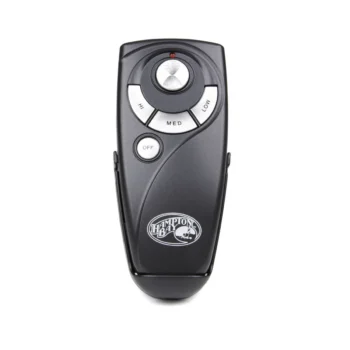
You can also browse by brand, for example Hampton Bay remotes, Harbor Breeze remotes or Hunter remotes. Our brand pages such as the Harbor Breeze remote guide explain how that brand labels its parts.
Universal remote instead?
A universal remote can be a stopgap, but it often comes with its own receiver to install, and that’s more work than it sounds. For a fan that already has a working receiver, the matching replacement is the simpler fix. Our universal vs. replacement remote comparison covers when each makes sense.
Pair the new remote
How you pair depends on the receiver in your fan, and the listing for your remote tells you which applies.
- Code-switch (DIP) remotes: the remote’s switches have to match the receiver’s pattern. With the old remote gone, the pattern has to come from the receiver itself, so this is where that canopy photo pays off. Breaker off before you lower the canopy. Our DIP switch settings guide shows how to read and copy it.
- Learning-code remotes: no switches to match. You cut power to the fan, restore it, then press the remote’s Learn or pairing button within a short window, often about 30 seconds. The fan answers by running or blinking the light.
- Sync-style remotes: similar to learning-code, but you hold a named button right after power is restored. The instructions in the box name the button for your model.
Stuck? The step-by-step pairing guide has the details, and a missed timing window is the usual culprit; just cut the power again and retry.
Order today, fan back under control tomorrow
Once you know the number, the rest is quick. In-stock remotes ordered by 4 PM Central ship the same day, shipping is free on orders over $35, and every remote carries a 1-year warranty. If you’re down to a photo and a hunch, text it to (816) 586-8457 or email info@fanremotes.com, Monday through Friday, 8 AM to 5 PM Central, and we’ll confirm the match before you order.
Shop the Parts in This Guide
Frequently Asked Questions
Can I use my phone as a ceiling fan remote?
Generally only if your fan has a Wi-Fi or app-enabled receiver. Standard radio-frequency fan receivers can't be reached by a phone, so you'd need a replacement remote.
Will a new remote have the same settings as my lost one?
A replacement remote has no memory of your old one. You set it to your receiver's code switches or pair it to the receiver, and after that it controls the fan the same way.
Do I need to replace the receiver if I lost the remote?
No. Losing the remote doesn't affect the receiver, so in most cases a matching replacement remote is all you need.
What if the fan brand is no longer sold?
The number on the fan's motor label or the receiver label is what matters, not whether the brand is still on store shelves. Text us a photo of that label and we'll check whether we carry a match.
Should I buy a spare remote?
If the remote has gone missing before, a wall cradle helps more than a spare. A second remote also has to be set up with the receiver, the same way as the first.