
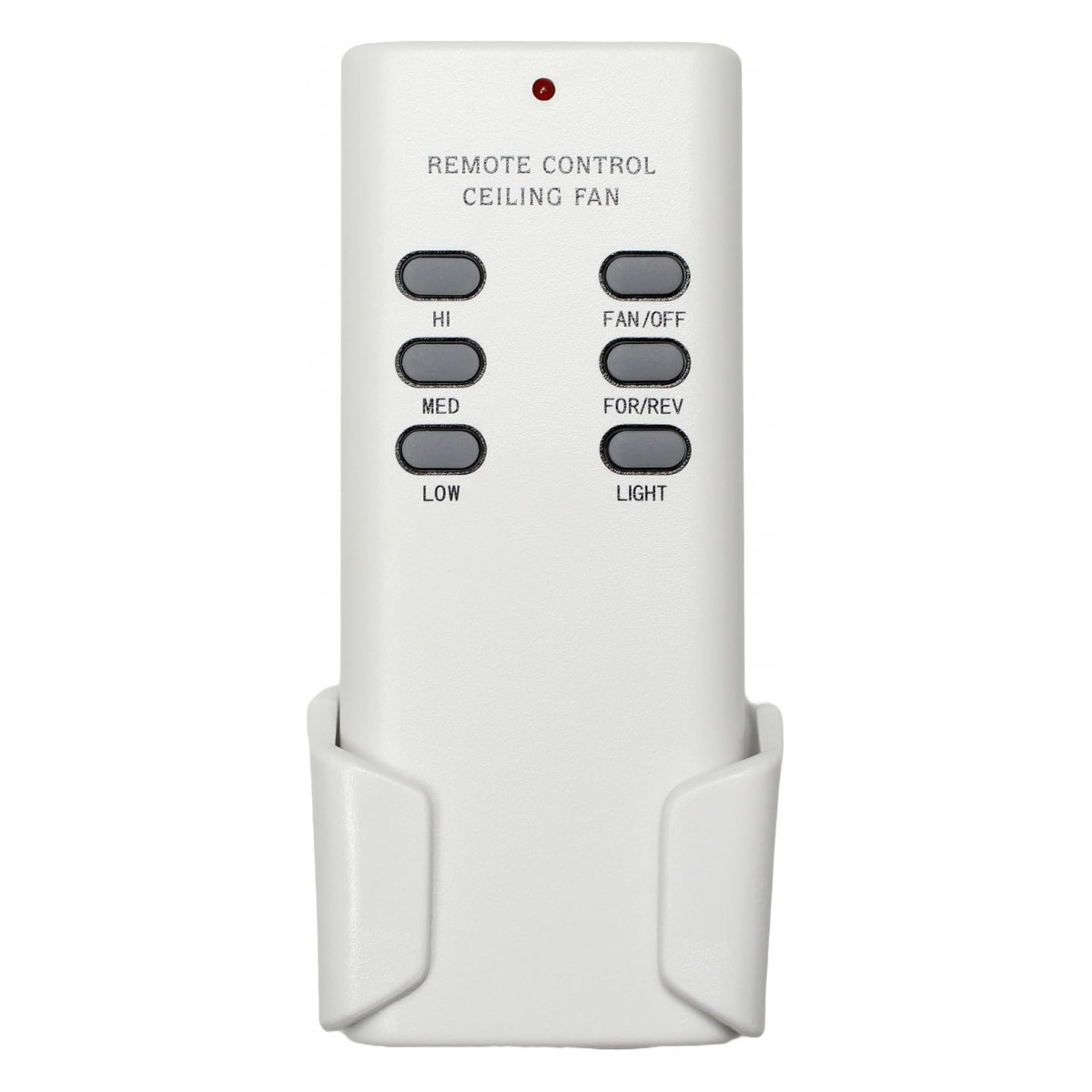
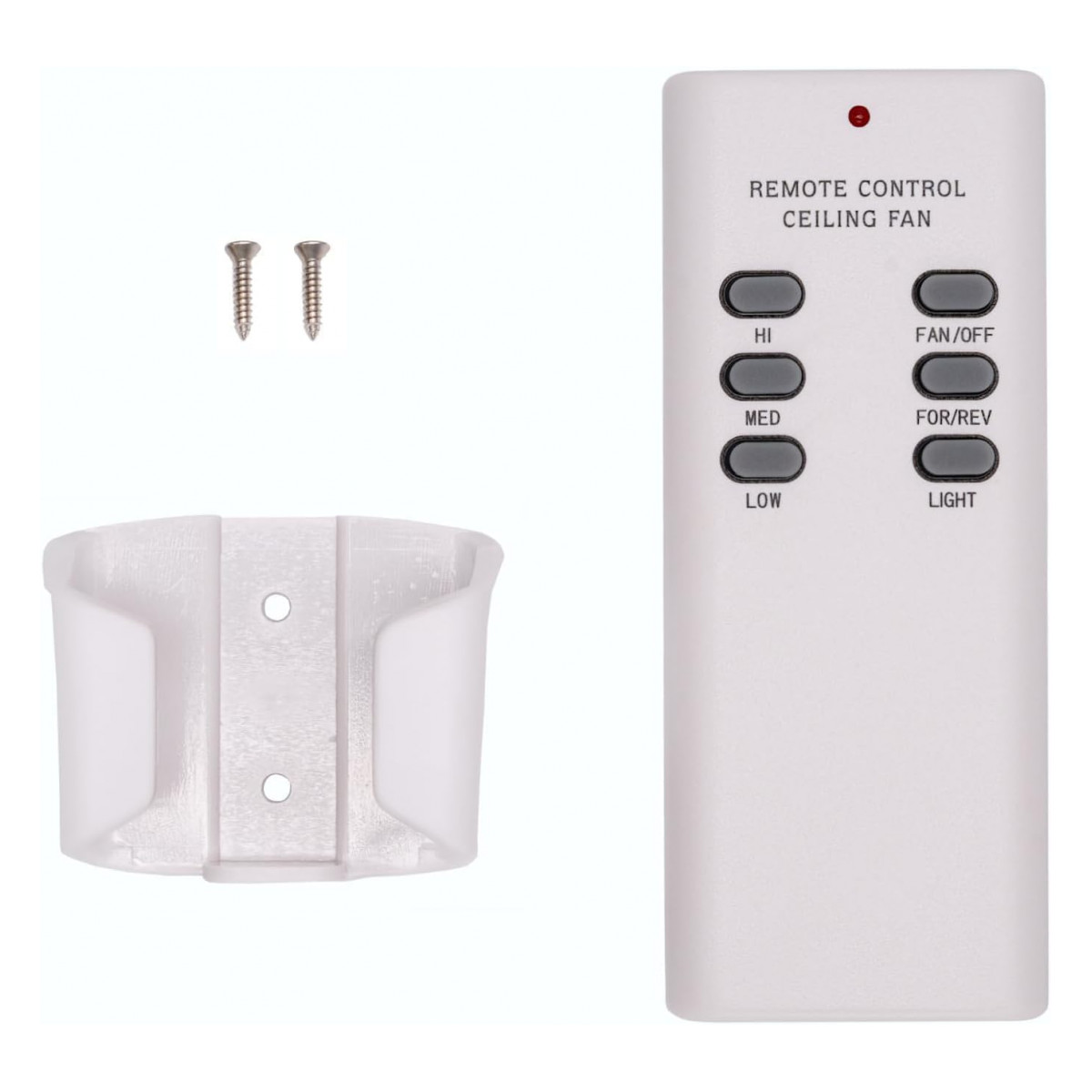
UC7848 Ceiling Fan Remote Control for Hunter
- Part # UC7848
- Ceiling Fan Remote
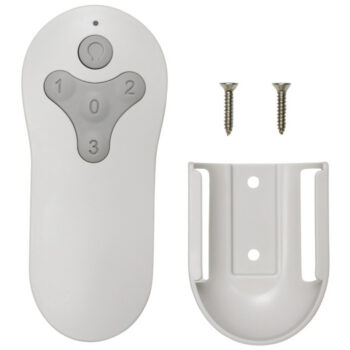
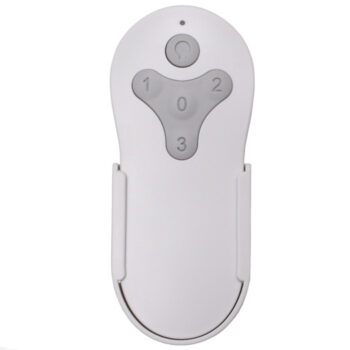
Our UC7848 replacement remote gives your Hunter fan simple 5-switch setup, a 9V battery and a wall holder.
$32.95
Ships today from FanRemotes.com
if ordered in the next
- 1-Year WarrantyOn every product
- Same-Day ShippingIn-stock orders by 4 PM
- 90-Day ReturnsSee return policy
- Expert Support(816) 586-8457Mon–Fri, 8 AM – 5 PM CT
Will This Remote Fit?
This remote is made to replace the UC7848. Check the label on your old remote (often inside the battery cover) — if it reads UC7848, this is the one you need.
Need help finding your model number? Not sure? Call (816) 586-8457 or email info@fanremotes.com.
About the Hunter UC7848 Remote
Lost or broken UC7848? This new remote gets your Hunter fan back under control with a wall holder, 30-foot range and DIP switch setup. UC7848 is the number printed on the back of the original remote or on the sticker inside its battery door. Count the switches in your old remote: five DIP switches and a 9V battery mean this layout matches.
We built this one for fans that shipped with the UC7848. Set five DIP switches, add a 9V battery, and test.
- 9V battery, sold separately
- Wall holder and screws included
- No receiver needed
- 5 DIP switches to match your receiver
About the 9V battery
This remote runs on a rectangular 9V battery that snaps onto two terminals. Press it on firmly so both snaps seat, with the larger and smaller terminals lined up the right way. A 9V that is nearly empty may still work from a few feet away and fail across the room, so try a fresh one before you suspect anything else.
Five switches, 32 codes
Five DIP switches give 32 possible codes. Set each switch up or down to match your old remote or the receiver in the canopy, and the remote takes over right away.
Before you order
- Has 5 DIP switches. If your old remote has a different number of switches, or none, this is not the right remote.
- Not for Hunter remotes that use 2 AAA batteries and no DIP switches, such as 99770, 99198 or K6266 styles.
Setup & Pairing
Have a pen or small screwdriver handy for the DIP switches.
- Shut off the fan's circuit at the breaker.
- Open the old remote's battery compartment and note the positions of its 5 DIP switches (or read them on the fan's receiver).
- Match all 5 switches on this remote to that pattern.
- Install a 9V battery.
- Turn the power back on and try every button.
If a neighbor's fan or your garage door reacts, change the pattern on both the receiver and the remote.
In the box: 1 UC7848 remote, plus a wall holder and screws.
Product Details
| Part Number | UC7848 |
|---|---|
| Fan Brand | Hunter |
| Product Type | Ceiling Fan Remote |
| Made By | Comfort Direct |
| Condition | New |
| DIP switches | 5 (set to match your receiver) |
| Range | Up to 30 ft |
| Battery | One 9V (not included) |
| Wall mount | Wall holder and screws included |
| Warranty | 1 year |
| Availability | In stock |
| Ships | Same business day if ordered by 4 PM |
| Returns | 90 days on unused items |
Why Buy From FanRemotes.com?
- 1-Year WarrantyEvery product is covered against defects
- Same-Day ShippingIn-stock orders placed by 4 PM ship the same business day
- 90-Day Return PolicyBuy with confidence
- Real Remote Experts(816) 586-8457 · Mon–Fri, 8 AM – 5 PM CT
Frequently Asked Questions
How do I set it up?
Copy the 5 DIP switch positions from your old remote or your fan's receiver.
What battery does it use?
One 9V battery, not included.
Should the wall switch stay on?
Yes. The receiver in the fan needs power to hear the remote, so leave the wall switch on and use the remote for everything.
Why does the fan respond only some of the time?
Start with a fresh battery and try from closer. If it keeps happening, set a new pattern on both the receiver and the remote.
What should I do with my old remote?
Keep it until the new one is working, since its label and settings are handy to compare. Then take out the battery and recycle it.
When will my order ship?
In-stock orders placed by 4 PM, Monday to Friday, ship the same business day.
What is your return policy?
You can return items within 90 days. Items must be unused and uninstalled, in their original packaging. No restocking fees. Please read our return policy before sending anything back. Questions? Call (816) 586-8457 or email info@fanremotes.com.
Is there a warranty?
Yes. Every product we sell comes with a 1-year warranty against defects. If it fails because of a defect, contact us and we’ll send a replacement.
Help & How-To Guides
Related products
-
TG52MBK3D1RC Harbor Breeze Ceiling Fan Remote Control Replacement
$26.95 Add to cart -
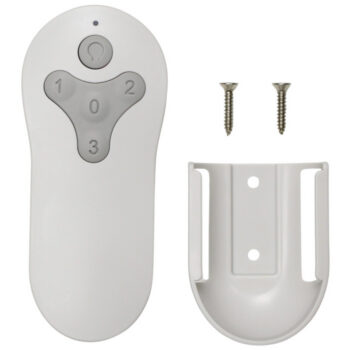
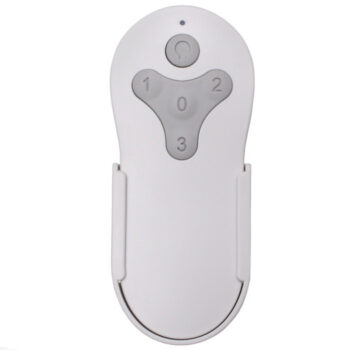
BRD60MBK6LR Harbor Breeze Ceiling Fan Remote Control Replacement
$26.95 Add to cart -
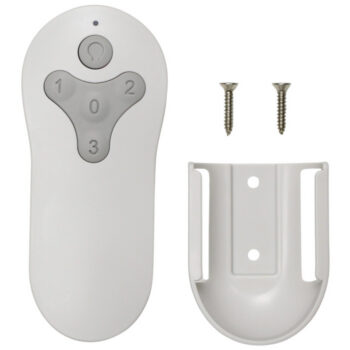
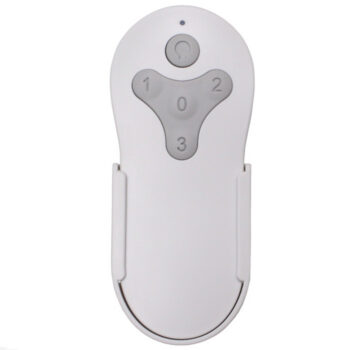
KUJCE10712 Harbor Breeze Ceiling Fan Remote Control Replacement
$26.95 Add to cart -
MZ44WW3LR Harbor Breeze Ceiling Fan Remote Control Replacement
$26.95 Add to cart -
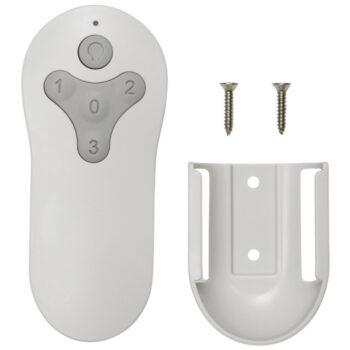
TG44BNK3D1RC Harbor Breeze Ceiling Fan Remote Control Replacement
$26.95 Add to cart