
UC9051T Ceiling Fan Wall Control For Hampton Bay & Harbor Breeze
- Part # UC9051T
- Ceiling Fan Wall Control
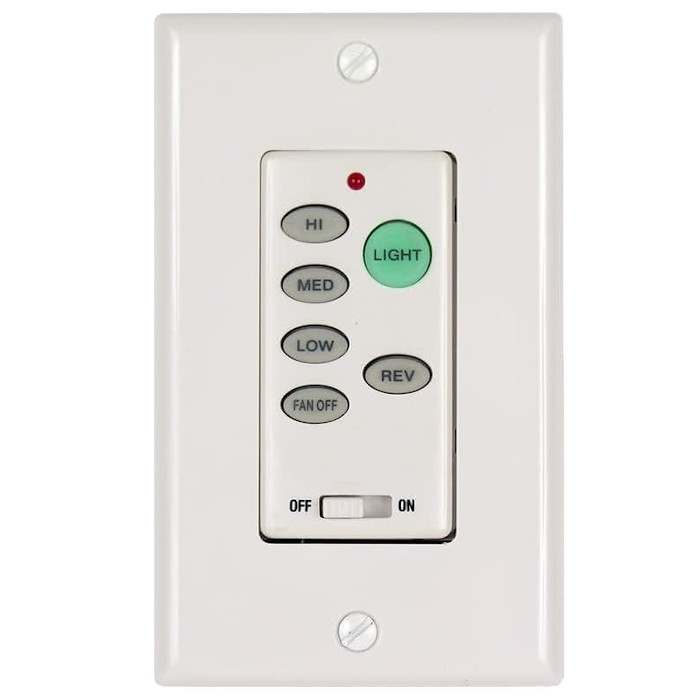
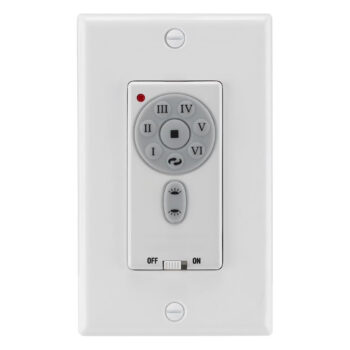
Replacement wall control for Hampton Bay ceiling fans that came with the UC9051T, with three speeds, off and a light button that dims, with no batteries.
$29.95
Ships today from FanRemotes.com
if ordered in the next
In stock
- 1-Year WarrantyOn every product
- Same-Day ShippingIn-stock orders by 4 PM
- 90-Day ReturnsSee return policy
- Expert Support(816) 586-8457Mon–Fri, 8 AM – 5 PM CT
Will This Wall Control Fit?
This wall control is made to replace the UC9051T. Check the label on your old wall control — if it reads UC9051T, this is the one you need.
Need help finding your model number? Not sure? Call (816) 586-8457 or email info@fanremotes.com.
About the Hampton Bay UC9051T Wall Control
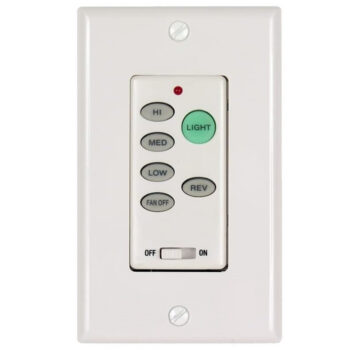
When the UC9051T on your wall stops working, you lose easy control of the fan. This replacement brings back High, Medium, Low and Off plus tap-and-hold light dimming. With the wall plate off, UC9051T is printed on the label on the side or back of the old wall control. The original is a hard-wired wall control with High, Medium, Low and Off buttons and a single light button.
If UC9051T is the number on your old wall control, you're in the right place. Set four DIP switches to match the receiver, wire it in, and it's ready.
- Dedicated High, Medium, Low and Off buttons
- Light on/off with dimming
- Hard-wired, no batteries
One light button or two?
This version has a single light button, so it runs one light circuit. Tap it to switch the light, hold it to dim. If your old control had separate up-light and down-light buttons, you need the up/down-light version instead. Counting the light buttons is the quickest way to tell.
Moving off the factory code
Many receivers and controls ship on the same factory pattern. If yours are both still there, pick a new pattern and set it on both. It keeps a neighbor's fan from answering your control, and theirs from moving yours.
Before you order
- This is the wall control only. It does not include a receiver, so your fan must already have a compatible 304 MHz DIP switch receiver (such as UC7067RC, UC7067FMRX or FAN-28R).
Setup & Pairing
Have a pen tip or small screwdriver ready for the DIP switches.
- Turn off power to the fan and the wall switch at the breaker.
- Unscrew the old control and note each connection as you remove it.
- Locate the four code switches on the canopy receiver and on the new control.
- Use a pen tip or small screwdriver to set the wall control's 4 switches to exactly match the receiver. There are 16 possible codes, and no programming is needed.
- We suggest moving both off the factory pattern to a new matching one, which keeps neighboring fans from responding.
- Wire the control into the box following the included instructions, then attach it and the wall plate with the supplied screws.
- Restore power at the breaker and test each button.
Tuck the wires neatly into the box so the control sits flat.
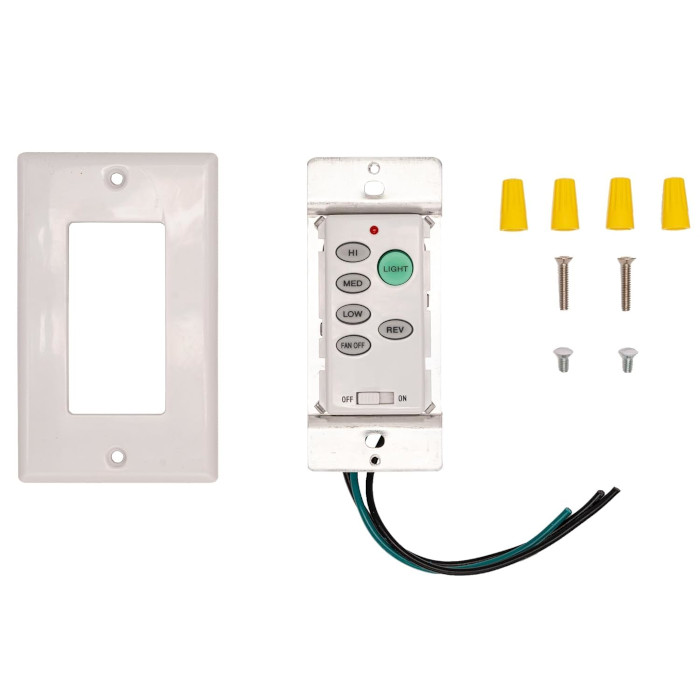
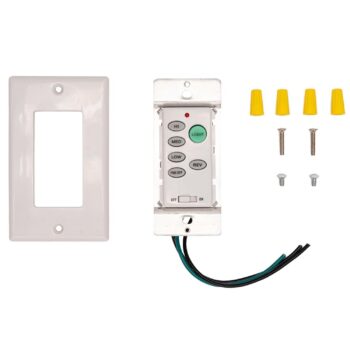
In the box: UC9051T replacement wall control, decorative wall plate, 2 wall plate screws and 2 mounting screws, and 4 wire nuts.
Product Details
| Part Number | UC9051T |
|---|---|
| Fan Brand | Hampton Bay |
| Product Type | Ceiling Fan Wall Control |
| Made By | Comfort Direct |
| Condition | New |
| Frequency | 303.875 MHz (works with 304 MHz receivers) |
| Pairing | 4 DIP switches matched to your fan's receiver |
| Power | Hardwired to house power, no batteries |
| Voltage | 120 V, 60 Hz |
| Fan speeds | High, medium, low and off |
| Light | One light button: tap for on/off, hold to dim |
| Mounting | Standard wall switch box |
| Warranty | 1 year |
| Availability | In stock |
| Ships | Same business day if ordered by 4 PM |
| Returns | 90 days on unused items |
Why Buy From FanRemotes.com?
- 1-Year WarrantyEvery product is covered against defects
- Same-Day ShippingIn-stock orders placed by 4 PM ship the same business day
- 90-Day Return PolicyBuy with confidence
- Real Remote Experts(816) 586-8457 · Mon–Fri, 8 AM – 5 PM CT
Frequently Asked Questions
Is a receiver included?
No, this replaces only the wall control. Your fan needs its existing compatible receiver in the canopy.
How do I pair it to my fan?
Turn off power at the breaker, then set the 4 DIP switches on the wall control to match the switches on the receiver in your fan canopy. No programming is needed.
Does it need batteries?
No. It wires into your wall switch box and runs on house power.
Will this work with my fan?
It works with fans that have a 304 MHz receiver with 4 DIP switches, like the UC7067RC, UC7067FMRX or FAN-28R, and a single light button on the old control.
What frequency is it?
303.875 MHz, which works with the common 304 MHz Hampton Bay, Harbor Breeze and Emerson receivers.
When will my order ship?
In-stock orders placed by 4 PM, Monday to Friday, ship the same business day.
What is your return policy?
You can return items within 90 days. Items must be unused and uninstalled, in their original packaging. No restocking fees. Please read our return policy before sending anything back. Questions? Call (816) 586-8457 or email info@fanremotes.com.
Is there a warranty?
Yes. Every product we sell comes with a 1-year warranty against defects. If it fails because of a defect, contact us and we’ll send a replacement.
Help & How-To Guides
- Hampton Bay Ceiling Fan Remote: DIP Switches, Pairing and Parts
- Ceiling Fan Wall Control vs Remote: Which One Do You Need?
- How to Pair a Ceiling Fan Remote: Every Method Explained
- Ceiling Fan Remote Not Working? How to Find and Fix the Problem
- Ceiling Fan Light Not Working With the Remote? How to Fix It
Related products
-
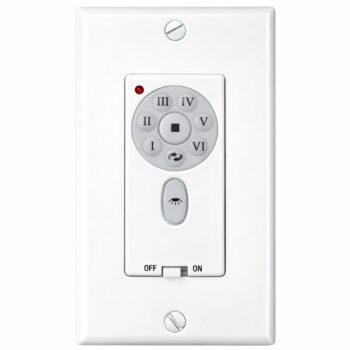
TW30WH Ceiling Fan Wall Control for Fanimation
$49.95 Add to cart -
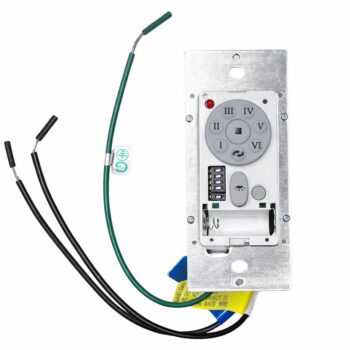
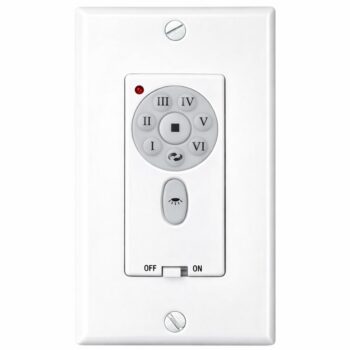
TW30 Ceiling Fan Wall Control for Fanimation
$49.95 Add to cart -
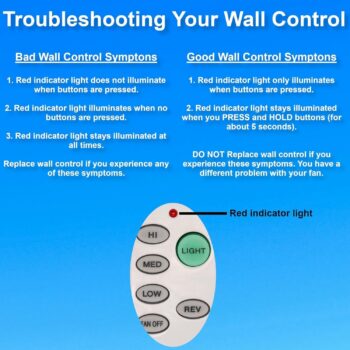
P2507 Ceiling Fan Wall Control for Progress Lighting
$39.95 Add to cart -
C21 Ceiling Fan Wall Control For Fanimation Fans
$38.95 Add to cart -
UC-9787TB Ceiling Fan Wall Control for Fanimation
$49.95 Add to cart