
UC-9787TB Ceiling Fan Wall Control for Fanimation
- Part # UC-9787TB
- Ceiling Fan Wall Control
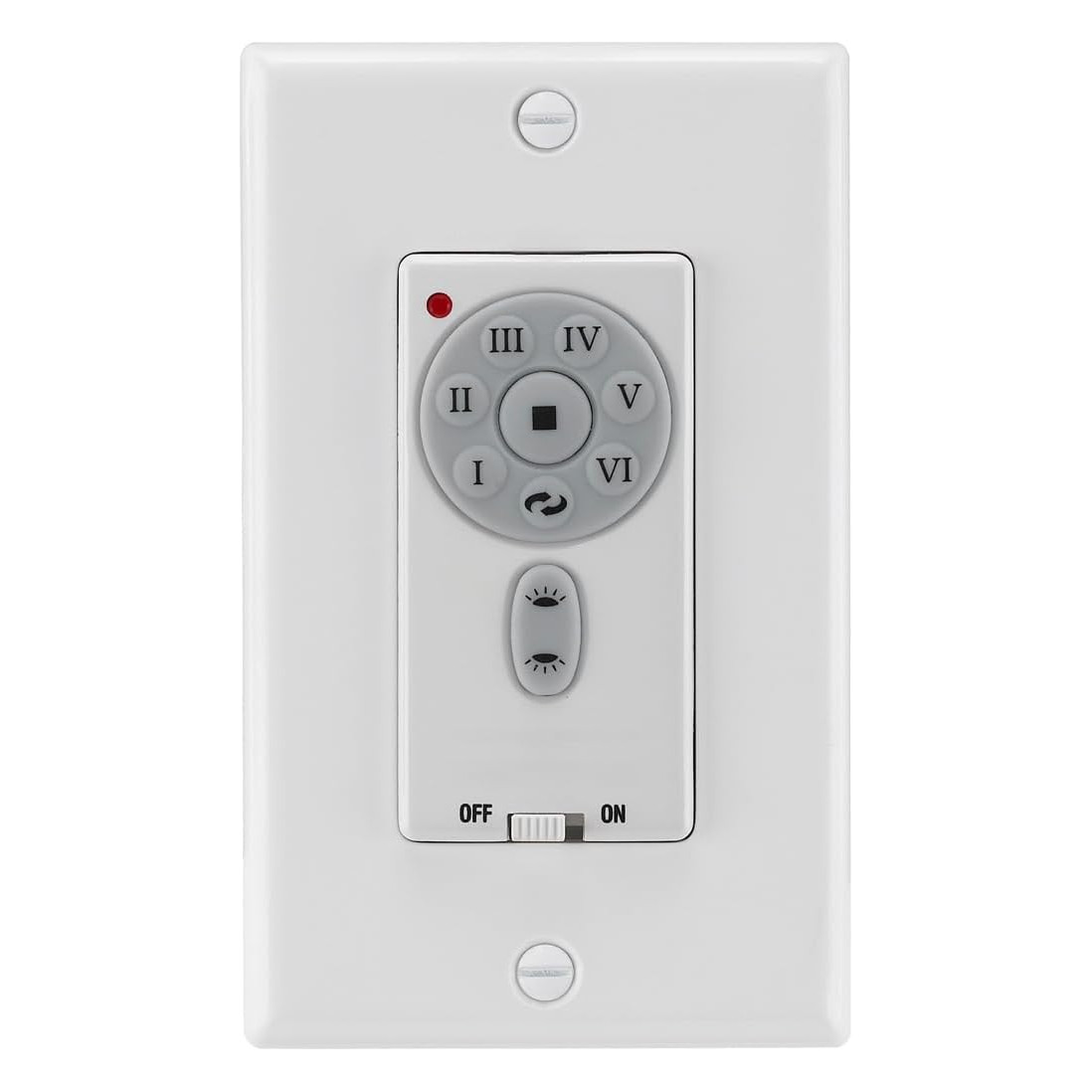
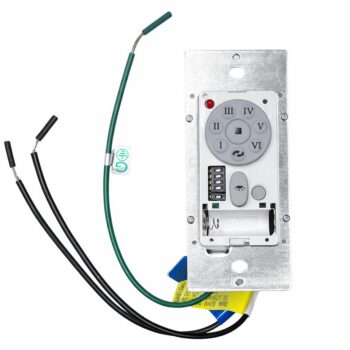
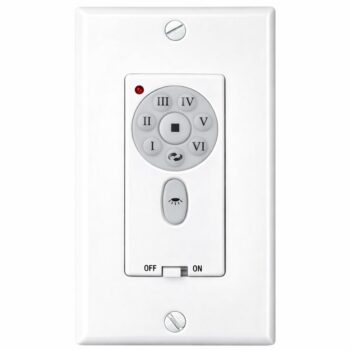
A new Comfort Direct wall control for Fanimation fans that shipped with the UC-9787TB, offering independent up-light and down-light dimming plus six fan speeds.
$49.95
Ships today from FanRemotes.com
if ordered in the next
- 1-Year WarrantyOn every product
- Same-Day ShippingIn-stock orders by 4 PM
- 90-Day ReturnsSee return policy
- Expert Support(816) 586-8457Mon–Fri, 8 AM – 5 PM CT
Will This Wall Control Fit?
This wall control is made to replace the UC-9787TB. Check the label on your old wall control — if it reads UC-9787TB, this is the one you need.
Need help finding your model number? Not sure? Call (816) 586-8457 or email info@fanremotes.com.
About the Fanimation UC-9787TB Wall Control
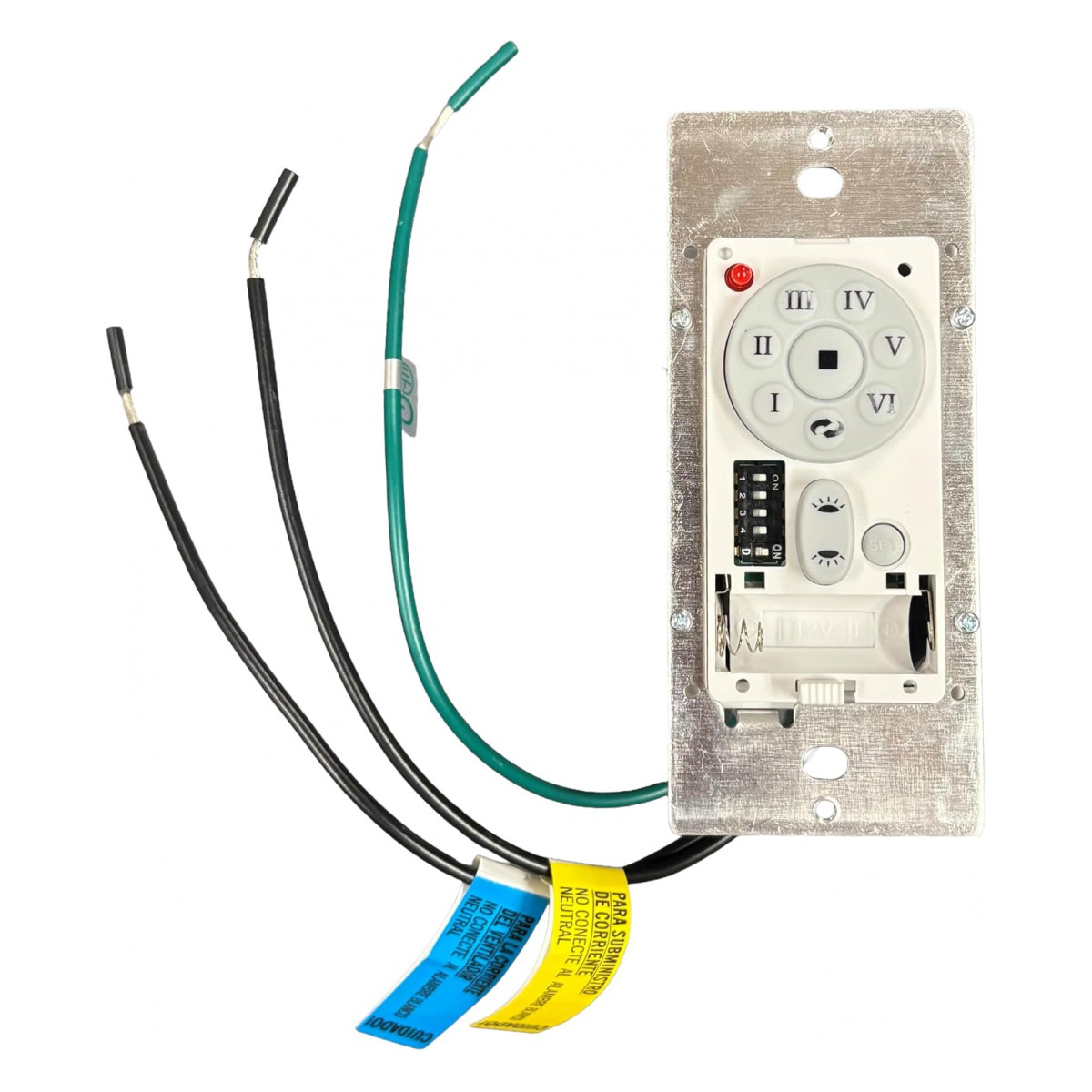
Our replacement for the UC-9787TB restores six DC speeds, reverse and separate dimmable up and down lights at the wall. With the wall plate off, UC-9787TB is printed on the label on the side or back of the old wall control. It sits in a single-gang wall box and controls a DC fan with an up light and a down light.
Not sure your old wall control says UC-9787TB? Send our team a photo and we'll confirm. After wiring, a press of SET starts a short learning run, and then it's ready.
- Installs in the wall like a switch
- Fits a standard single-gang wall box
- 6 speeds + off
Photograph the old wiring
Before you loosen a single wire nut, take a clear photo of the old control and how each wire connects. Wrap a small piece of tape around each house wire and write what it joined. Bare copper or green wires are ground. Those two minutes save a lot of head-scratching when the new wall control goes in.
The 5-minute learning run
After you press SET, the fan runs in both directions for about 5 minutes and then stops. That's normal: the fan is learning the blades. Once it stops, it's ready to use. If you change the blades later, run the setup again.
Before you order
- Has separate up light and down light controls. If your old control has only one light button, choose our single-light version instead.
Setup & Pairing
Plan for the 5-minute learning run at the end.
- Turn off power to the fan at the breaker.
- Take off the faceplate and put in the 12V A23 battery.
- Set the same code on the control's switches and, if present, the receiver's.
- Wire the control into the wall box and mount it, then restore power.
- Inside 60 seconds of power coming back, hold SET for 1 to 5 seconds.
- Expect the fan to run forward and reverse for about 5 minutes before it stops. Then it's ready.
- If you ever change the blades, repeat this setup.
Tuck the wires neatly into the box so the control sits flat.
In the box: UC-9787TB replacement wall control with wall plate and screws.
Product Details
| Part Number | UC-9787TB |
|---|---|
| Fan Brand | Fanimation |
| Product Type | Ceiling Fan Wall Control |
| Made By | Comfort Direct |
| Condition | New |
| Fan speeds | 6 + off |
| Reverse | Yes |
| Light | Independent up light and down light, each dimmable (on/off-only setting for non-dimmable bulbs) |
| Wiring | 120V, 60 Hz in-wall: line, neutral and ground from the wall box; one black lead to the fan motor. Neutral wire required. |
| Battery | One 12V A23, fits under the faceplate |
| Pairing | Code switches + SET button |
| Mounting | Fits a standard single-gang wall box |
| Warranty | 1 year |
| Availability | In stock |
| Ships | Same business day if ordered by 4 PM |
| Returns | 90 days on unused items |
Why Buy From FanRemotes.com?
- 1-Year WarrantyEvery product is covered against defects
- Same-Day ShippingIn-stock orders placed by 4 PM ship the same business day
- 90-Day Return PolicyBuy with confidence
- Real Remote Experts(816) 586-8457 · Mon–Fri, 8 AM – 5 PM CT
Frequently Asked Questions
What is the battery for?
One 12V A23 battery sits under the faceplate and powers the control's transmitter.
Why does my fan spin both ways for a few minutes after setup?
That is normal. The fan is learning the blades. It stops after about 5 minutes and is then ready to use.
Do I need to redo setup if I change the blades?
Yes. Run the SET setup again after a blade change.
What tools will I need?
A screwdriver, a wire stripper, a non-contact voltage tester and a few wire nuts cover it. A flashlight helps in a dark wall box.
Why does the light flicker when I dim it?
Usually the bulbs are not dimmable, or different bulb types are mixed in one fixture. For non-dimmable bulbs, set the light switch inside the control to on/off only (D).
When will my order ship?
In-stock orders placed by 4 PM, Monday to Friday, ship the same business day.
What is your return policy?
You can return items within 90 days. Items must be unused and uninstalled, in their original packaging. No restocking fees. Please read our return policy before sending anything back. Questions? Call (816) 586-8457 or email info@fanremotes.com.
Is there a warranty?
Yes. Every product we sell comes with a 1-year warranty against defects. If it fails because of a defect, contact us and we’ll send a replacement.
Help & How-To Guides
Related products
-
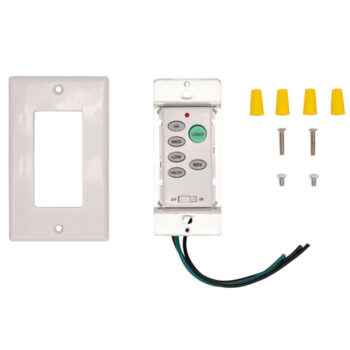
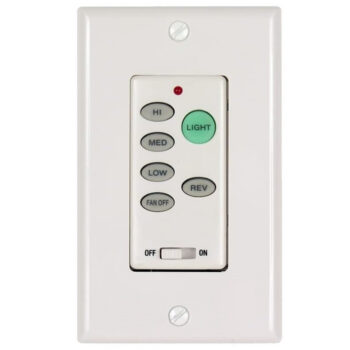
UC9051T Ceiling Fan Wall Control For Hampton Bay & Harbor Breeze
$29.95 Add to cart -
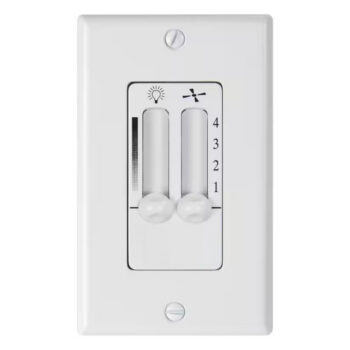
7787300 Ceiling Fan Wall Control, Hard-Wired
$25.95 Add to cart -
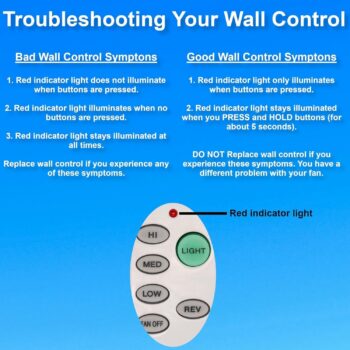
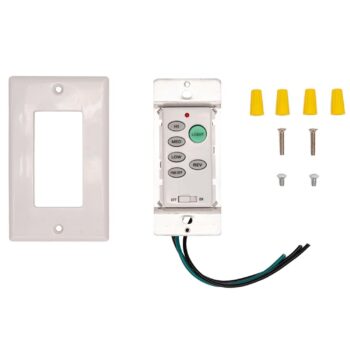
P2506 Ceiling Fan Wall Control for Progress Lighting
$39.95 Add to cart -
TW30 Ceiling Fan Wall Control for Fanimation
$49.95 Add to cart -
TW32WH Ceiling Fan Wall Control for Fanimation
$49.95 Add to cart