
CHQ8BF7096T Ceiling Fan Remote Control for Hampton Bay
- Part # CHQ8BF7096T
- Ceiling Fan Remote
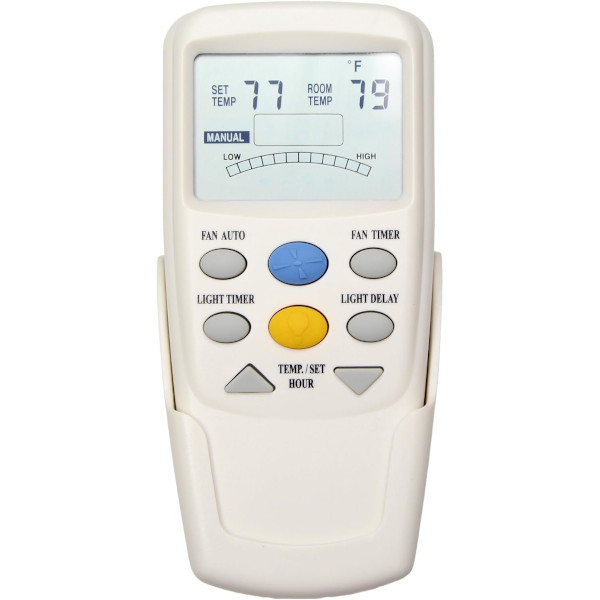
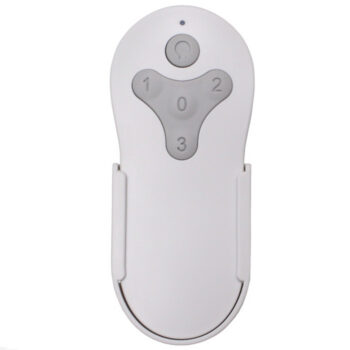
Our CHQ8BF7096T replacement remote gives your Hampton Bay fan three speeds, a timer key and an LCD temperature display.
$32.95
Ships today from FanRemotes.com
if ordered in the next
In stock
- 1-Year WarrantyOn every product
- Same-Day ShippingIn-stock orders by 4 PM
- 90-Day ReturnsSee return policy
- Expert Support(816) 586-8457Mon–Fri, 8 AM – 5 PM CT
Will This Remote Fit?
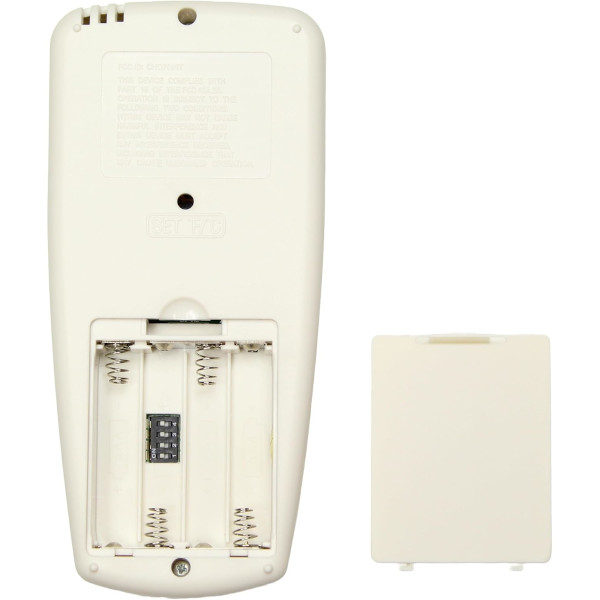
This remote is made to replace the CHQ8BF7096T. Check the label on your old remote (often inside the battery cover) — if it reads CHQ8BF7096T, this is the one you need.
Need help finding your model number? Not sure? Call (816) 586-8457 or email info@fanremotes.com.
About the Hampton Bay CHQ8BF7096T Remote
Your Hampton Bay fan doesn't need a new receiver just because the CHQ8BF7096T is gone. This remote gives you Fan Timer, Light Delay and down-light dimming. You'll usually find CHQ8BF7096T printed after the letters FCC on a sticker on the back, or molded into the plastic beside the battery. Look for an LCD screen and a key labeled Fan Timer. If your old remote has those and no reverse key, it matches this one.
We built this one for fans that shipped with the CHQ8BF7096T. It pairs with 4 DIP switches matched to your receiver.
- LCD shows set and room temperature
- Light Delay turns the light off after 3 minutes
- Pairs with 4 DIP switches
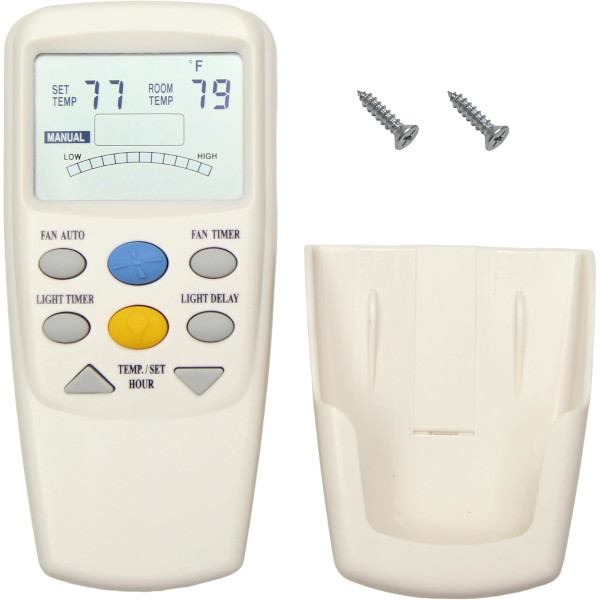
- Wall mount bracket and screws
Light Delay
Press Light Delay on your way out and the light turns itself off after 3 minutes. It's handy at bedtime or when you're carrying something out of the room and can't reach a switch.
Windward III caution
Some Hampton Bay Windward III fans came with a remote that has a red or orange light button and an up/down-light receiver. This remote won't run the light on those fans, which need a matched remote and receiver kit. Check the light button color on your old remote.
Before you order
- Down-light dimming only. If your fan has both an up-light and a down-light, this remote can't control them separately.
- This is the Fan Timer version with no reverse key. If your old remote has a For/Rev key, order our reverse version instead.
Setup & Pairing
Have a pen or small screwdriver handy for the DIP switches.
- Shut off the fan's circuit at the breaker.
- Remove the new remote's battery cover; the four DIP switches sit inside.
- Note the switch pattern on your old remote; without it, read the receiver in the canopy.
- Copy that pattern onto the new remote, load four AAA batteries and close it up.
- Restore power at the breaker and try each speed and the light.
If a neighbor's fan or your garage door reacts, change the pattern on both the receiver and the remote.
In the box: CHQ8BF7096T replacement remote with Fan Timer key, a wall mount bracket and two screws.
Product Details
| Part Number | CHQ8BF7096T |
|---|---|
| Fan Brand | Hampton Bay |
| Product Type | Ceiling Fan Remote |
| Made By | Comfort Direct |
| Condition | New |
| Frequency | 303 MHz band (302.739 MHz) |
| Pairing | 4 DIP switches in the battery compartment, 16 codes |
| Battery | Four 1.5V AAA (not included) |
| Fan speeds | High, medium, low and off |
| Light | On/off and dimming, down-light only |
| Timer | Fan Timer key for automatic off (no reverse key) |
| Thermostat | Fan Auto mode with LCD room temperature display |
| Warranty | 1 year |
| Availability | In stock |
| Ships | Same business day if ordered by 4 PM |
| Returns | 90 days on unused items |
Why Buy From FanRemotes.com?
- 1-Year WarrantyEvery product is covered against defects
- Same-Day ShippingIn-stock orders placed by 4 PM ship the same business day
- 90-Day Return PolicyBuy with confidence
- Real Remote Experts(816) 586-8457 · Mon–Fri, 8 AM – 5 PM CT
Frequently Asked Questions
How do I pair it with my fan?
Turn off power at the breaker, then set the 4 DIP switches inside the battery compartment to match your old remote or the receiver in the fan canopy. Put the batteries in, restore power and test.
What battery does it take?
Four 1.5V AAA batteries, not included.
What does the Fan Timer key do?
It sets the fan to turn itself off later, so you can fall asleep with it running.
What does Fan Auto do?
It runs the fan by room temperature. Below your set point the fan stays off, then it steps from low to high as the room warms.
Which receivers does it work with?
Thermostatic LCD-type receivers with four DIP switches, such as the UC7067FCRX and UC70960TX.
When will my order ship?
In-stock orders placed by 4 PM, Monday to Friday, ship the same business day.
What is your return policy?
You can return items within 90 days. Items must be unused and uninstalled, in their original packaging. No restocking fees. Please read our return policy before sending anything back. Questions? Call (816) 586-8457 or email info@fanremotes.com.
Is there a warranty?
Yes. Every product we sell comes with a 1-year warranty against defects. If it fails because of a defect, contact us and we’ll send a replacement.
Help & How-To Guides
- Hampton Bay Ceiling Fan Remote: DIP Switches, Pairing and Parts
- Ceiling Fan Remote Not Working? How to Find and Fix the Problem
- How to Pair a Ceiling Fan Remote: Every Method Explained
- Ceiling Fan Remote DIP Switch Settings: Find, Match and Change Them
- Lost Ceiling Fan Remote? How to Find the Right Replacement
Related products
-
MZ44MBLK3LR Harbor Breeze Ceiling Fan Remote Control Replacement
$26.95 Add to cart -
TG52MBK3D1RC Harbor Breeze Ceiling Fan Remote Control Replacement
$26.95 Add to cart -
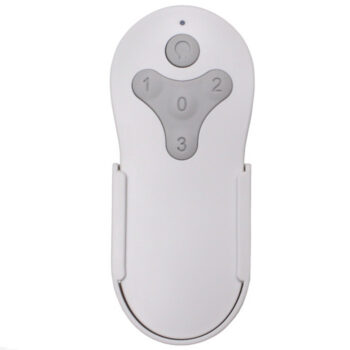
MZ44BNK3LR Harbor Breeze Ceiling Fan Remote Control Replacement
$26.95 Add to cart -
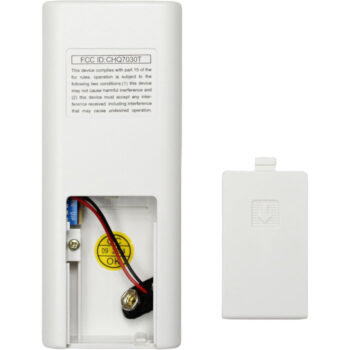
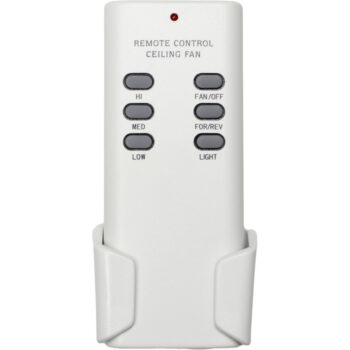
CHQ7030T Ceiling Fan Remote Control For Hampton Bay, Hunter, Harbor Breeze
$27.95 Add to cart -
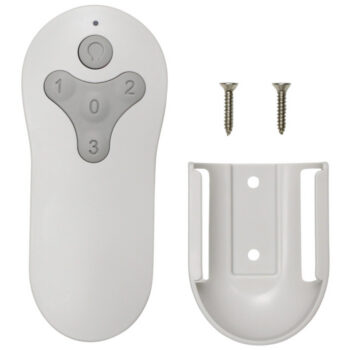
TG44MBK3D1RS Harbor Breeze Ceiling Fan Remote Control Replacement
$26.95 Add to cart