
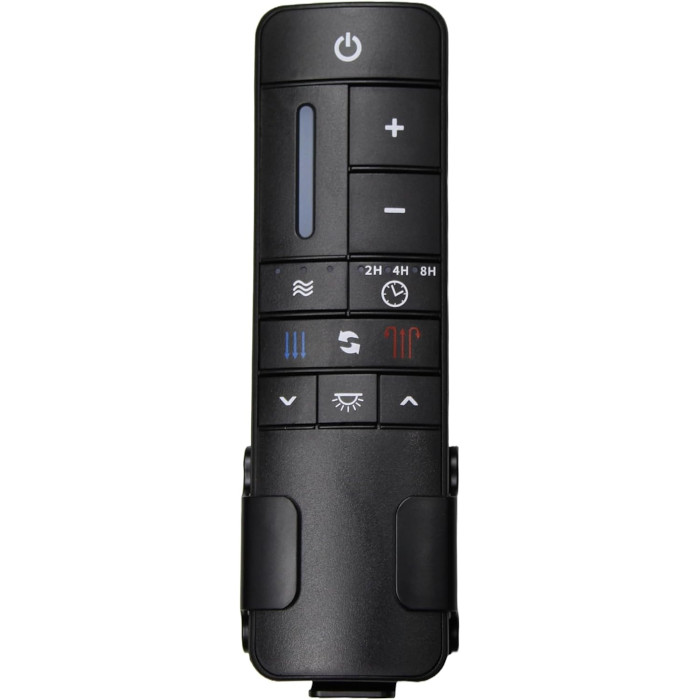
68009 Ceiling Fan Remote Control for Home Decorators Collection
- Fan Model # 68009
- Ceiling Fan Remote
- Fits 1 model
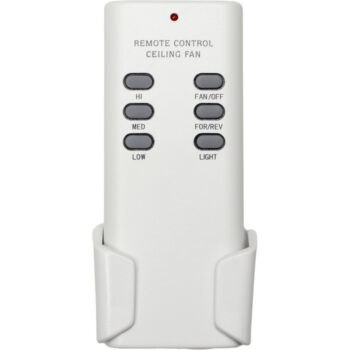
Control the Home Decorators Collection 68009 Windward fan again with this 9-speed replacement remote, wall holder included.
$29.95
In stock
- 1-Year WarrantyOn every product
- Same-Day ShippingIn-stock orders by 4 PM
- 90-Day ReturnsSee return policy
- Expert Support(816) 586-8457Mon–Fri, 8 AM – 5 PM CT
Compatible Models
This replacement remote for the Home Decorators Collection 68009 fits 1 model. Check the model number on your fan’s label.
- 68009 Windward
Not sure it’s the right one? Call (816) 586-8457 or email info@fanremotes.com and we’ll check it against your fan for you.
About the Home Decorators Collection 68009 Remote
Running a Home Decorators Collection 68009 from the wall switch alone gets old fast. This replacement remote restores 9-speed control, reverse, light dimming and the timer on your Windward fan.
Look for 68009 on the fan's model label or in the owner's manual to confirm the match. There is no wiring involved: the remote learns your fan's existing receiver.
- Learn-button pairing on 433.92 MHz, no DIP switches
- Sleep-friendly 2, 4 and 8-hour shutoff
- Light control with smooth dimming
Dead remote or failed receiver?
Put in fresh batteries and run the pairing steps. If the fan light flashes and the blades start, the receiver is fine and your old handset was the problem. If nothing happens after two careful tries, with the wall switch on, the receiver in the canopy may have failed. A new remote cannot fix a dead receiver.
When pairing will not take
Run through the usual causes. The slide switch in the battery compartment must sit on position 1. The Learn button has to be pressed within the window after power returns, so stand ready with the remote before you flip the breaker back on. Fresh batteries matter too. Repeat the steps calmly; a second try often works.
Before you order
- Not for AC-motor fans or 6-speed DC fans.
- It does not connect to smart-home hubs or apps.
Setup & Pairing
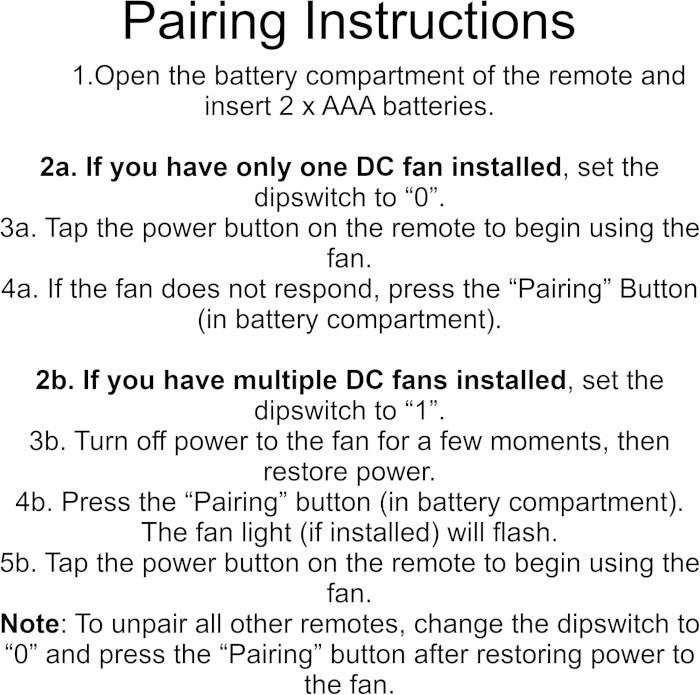
No DIP switches to set. Follow these steps with the fan in view.
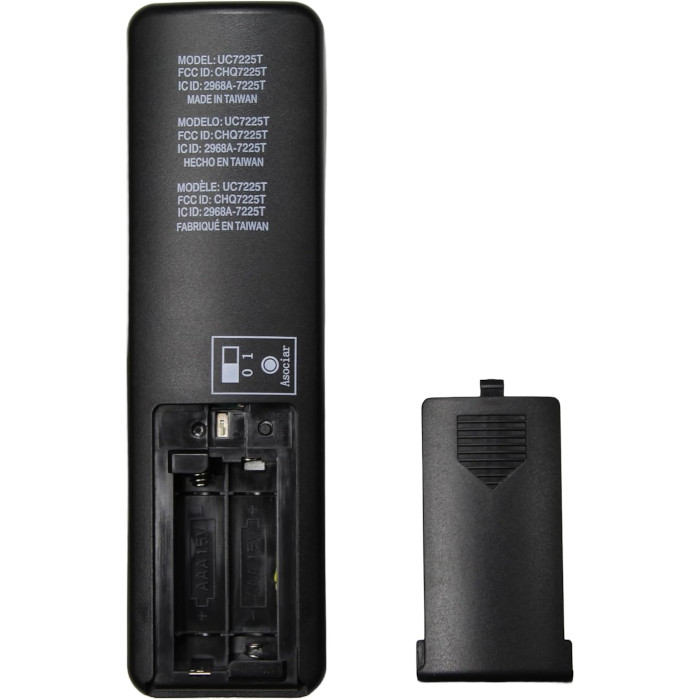
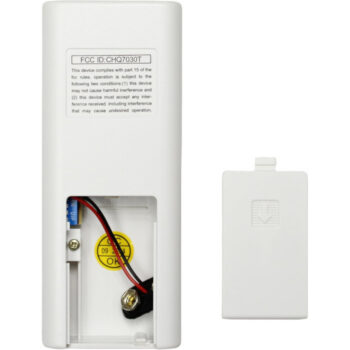
- Slide off the battery cover of the remote, load two AAA batteries, and keep the cover off.
- Set the compartment's slide switch to position 1.
- Cut power to the fan with the wall switch or breaker, then restore it.
- Right away, while the 30-second window is open, press Learn and let go.
- When the light flashes and the blades begin to spin, pairing is complete. No response? Start over from the power-cycle step.
Tip: if you miss the 30-second window, just cut the power again and repeat. Tip: fresh batteries make the first try far more likely to work.
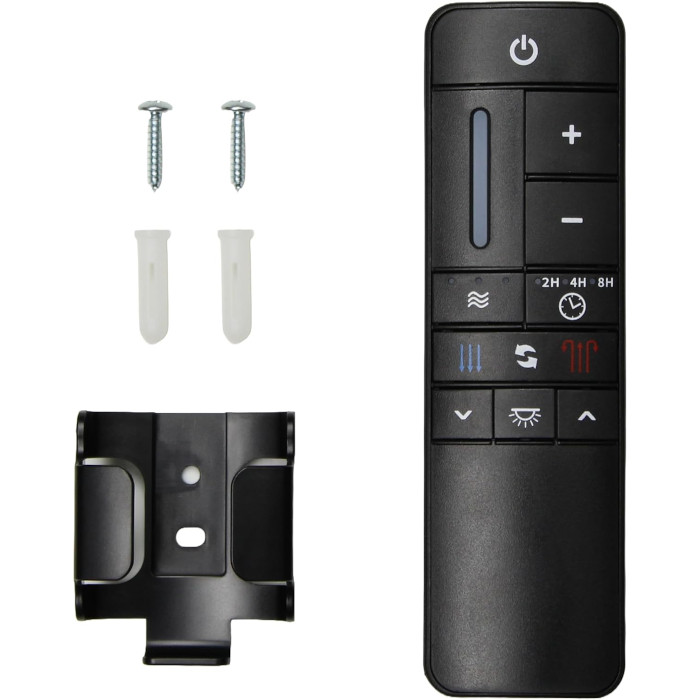
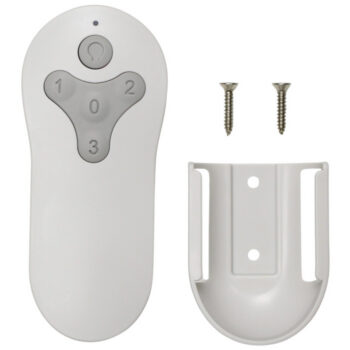
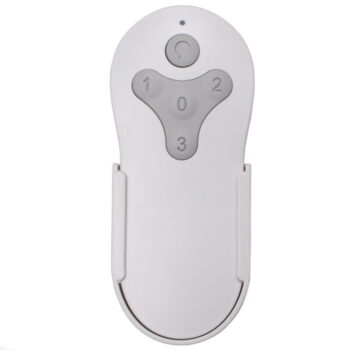
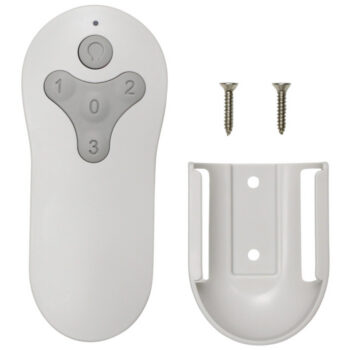
In the box: one 68009 replacement remote plus a wall mount holder and screws (AAA batteries sold separately).
Product Details
| Fan Model | 68009 |
|---|---|
| Fan Brand | Home Decorators Collection |
| Product Type | Ceiling Fan Remote |
| Made By | Comfort Direct |
| Condition | New |
| Frequency | 433.92 MHz |
| Pairing | Learn button, no DIP switches |
| Battery | Two AAA (not included) |
| Fan speeds | 9 + off, forward/reverse |
| Light | On/off and dimming |
| Timer | Fan-off after 2, 4 or 8 hours |
| Breeze modes | 3 natural-breeze settings |
| Wall mount | Holder with screws included |
| Warranty | 1 year |
| Compatible Models | 1 (see list) |
| Availability | In stock |
| Ships | Same business day if ordered by 4 PM |
| Returns | 90 days on unused items |
Why Buy From FanRemotes.com?
- 1-Year WarrantyEvery product is covered against defects
- Same-Day ShippingIn-stock orders placed by 4 PM ship the same business day
- 90-Day Return PolicyBuy with confidence
- Real Remote Experts(816) 586-8457 · Mon–Fri, 8 AM – 5 PM CT
Frequently Asked Questions
Will this replacement remote for the Home Decorators Collection 68009 fit my ceiling fan?
It fits the 1 model listed under Compatible Models on this page. If your model isn’t listed, call us at (816) 586-8457 and we’ll check for you.
Where is the model number on the 68009?
Look on top of the motor housing near the downrod, in the owner's manual or on the original box.
How should I clean it?
Wipe it with a dry or slightly damp cloth. Do not spray cleaner directly onto the buttons.
How do I know my batteries are weak?
Shorter range, slow response and buttons that need a second press are the usual signs. Replace both cells.
Can I use the timer on the 68009?
Yes. The 68009 can shut off after 2, 4 or 8 hours using the timer buttons.
Can I pair two remotes to two fans in one room?
Yes. Pair one fan at a time, with power to the other fan turned off at its breaker during setup.
What if the fan does not respond after pairing?
Check that the wall switch is on and the slide switch is on 1, put in fresh batteries, and repeat the steps. If it still will not respond, contact us at (816) 586-8457.
When will my order ship?
In-stock orders placed by 4 PM, Monday to Friday, ship the same business day.
What is your return policy?
You can return items within 90 days. Items must be unused and uninstalled, in their original packaging. No restocking fees. Please read our return policy before sending anything back. Questions? Call (816) 586-8457 or email info@fanremotes.com.
Is there a warranty?
Yes. Every product we sell comes with a 1-year warranty against defects. If it fails because of a defect, contact us and we’ll send a replacement.
Help & How-To Guides
Related products
-
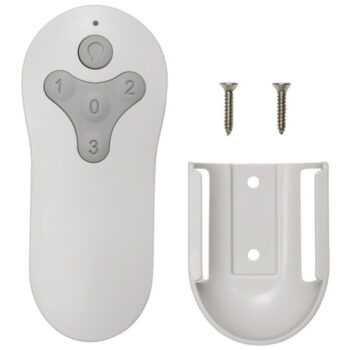
BRD48MWW6LR Harbor Breeze Ceiling Fan Remote Control Replacement
$26.95 Add to cart -
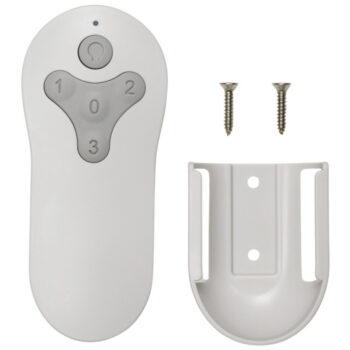
TG52MBK3D1RC Harbor Breeze Ceiling Fan Remote Control Replacement
$26.95 Add to cart -
2BB78-ITL-F304C Harbor Breeze Ceiling Fan Remote Control Replacement
$26.95 Add to cart -
TG44MBK3D1RS Harbor Breeze Ceiling Fan Remote Control Replacement
$26.95 Add to cart -
UC7030T Ceiling Fan Remote Control For Hampton Bay, Hunter, Harbor Breeze
$27.95 Add to cart