
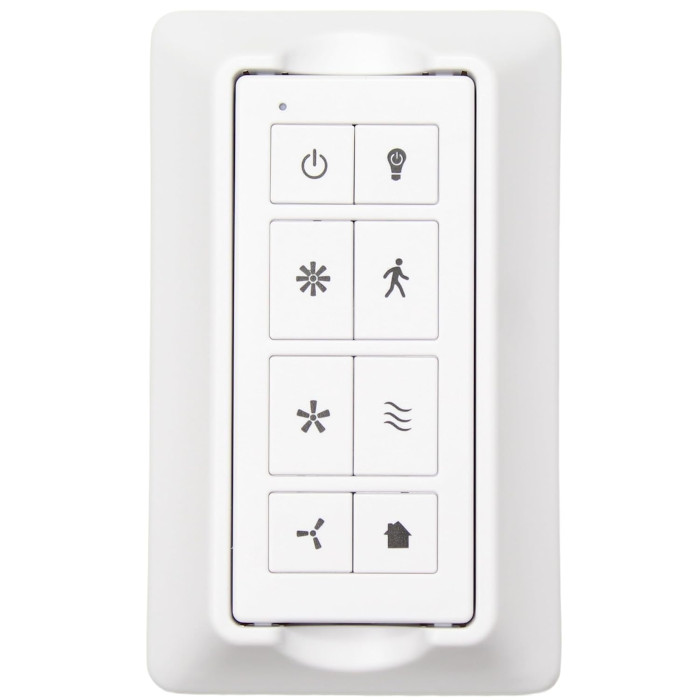
TRA049G1M Ceiling Fan Remote Control for Harbor Breeze
- Part # TRA049G1M
- Ceiling Fan Remote
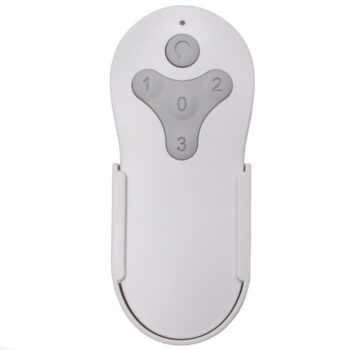
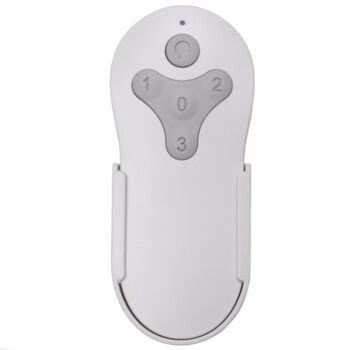
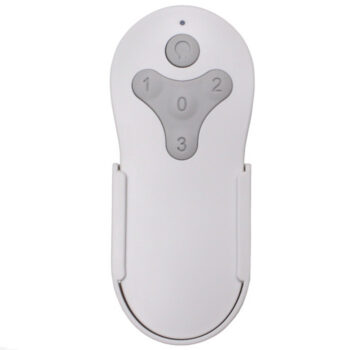
This TRA049G1M replacement remote for Harbor Breeze fans covers light dimming, three speeds plus off and breeze mode.
$32.95
In stock
- 1-Year WarrantyOn every product
- Same-Day ShippingIn-stock orders by 4 PM
- 90-Day ReturnsSee return policy
- Expert Support(816) 586-8457Mon–Fri, 8 AM – 5 PM CT
Will This Remote Fit?
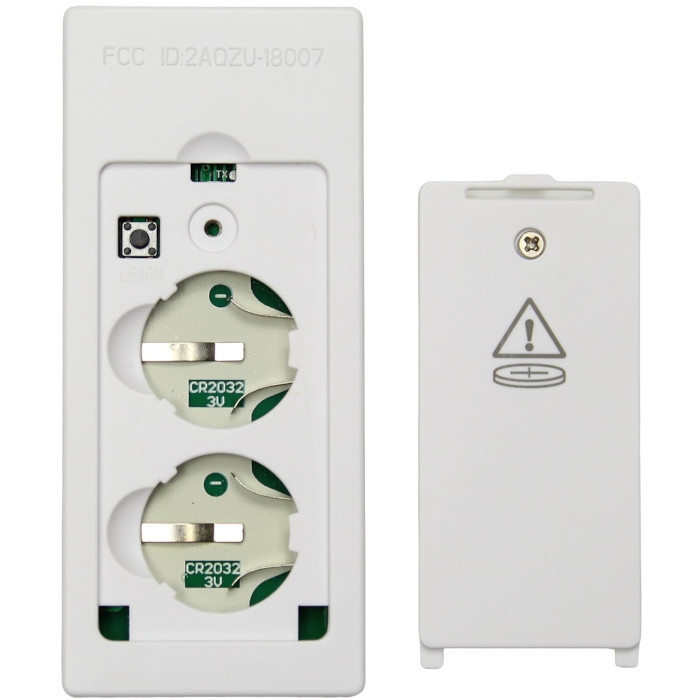
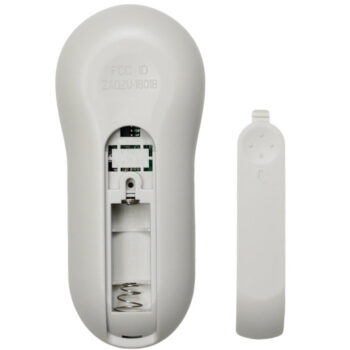
This remote is made to replace the TRA049G1M. Check the label on your old remote (often inside the battery cover) — if it reads TRA049G1M, this is the one you need.
Need help finding your model number? Not sure? Call (816) 586-8457 or email info@fanremotes.com.
About the Harbor Breeze TRA049G1M Remote
Lost or broken TRA049G1M? This new remote gets your Harbor Breeze fan back under control with three fan speeds, a breeze button and a dimmable light key. TRA049G1M is the model number on the original remote's label, usually printed on the back or inside the battery cover. Fans that came with it use the MRAC04S1M-LD-F0 receiver, which this remote learns after a power cycle.
Check the label on your old remote: if it reads TRA049G1M, this is the one you need. Setup needs no tools, just the wall switch and two buttons.
- 1-year warranty
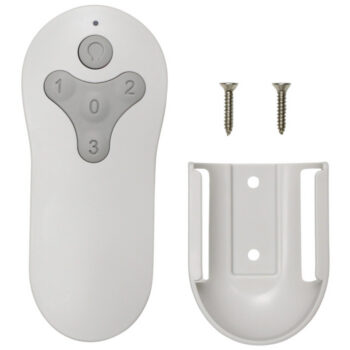
- Slim handheld, about 2 by 6 inches
- Low, Medium, High and Off, plus breeze mode
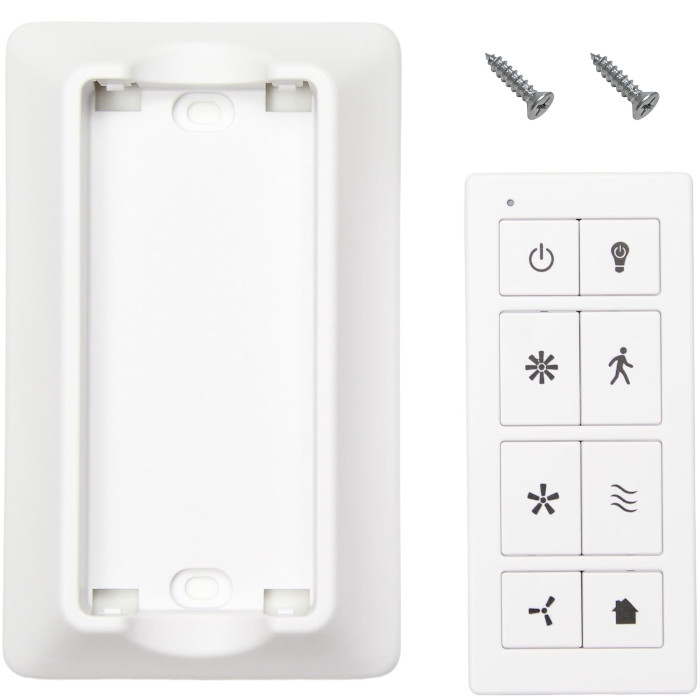
Where to put the wall holder
Pick a spot near the room's main doorway at about light-switch height, so everyone knows where the remote lives. Keep it out of direct sun and away from heaters, and skip metal surfaces, which can weaken the signal. Use drywall anchors if you miss a stud. Before you drive the screws, stand at the spot and test a button or two.
What breeze mode does
Breeze mode changes the fan's speed on its own for a more natural feel, a bit like a gust through a window. It's a pleasant setting on a porch or for sleeping. Press a regular speed key to go back to a steady speed.
Before you order
- This is the remote only. If your fan's receiver has failed, a new remote won't fix it.
Setup & Pairing
There's no Learn button or DIP switch; two buttons do the job.
- Load the battery and close the cover.
- Switch the fan off at the wall or breaker, then switch it back on.
- Within 30 seconds, press and hold the High and Low buttons together for 5 seconds.
- Watch for the fan to start on low with the light off; that confirms it.
Then mount the bracket by the door so the remote stays handy.
In the box: TRA049G1M replacement remote, wall mount bracket and instructions.
Product Details
| Part Number | TRA049G1M |
|---|---|
| Fan Brand | Harbor Breeze |
| Product Type | Ceiling Fan Remote |
| Made By | Comfort Direct |
| Condition | New |
| Frequency | 304.25 MHz |
| Pairing | Learning code: hold High + Low for 5 seconds |
| Battery | Not included |
| Fan speeds | 3 + off, plus breeze mode |
| Light | On/off and dimming |
| Motor type | AC fans |
| Wall mount | Included |
| Warranty | 1 year |
| Availability | In stock |
| Ships | Same business day if ordered by 4 PM |
| Returns | 90 days on unused items |
Why Buy From FanRemotes.com?
- 1-Year WarrantyEvery product is covered against defects
- Same-Day ShippingIn-stock orders placed by 4 PM ship the same business day
- 90-Day Return PolicyBuy with confidence
- Real Remote Experts(816) 586-8457 · Mon–Fri, 8 AM – 5 PM CT
Frequently Asked Questions
Is there a Learn button?
No. You pair it by holding High and Low together for about 5 seconds within 30 seconds of turning the fan's power back on.
Does it dim the light?
Yes. It turns the light on and off and dims it.
What battery does it take?
The battery is not included. The type is marked in the battery compartment, and our team can confirm it before you order.
Where do I find my fan's model number?
Look for a sticker on top of the motor housing, or check the owner's manual or the carton. Store order history from Lowe's or Home Depot also lists it.
Will a new remote fix a fan that won't run at all?
Only if the old remote was the problem. If the fan won't run, hums, or sticks on one speed, the receiver may have failed, and a new remote can't fix that. Call us and we'll help you sort it out.
When will my order ship?
In-stock orders placed by 4 PM, Monday to Friday, ship the same business day.
What is your return policy?
You can return items within 90 days. Items must be unused and uninstalled, in their original packaging. No restocking fees. Please read our return policy before sending anything back. Questions? Call (816) 586-8457 or email info@fanremotes.com.
Is there a warranty?
Yes. Every product we sell comes with a 1-year warranty against defects. If it fails because of a defect, contact us and we’ll send a replacement.
Help & How-To Guides
Related products
-
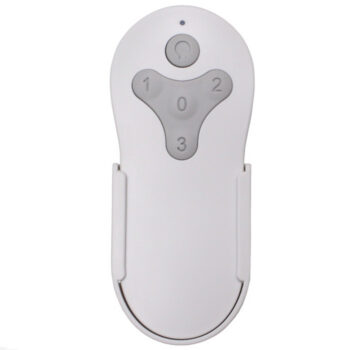
MZ44ORB3LR Harbor Breeze Ceiling Fan Remote Control Replacement
$26.95 Add to cart -
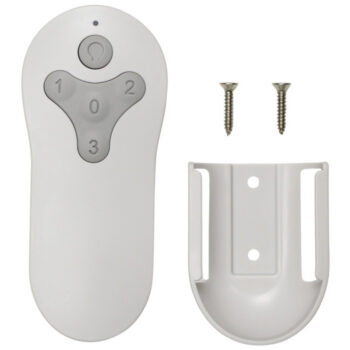
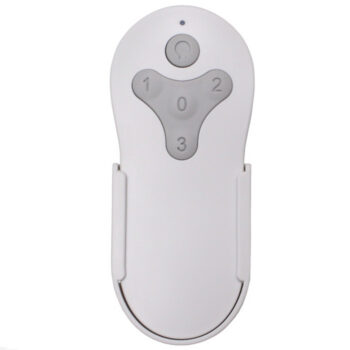
TR214B Harbor Breeze Ceiling Fan Remote Control Replacement
$26.95 Add to cart -
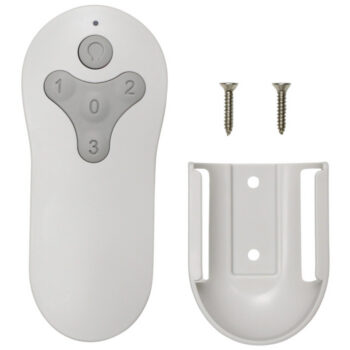
TR214A Harbor Breeze Ceiling Fan Remote Control Replacement
$26.95 Add to cart -
TG52OSB3D1RC Harbor Breeze Ceiling Fan Remote Control Replacement
$26.95 Add to cart -
A25-FA0138 Harbor Breeze Ceiling Fan Remote Control Replacement
$26.95 Add to cart