
MZ44ORB3LR Harbor Breeze Ceiling Fan Remote Control Replacement
- Fan Model # MZ44ORB3LR
- Ceiling Fan Remote
- Fits 1 model
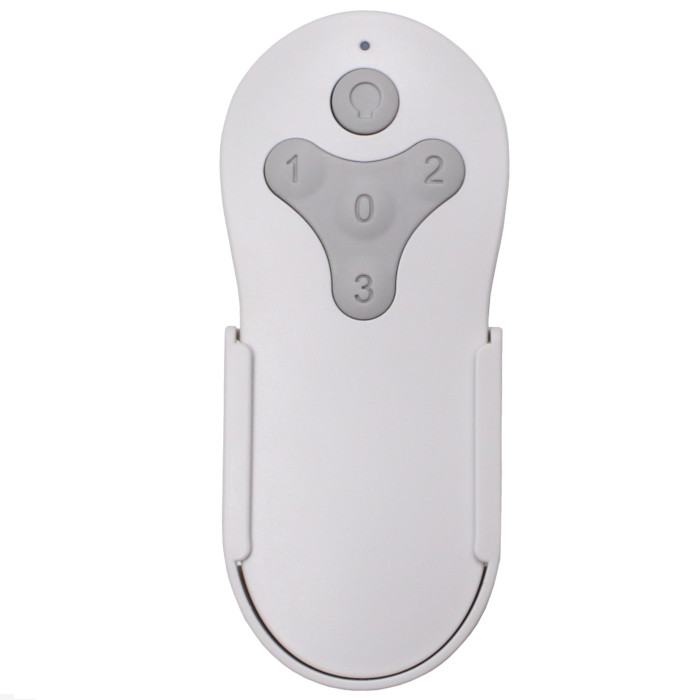
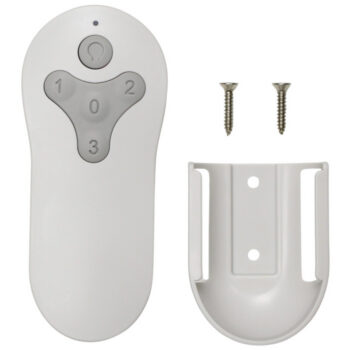
Bring back speed and light control on the bronze Harbor Breeze MZ44ORB3LR Mazon 44-in flush mount fan with this replacement remote and wall holder.
$26.95
Ships today from FanRemotes.com
if ordered in the next
In stock
- 1-Year WarrantyOn every product
- Same-Day ShippingIn-stock orders by 4 PM
- 90-Day ReturnsSee return policy
- Expert Support(816) 586-8457Mon–Fri, 8 AM – 5 PM CT
Compatible Models
This replacement remote for the Harbor Breeze MZ44ORB3LR fits 1 model. Check the model number on your fan’s label.
- MZ44ORB3LR Mazon 44-in flush mount, Bronze (Lowe's item 0807422)
Not sure it’s the right one? Call (816) 586-8457 or email info@fanremotes.com and we’ll check it against your fan for you.
About the Harbor Breeze MZ44ORB3LR Remote
The bronze Mazon 44-in flush mount, model MZ44ORB3LR, is Lowe's item 0807422. Its built-in LED and its motor both answer to the remote, so a broken one leaves the fan half useful. This replacement covers all three speeds, off and dimming.
If the label on your fan shows MZ44ORB3LR, you've found the right page. No switches to set and no app to download.
- Backed by our 1-year warranty
- Button 3 for high, 2 for medium, 1 for low, 0 to stop
- Light returns at the last brightness you set
- Learns the receiver already in your fan
Running two fans from one remote
If you'd like two matching fans in one room to work together, one remote can be paired to both receivers. Power them up at the same time and run the pairing step, and both will learn it. For separate control, pair one fan at a time with the other switched off at the wall.
Missed the pairing window?
The fan only listens for a new remote for about 30 seconds after power comes back. If you were still reaching for the remote when that time ran out, nothing is broken. Switch the power off, wait a few seconds, turn it on again and hold 0 right away. Two blinks from the light mean it worked.
Before you order
- A fan that ignores every remote after pairing likely has a failed receiver, which this remote can't fix.
- Dim the LED light with the remote only, never a regular full-range wall dimmer.
Setup & Pairing
No DIP switches here. Just follow these steps.
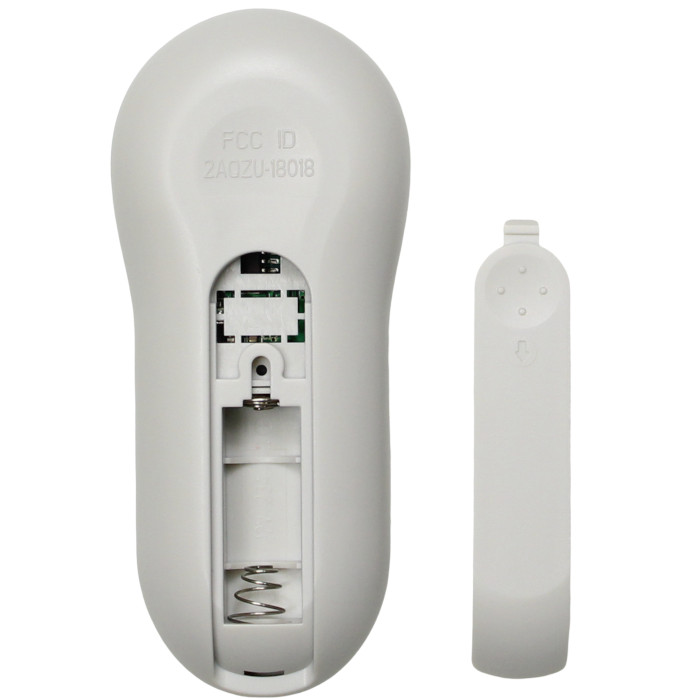
- Load the new remote with a 12V A23 battery, plus side toward the top, and replace the cover.
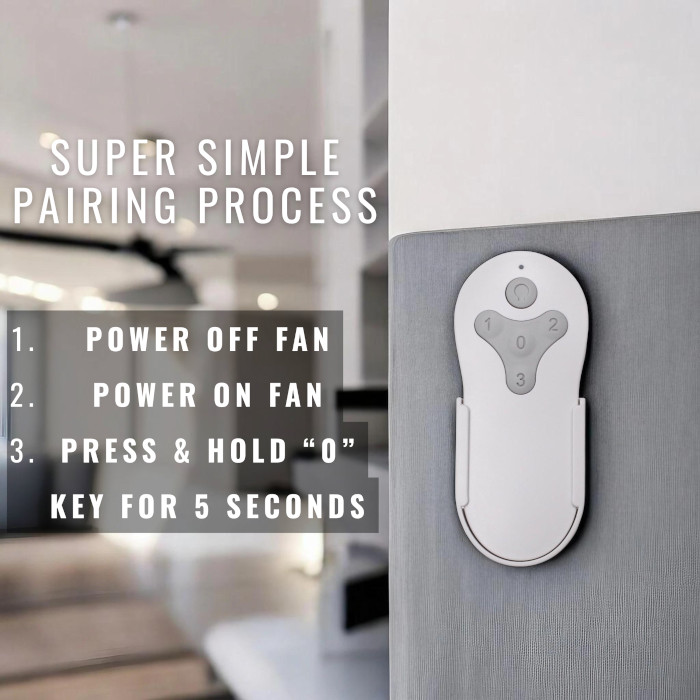
- Turn the power to the fan off, then on, using the wall switch or the circuit breaker.
- Right away, while the 30-second window is open, hold the 0 button for about 5 seconds and watch for two blinks.
- Confirm the fan changes speed on 1, 2 and 3 and that the light switches and dims.
- Pair with any other remote-controlled fans turned off at the wall, so they don't pick up this remote as well.
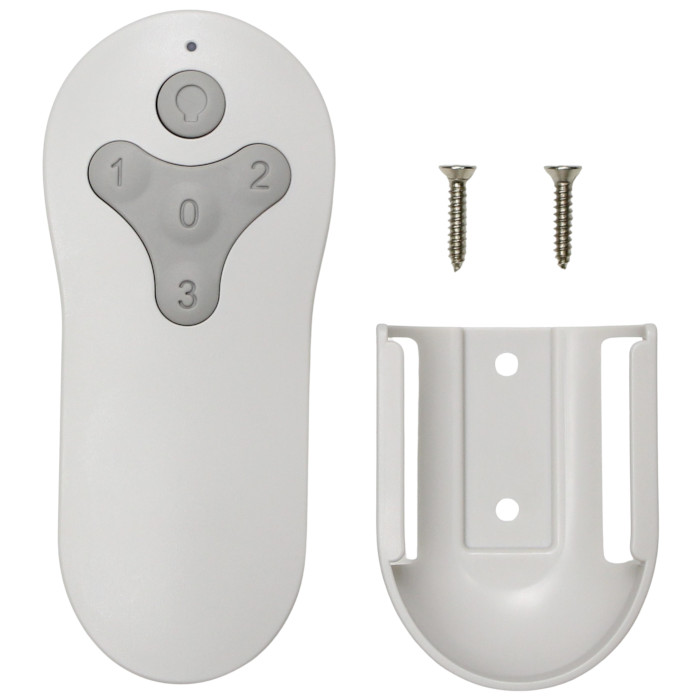
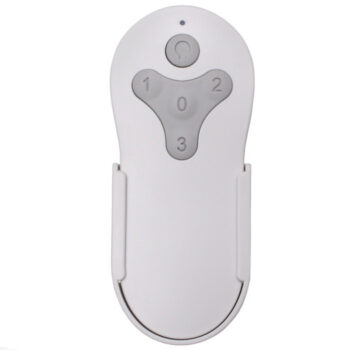
In the box: a replacement remote for your MZ44ORB3LR and a wall mount holder. Battery sold separately (12V A23).
Product Details
| Fan Model | MZ44ORB3LR |
|---|---|
| Fan Brand | Harbor Breeze |
| Product Type | Ceiling Fan Remote |
| Made By | Comfort Direct |
| Condition | New |
| Frequency | 304.25 MHz RF |
| Pairing | Learning code, no DIP switches |
| Battery | One 12V A23 (not included) |
| Fan speeds | 3 + off |
| Light | On/off and dimming |
| Wall mount | Holder included |
| Size | About 2 x 6 x 1 in |
| Warranty | 1 year |
| Compatible Models | 1 (see list) |
| Availability | In stock |
| Ships | Same business day if ordered by 4 PM |
| Returns | 90 days on unused items |
Why Buy From FanRemotes.com?
- 1-Year WarrantyEvery product is covered against defects
- Same-Day ShippingIn-stock orders placed by 4 PM ship the same business day
- 90-Day Return PolicyBuy with confidence
- Real Remote Experts(816) 586-8457 · Mon–Fri, 8 AM – 5 PM CT
Frequently Asked Questions
Will this replacement remote for the Harbor Breeze MZ44ORB3LR fit my ceiling fan?
It fits the 1 model listed under Compatible Models on this page. If your model isn’t listed, call us at (816) 586-8457 and we’ll check for you.
Does it change the fan's direction?
No reverse button is listed for this remote. Direction is set at the fan itself, so check your fan's manual for where the switch is.
Is there a warranty?
Yes, a 1-year warranty covers the remote. Contact us at (816) 586-8457 or info@fanremotes.com if anything goes wrong.
Do I need tools to set it up?
No tools. You need the battery, access to the wall switch or breaker, and about a minute.
How long does setup take?
About a minute, and most of that is the walk to the wall switch. Power off, power on, hold 0 for about 5 seconds and watch for two blinks.
Can one remote run two fans?
Yes. One remote can be paired to more than one receiver. Power both fans up together and pair once if you want them to run as a pair.
When will my order ship?
In-stock orders placed by 4 PM, Monday to Friday, ship the same business day.
What is your return policy?
You can return items within 90 days. Items must be unused and uninstalled, in their original packaging. No restocking fees. Please read our return policy before sending anything back. Questions? Call (816) 586-8457 or email info@fanremotes.com.
Is there a warranty?
Yes. Every product we sell comes with a 1-year warranty against defects. If it fails because of a defect, contact us and we’ll send a replacement.
Help & How-To Guides
- Harbor Breeze Ceiling Fan Remote: Find, Pair and Replace Yours
- Ceiling Fan Remote Not Working? How to Find and Fix the Problem
- How to Pair a Ceiling Fan Remote: Every Method Explained
- Ceiling Fan Remote DIP Switch Settings: Find, Match and Change Them
- Lost Ceiling Fan Remote? How to Find the Right Replacement
Related products
-
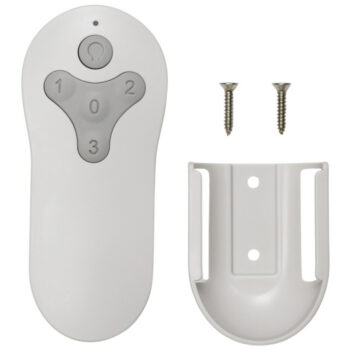
KUJCE10311 Harbor Breeze Ceiling Fan Remote Control Replacement
$26.95 Add to cart -
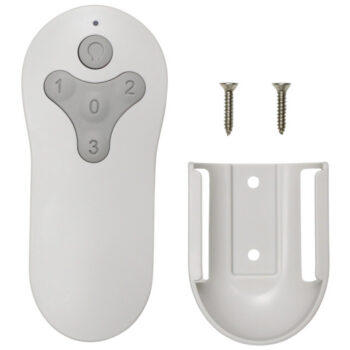
BRD60OSB6LR Harbor Breeze Ceiling Fan Remote Control Replacement
$26.95 Add to cart -
2BB78-ITL-F304C Harbor Breeze Ceiling Fan Remote Control Replacement
$26.95 Add to cart -
TG52MBK3D1RC Harbor Breeze Ceiling Fan Remote Control Replacement
$26.95 Add to cart -
BRD60MBK6LR Harbor Breeze Ceiling Fan Remote Control Replacement
$26.95 Add to cart