
CHQ7030T Ceiling Fan Remote Control For Hampton Bay, Hunter, Harbor Breeze
- Part # CHQ7030T
- Ceiling Fan Remote
Replacement remote for Harbor Breeze ceiling fans that came with the CHQ7030T, with three speeds, light dimming and simple DIP-switch setup.
$27.95
Ships today from FanRemotes.com
if ordered in the next
In stock
- 1-Year WarrantyOn every product
- Same-Day ShippingIn-stock orders by 4 PM
- 90-Day ReturnsSee return policy
- Expert Support(816) 586-8457Mon–Fri, 8 AM – 5 PM CT
Will This Remote Fit?
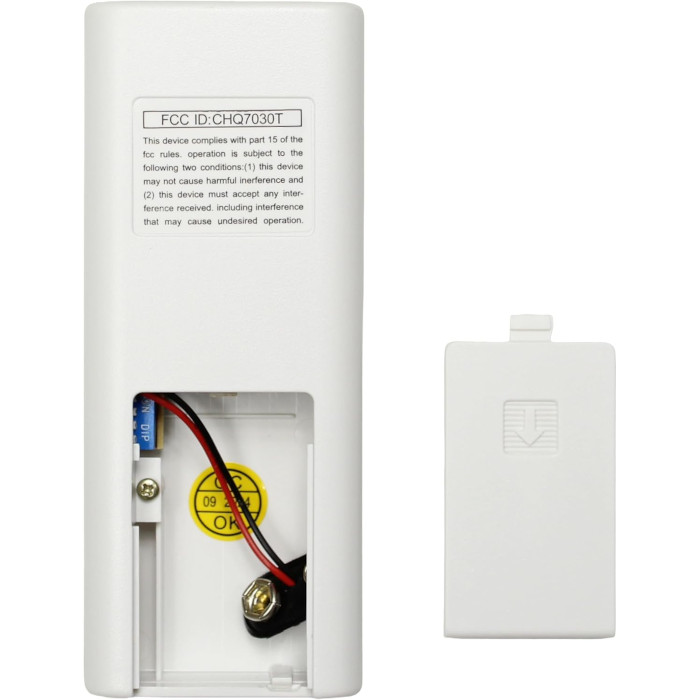
This remote is made to replace the CHQ7030T. Check the label on your old remote (often inside the battery cover) — if it reads CHQ7030T, this is the one you need.
Need help finding your model number? Not sure? Call (816) 586-8457 or email info@fanremotes.com.
About the Harbor Breeze CHQ7030T Remote
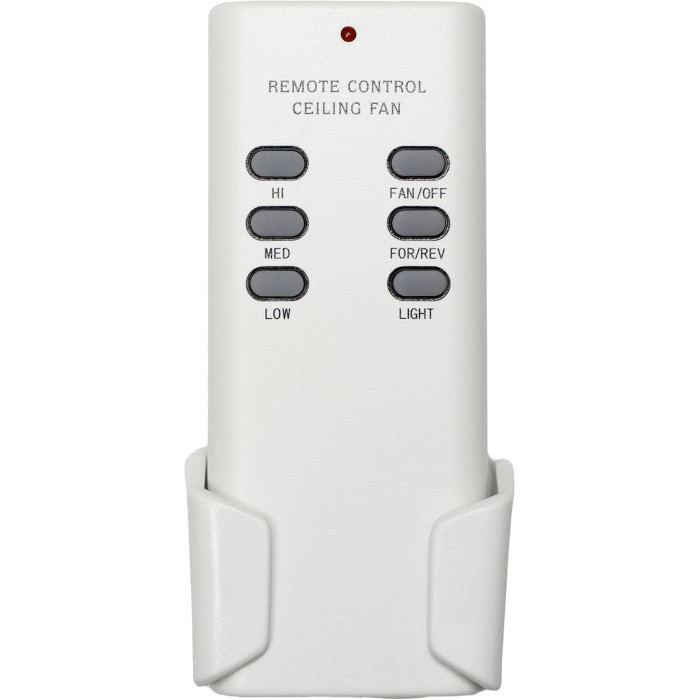
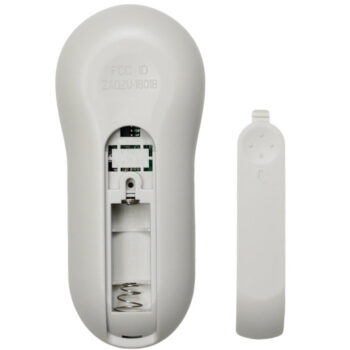
Replacing a CHQ7030T is the quick fix for a Harbor Breeze fan you can't control. You get three speeds and light dimming from up to about 30 feet. FCC numbers like CHQ7030T are printed in small type on the label on the back of the remote, or under the battery cover. The original runs on a 9V battery and has four code switches under the battery cover, the same as this one.
If CHQ7030T is the number on your old remote, you're in the right place. Setup is four code switches and a 9V battery.
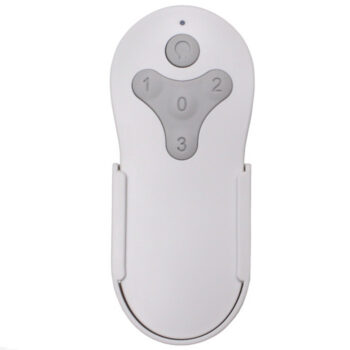
- Low, medium, high and off
- Switches and dims the light
- Four DIP switches, 16 codes
- About 30 feet of range
Garage door interference
Some garage door openers share the same airwaves, and an unlucky code match can make the fan or the door react. The fix is simple: choose a new pattern and set it on both the receiver and the remote. Leave the opener alone.
About 30 feet of range
The remote reaches the fan from up to about 30 feet, which covers most living rooms and bedrooms. If range drops well below that, the 9V battery is usually tired. A fresh one brings it back.
Before you order
- Your fan needs a 304 MHz 4-DIP-switch receiver, such as the FAN28R or UC7067FMRX. This remote does not include a receiver.
- If your fan's receiver has a learn button and no DIP switches, this is not the right remote.
Setup & Pairing
Turn the fan off at the breaker before you open the canopy to read the receiver.
- Slide off the remote's battery cover to reach the four code (DIP) switches.
- Read the up/down pattern on your fan's receiver, usually found in the canopy.
- Copy that pattern onto the remote, switch for switch. There's nothing to program.
- Install a 9V battery and test the light and fan speeds. If nothing happens, recheck that every switch matches.
Take a photo of the final switch pattern and keep it with your fan's manual.
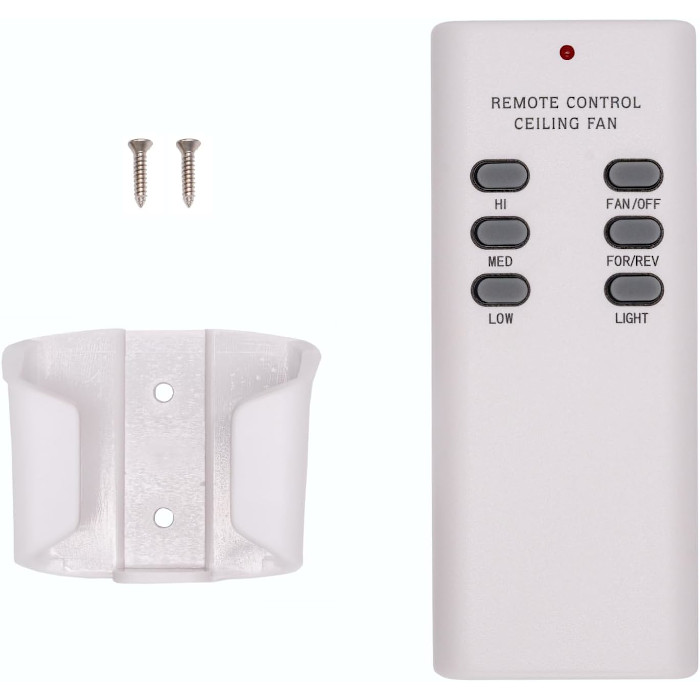
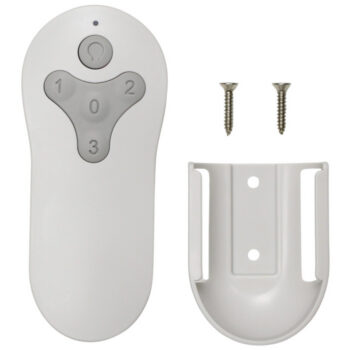
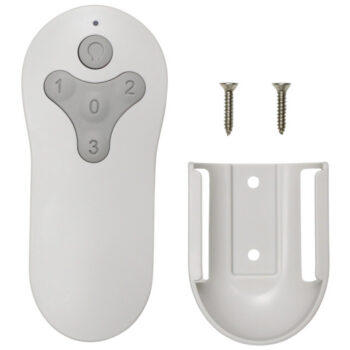
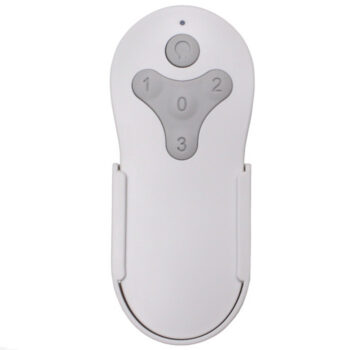
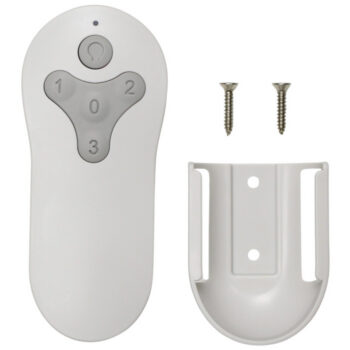
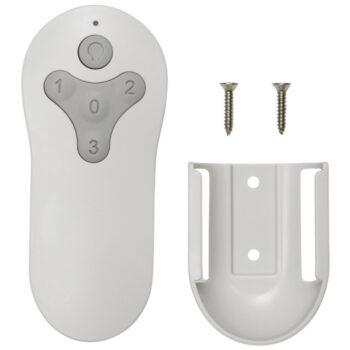
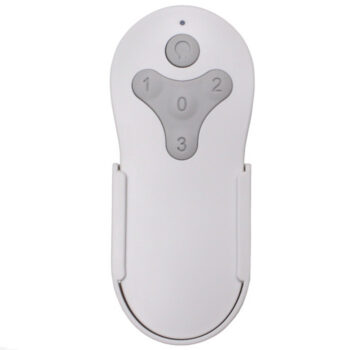
In the box: CHQ7030T replacement remote and wall mount bracket with screws.
Product Details
| Part Number | CHQ7030T |
|---|---|
| Fan Brand | Harbor Breeze |
| Product Type | Ceiling Fan Remote |
| Made By | Comfort Direct |
| Condition | New |
| Frequency | 304 MHz |
| Pairing | 4 DIP switches (16 codes) |
| Battery | One 9V (not included) |
| Fan speeds | 3 + off |
| Light | On/off and dimming |
| Range | Up to about 30 ft |
| Wall mount | Bracket and screws included |
| Warranty | 1 year |
| Availability | In stock |
| Ships | Same business day if ordered by 4 PM |
| Returns | 90 days on unused items |
Why Buy From FanRemotes.com?
- 1-Year WarrantyEvery product is covered against defects
- Same-Day ShippingIn-stock orders placed by 4 PM ship the same business day
- 90-Day Return PolicyBuy with confidence
- Real Remote Experts(816) 586-8457 · Mon–Fri, 8 AM – 5 PM CT
Frequently Asked Questions
How do I make the new remote talk to my fan?
Open the battery cover and set the four code switches to match the switches on the receiver in your fan. That's the whole setup.
What battery does it use?
One 9V battery. It is not included.
What receiver does my fan need?
A 304 MHz receiver with four DIP switches, such as the FAN28R or UC7067FMRX.
My new remote interferes with the garage door opener. What do I do?
Change the switch pattern on both the remote and the receiver to a new pattern that matches.
The remote stopped working. What should I check first?
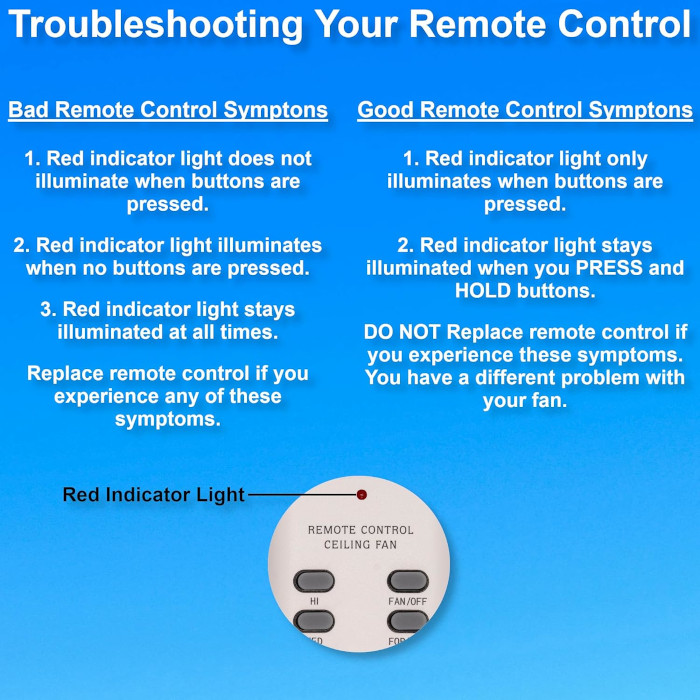
Put in a fresh 9V battery, then make sure the remote and receiver switch patterns still match.
When will my order ship?
In-stock orders placed by 4 PM, Monday to Friday, ship the same business day.
What is your return policy?
You can return items within 90 days. Items must be unused and uninstalled, in their original packaging. No restocking fees. Please read our return policy before sending anything back. Questions? Call (816) 586-8457 or email info@fanremotes.com.
Is there a warranty?
Yes. Every product we sell comes with a 1-year warranty against defects. If it fails because of a defect, contact us and we’ll send a replacement.
Help & How-To Guides
- Harbor Breeze Ceiling Fan Remote: Find, Pair and Replace Yours
- Ceiling Fan Remote Not Working? How to Find and Fix the Problem
- How to Pair a Ceiling Fan Remote: Every Method Explained
- Ceiling Fan Remote DIP Switch Settings: Find, Match and Change Them
- Lost Ceiling Fan Remote? How to Find the Right Replacement
Related products
-
MZ44BNK3LR Harbor Breeze Ceiling Fan Remote Control Replacement
$26.95 Add to cart -
A25-FA0138 Harbor Breeze Ceiling Fan Remote Control Replacement
$26.95 Add to cart -
BRD60OSB6LR Harbor Breeze Ceiling Fan Remote Control Replacement
$26.95 Add to cart -
2BB78-ITL-F304C Harbor Breeze Ceiling Fan Remote Control Replacement
$26.95 Add to cart -
TG44BNK3D1RC Harbor Breeze Ceiling Fan Remote Control Replacement
$26.95 Add to cart