
TG44MBK3D1RC Harbor Breeze Ceiling Fan Remote Control Replacement
- Fan Model # TG44MBK3D1RC
- Ceiling Fan Remote
- Fits 1 model
Replacement remote for the Harbor Breeze TG44MBK3D1RC, the matte black Beach Creek 44-in ceiling fan, with three speeds, off and light dimming.
$26.95
Ships today from FanRemotes.com
if ordered in the next
In stock
- 1-Year WarrantyOn every product
- Same-Day ShippingIn-stock orders by 4 PM
- 90-Day ReturnsSee return policy
- Expert Support(816) 586-8457Mon–Fri, 8 AM – 5 PM CT
Compatible Models
This replacement remote for the Harbor Breeze TG44MBK3D1RC fits 1 model. Check the model number on your fan’s label.
- TG44MBK3D1RC Beach Creek 44-in, Matte Black
Not sure it’s the right one? Call (816) 586-8457 or email info@fanremotes.com and we’ll check it against your fan for you.
About the Harbor Breeze TG44MBK3D1RC Remote
The TG44MBK3D1RC is the matte black Beach Creek 44-in. Kids and pets are hard on remotes, and a chewed or dropped one often stops working without warning. Ours gives the fan back its speeds and lets you dim the light.
We made this remote for the Harbor Breeze TG44MBK3D1RC. Read the sticker on top of the motor housing: if it says TG44MBK3D1RC, you're in the right place. Setup is a power cycle and one button hold.
- Backed by our 1-year warranty
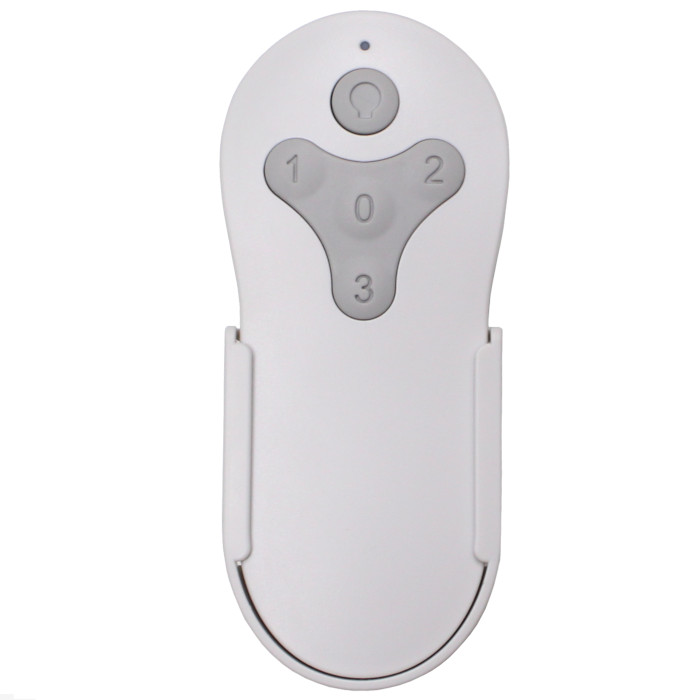
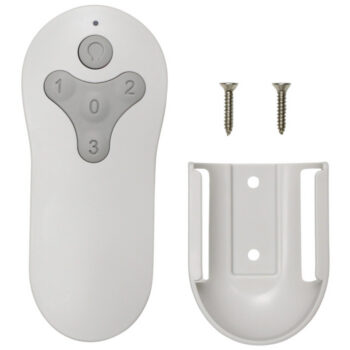
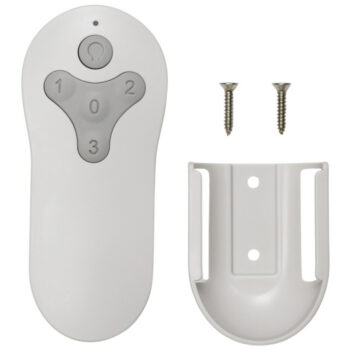
- Three speeds plus off on buttons 3, 2, 1 and 0
- Light returns at the last brightness you set
- Learns the receiver already in your fan
Choosing a speed
High on button 3 suits hot afternoons and rooms full of people. Medium on 2 is a comfortable everyday setting. Low on 1 is quiet enough for sleeping and gentle enough for winter air circulation. Press 0 when you leave the room, since a fan cools people, not empty spaces.
Showing the household
Walk everyone through the buttons once: 3, 2 and 1 for speeds, 0 for off, and the light button that taps on and holds to dim. Most remote trouble in busy homes comes from someone turning the wall switch off, so mention that too.
Before you order
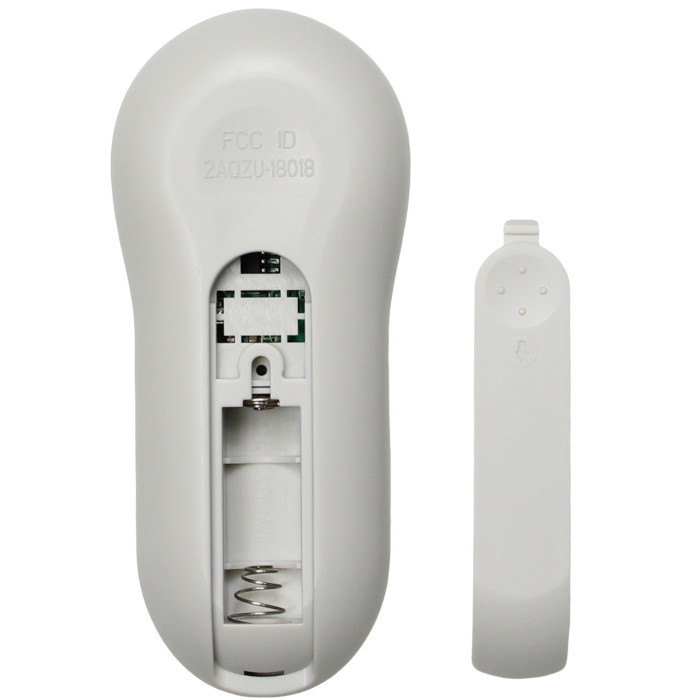
- You'll need one 12V A23 battery. It isn't in the box.
- A fan that ignores every remote after pairing likely has a failed receiver, which this remote can't fix.
Setup & Pairing
- Put one 12V A23 battery in the new remote, positive end toward the top, and close the cover.
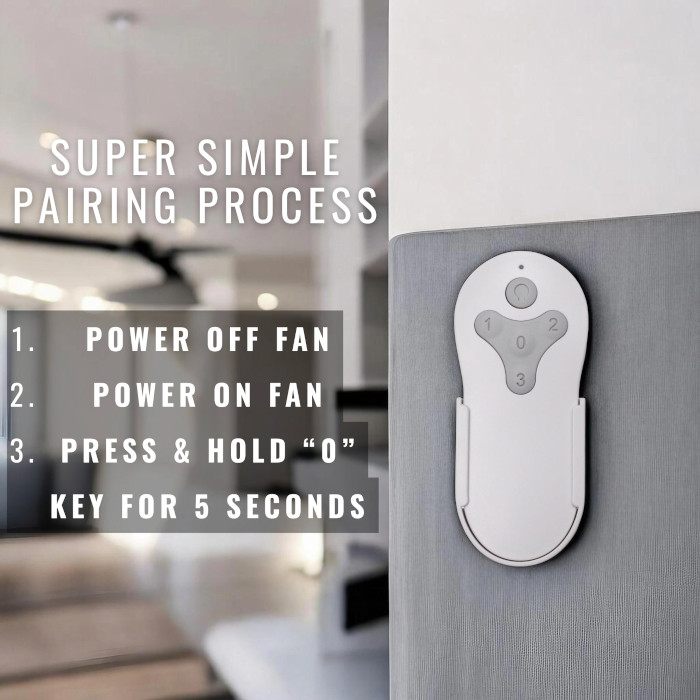
- Turn the power to the fan off, then on, using the wall switch or the circuit breaker.
- Hold the 0 key for about 5 seconds within 30 seconds of power returning. Two blinks from the light confirm pairing.
- Check the speeds with 3, 2 and 1, and hold the light button to see it dim.
- Pair with any other remote-controlled fans turned off at the wall, so they don't pick up this remote as well.
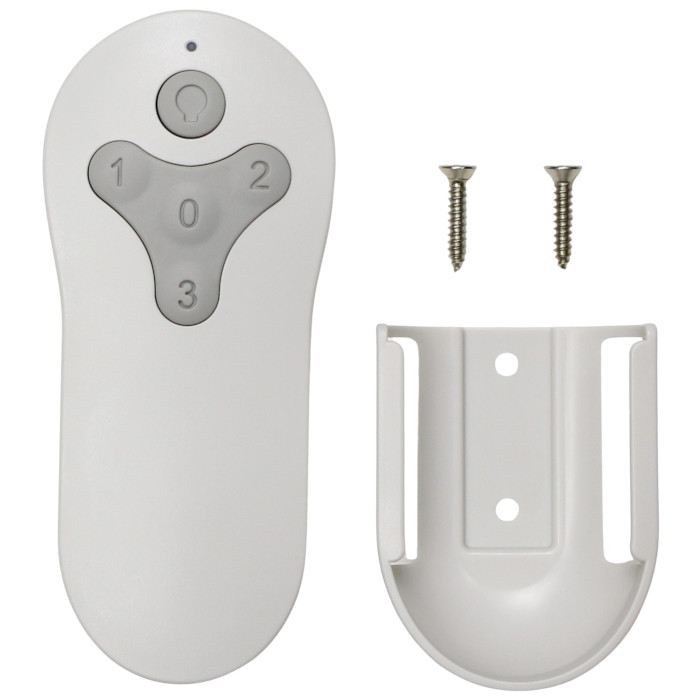
In the box: Replacement remote for the TG44MBK3D1RC and wall mount holder. Battery not included (needs one 12V A23).
Product Details
| Fan Model | TG44MBK3D1RC |
|---|---|
| Fan Brand | Harbor Breeze |
| Product Type | Ceiling Fan Remote |
| Made By | Comfort Direct |
| Condition | New |
| Frequency | 304.25 MHz RF |
| Pairing | Learning code, no DIP switches |
| Battery | One 12V A23 (not included) |
| Fan speeds | 3 + off |
| Light | On/off and dimming |
| Wall mount | Holder included |
| Size | About 2 x 6 x 1 in |
| Warranty | 1 year |
| Compatible Models | 1 (see list) |
| Availability | In stock |
| Ships | Same business day if ordered by 4 PM |
| Returns | 90 days on unused items |
Why Buy From FanRemotes.com?
- 1-Year WarrantyEvery product is covered against defects
- Same-Day ShippingIn-stock orders placed by 4 PM ship the same business day
- 90-Day Return PolicyBuy with confidence
- Real Remote Experts(816) 586-8457 · Mon–Fri, 8 AM – 5 PM CT
Frequently Asked Questions
Will this replacement remote for the Harbor Breeze TG44MBK3D1RC fit my ceiling fan?
It fits the 1 model listed under Compatible Models on this page. If your model isn’t listed, call us at (816) 586-8457 and we’ll check for you.
What does the 0 button do?
It stops the fan. It's also the button you hold during pairing.
What should I have ready before I contact you?
The number from your old remote or fan label, a photo of the label if you can, and what you've tried so far. Call or email us at (816) 586-8457 or info@fanremotes.com.
How long is the pairing window?
About 30 seconds after the fan powers back on. If you miss it, cycle the power and try again.
Do I have to point it at the fan?
No. It uses radio, not infrared, so it works from anywhere in a normal room without aiming.
Does it come with a wall mount?
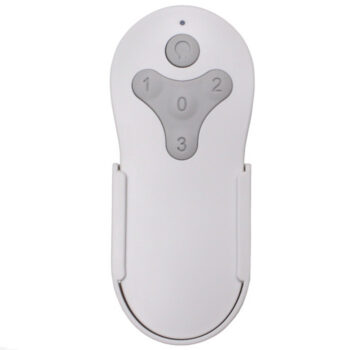
Yes. A wall holder is in the box so the remote can live by the door or the bed.
When will my order ship?
In-stock orders placed by 4 PM, Monday to Friday, ship the same business day.
What is your return policy?
You can return items within 90 days. Items must be unused and uninstalled, in their original packaging. No restocking fees. Please read our return policy before sending anything back. Questions? Call (816) 586-8457 or email info@fanremotes.com.
Is there a warranty?
Yes. Every product we sell comes with a 1-year warranty against defects. If it fails because of a defect, contact us and we’ll send a replacement.
Help & How-To Guides
- Harbor Breeze Ceiling Fan Remote: Find, Pair and Replace Yours
- Ceiling Fan Remote Not Working? How to Find and Fix the Problem
- How to Pair a Ceiling Fan Remote: Every Method Explained
- Ceiling Fan Remote DIP Switch Settings: Find, Match and Change Them
- Lost Ceiling Fan Remote? How to Find the Right Replacement
Related products
-
TR214D Harbor Breeze Ceiling Fan Remote Control Replacement
$26.95 Add to cart -
MZ44ORB3LR Harbor Breeze Ceiling Fan Remote Control Replacement
$26.95 Add to cart -
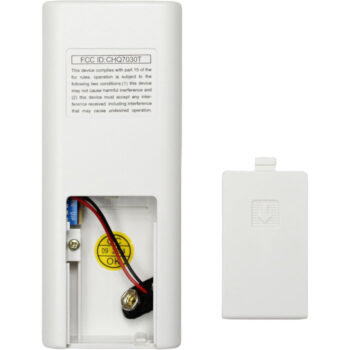
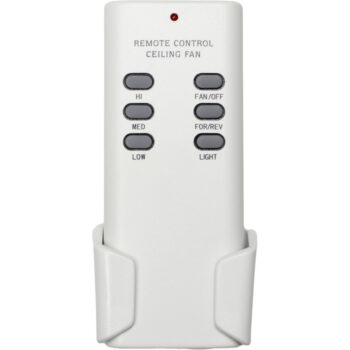
CHQ7030T Ceiling Fan Remote Control For Hampton Bay, Hunter, Harbor Breeze
$27.95 Add to cart -
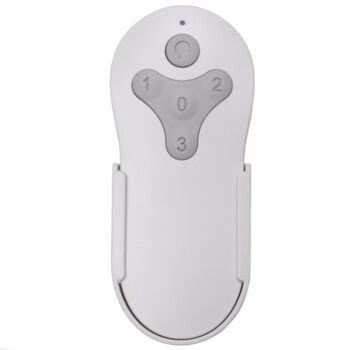
TG52OSB3D1RC Harbor Breeze Ceiling Fan Remote Control Replacement
$26.95 Add to cart -
KUJCE10311 Harbor Breeze Ceiling Fan Remote Control Replacement
$26.95 Add to cart