
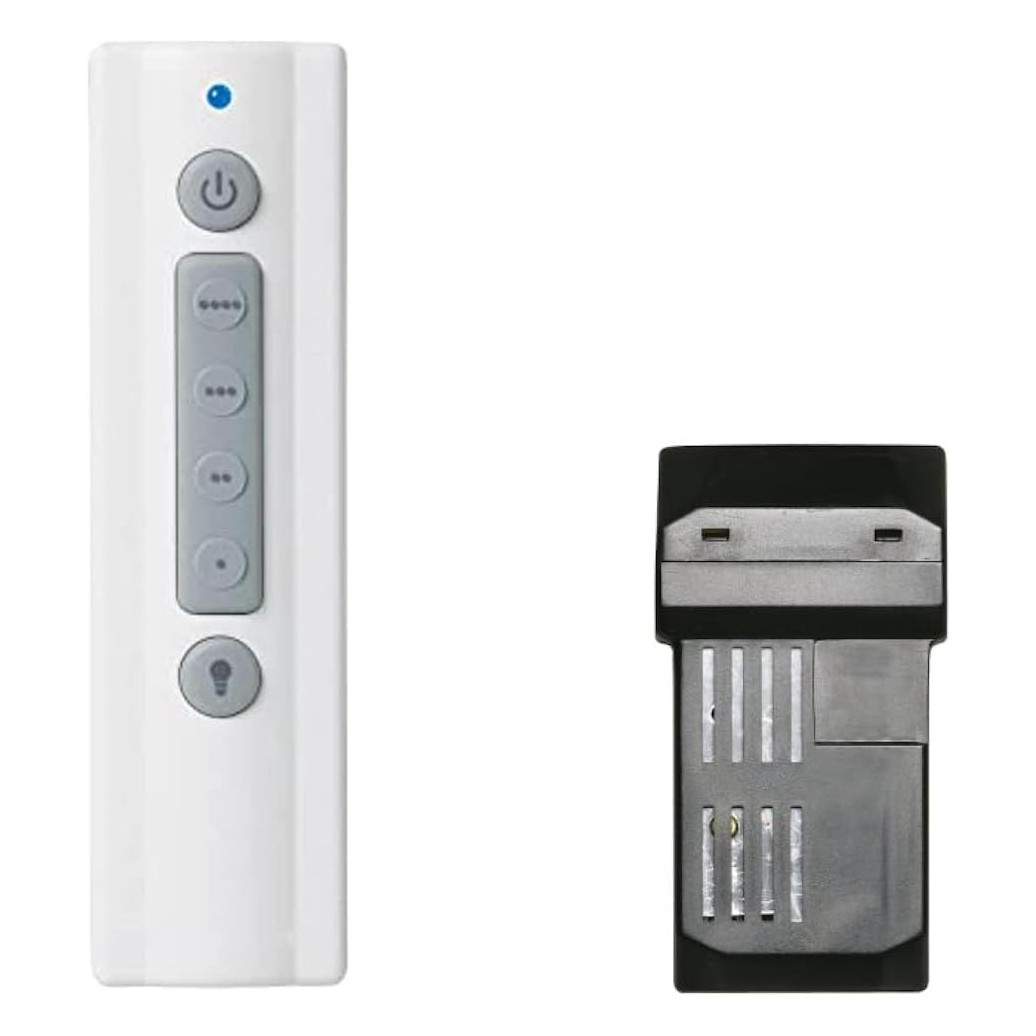
To add a remote to a pull-chain ceiling fan, install a remote and receiver kit. The receiver goes in the fan canopy between the house wiring and the fan, and the handheld talks to it. Check canopy space first, set the fan chain to high and the light on, switch off the breaker, and call an electrician if unsure.
Can you add a remote to any ceiling fan?
Most standard pull-chain ceiling fans can be converted to remote control. You add two parts: a handheld transmitter and a small receiver that tucks into the fan’s canopy, the cover that hides the mounting bracket at the ceiling. The receiver sits between your house wiring and the fan. When you press a button, it switches the motor speed or the light on your behalf.
A few fans aren’t good candidates. Some have no room above the bracket, some use a built-in control board, and some makers sell only their own add-on system. Before buying anything, spend five minutes on the checks below.
Before you buy: three things to check
1. Does the fan already have a receiver?
If your fan once had a remote and it stopped working, you don’t need a conversion kit. You need either a replacement remote matched to the old one’s number or, if the module itself failed, a replacement receiver. Our ceiling fan receiver replacement guide covers that path. Conversion kits are for fans that have only ever had pull chains or a wall switch.
2. Is there room in the canopy?
The receiver has to fit inside the canopy with the wiring, and that space is tighter than people expect. Hunter’s own guide to installing a ceiling fan remote warns that the space above the fan often looks smaller than you might expect. Downrod-mounted fans usually have the most room. Low-profile “hugger” fans are tighter; some kits handle this by placing the receiver inside the mounting bracket instead, so read the kit’s instructions for your mounting style.
3. How is the fan controlled from the wall?
A remote receiver wants steady power from a plain on/off switch. If the fan is currently run by a slide speed control or a dimmer, that control generally has to go. The Hampton Bay remote and receiver installation manual warns against using the product with any variable wall control and says the receiver should be supplied through an ordinary wall switch. If the fan has no wall switch at all, check the kit’s requirements too; some aren’t meant for that setup.
What’s in a remote and receiver kit?
A kit pairs a handheld with a receiver built to go with it, so you don’t have to match parts from different sources. The SR400 remote and receiver kit is a good example of what a complete conversion kit includes:
- A handheld remote with four fan speeds plus off, and full-range light dimming
- A receiver sized to mount in the fan canopy
- Two AAA batteries, a wall bracket, mounting hardware and instructions
Read the light rating before you buy. That kit’s dimmer is rated for incandescent bulbs up to 250 W, so if your fixture uses LEDs, check that the bulbs and the kit are a fit. It also has no reverse button, so you’ll still flip the direction switch on the motor housing for summer and winter. Our fan direction guide explains when to switch.
Kit vs. separate remote and receiver
| Situation | What to buy | Why |
|---|---|---|
| Pull-chain fan, never had a remote | Remote and receiver kit | Both parts are designed together and pair out of the box |
| Fan had a remote; receiver is fine, remote lost | Replacement remote with your old number | The receiver stays; only the transmitter changes |
| Fan had a remote; receiver failed | Replacement receiver for your fan | Keeps your existing remote and wall setup |
| Want a wall unit instead of a handheld | Wireless wall control for your receiver | Needs an existing receiver to talk to |
How the installation works (high level)
Every kit has its own diagram, and that diagram is the one to follow. In broad strokes, the job goes like this:
- Set the fan first. Pull the fan chain to its highest speed and turn the light chain on. With chains on high and on, the receiver can reach every speed and switch the light. Both Hunter’s guide and its manual call this out.
- Kill the power. Breaker off, then test.
- Lower the canopy. Support the fan’s weight as its instructions describe and photograph the existing connections before undoing any wire nuts.
- Connect the receiver. It goes in between the house supply wires and the fan’s motor and light leads. Join the wires as the receiver’s labels and diagram show: supply side to supply, fan side to fan, light lead to light. Cap anything the diagram says to cap.
- Tuck and close. Fit the receiver and wires neatly in the canopy so nothing is pinched, keep any antenna wire where the instructions say, and refit the canopy.
- Power up and set up. Restore the breaker, load the remote’s batteries and set it up with the receiver per the kit’s instructions. Some kits use matching code switches; others use a short pairing step at power-up.
Plan on a ladder, a helper if the fan is heavy, and roughly half an hour to an hour. If the fan or light doesn’t respond afterward, recheck the code or pairing step first. Our pairing guide covers both methods.
Replacement receivers we stock
If your fan already had a remote system, a direct replacement receiver is usually the cleaner fix than a full conversion kit. A few examples from our ceiling fan receivers category:
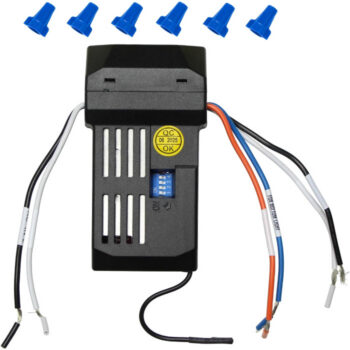
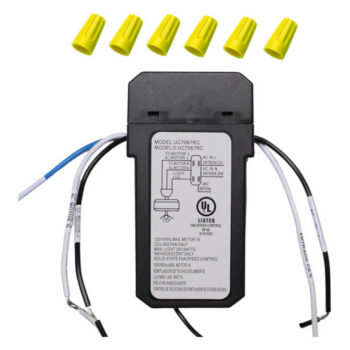
- UC7067RC receiver: up-light and down-light control, set with four code switches
- UC7067FMRX receiver: a single down-light with dimming, also set with four code switches
- UC7051R receiver: down-light control, with reverse when paired to a remote that has a reverse button
Each of these is listed under its own part number. Match the number on your existing receiver’s label exactly. It’s on the module itself, so you’ll see it when the canopy is down with the power off.
What about adding a wall control instead?
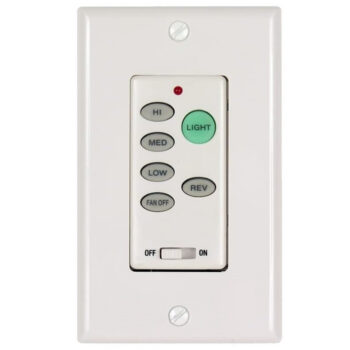
If you’d rather have a control on the wall, there are two routes. A hard-wired speed control replaces the wall switch and runs the motor directly, with no receiver. A wireless wall control mounts on the wall but still needs a receiver in the canopy. The second route means you can later add a handheld too. Our comparison of ceiling fan wall controls vs remotes goes through the trade-offs, and the wall control category has both styles.
Order the right parts for your conversion
For a fan that’s never had a remote, start with a complete kit. For a fan that already has a receiver, match the number on that receiver or on the old remote exactly; our listings are each tied to the single part number in their title. Can’t find a number? Our model number lookup guide shows where to look, and you can text a photo of the fan label or the receiver to (816) 586-8457. Orders in stock by 4 PM Central leave the same day, shipping is free over $35, and uninstalled parts can come back within 90 days. You can also browse everything on our shop page.
Shop the Parts in This Guide

Frequently Asked Questions
Do I need to remove the fan to add a remote?
Usually not. On most fans you only lower the canopy to reach the wiring and make room for the receiver, though you'll need to support the fan as its instructions describe.
Will a conversion kit work with my existing wall switch?
A plain on/off wall switch is normally fine and simply feeds power to the receiver. Leave it on to use the remote, and replace a dimmer or variable speed control with a standard switch.
Can I still use the pull chains after adding a remote?
Leave the chains at the highest fan speed and the light on so the receiver can do its job. On most fans, if someone pulls a chain to off, the remote can't turn that function back on until the chain is reset.
Can I add a remote to a fan without a light?
Yes. The receiver's light lead is simply capped off as the kit's instructions show, and the remote controls fan speeds only.
Is it cheaper to buy a kit or a separate remote and receiver?
For a fan that never had a remote, a kit is the simplest path because both parts are designed to work together. Buying a lone receiver only makes sense when you're replacing one that already existed.