
99118 Ceiling Fan Remote Control for Hunter
- Part # 99118
- Ceiling Fan Remote
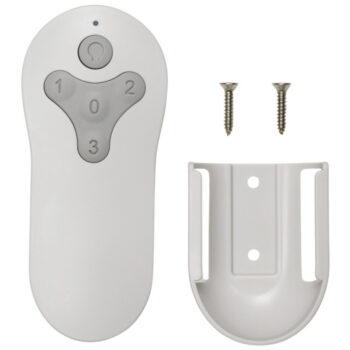
A new Comfort Direct remote for Hunter fans that shipped with the 99118, offering speed control with + and - keys plus a dimmable light.
$21.80
Ships today from FanRemotes.com
if ordered in the next
- 1-Year WarrantyOn every product
- Same-Day ShippingIn-stock orders by 4 PM
- 90-Day ReturnsSee return policy
- Expert Support(816) 586-8457Mon–Fri, 8 AM – 5 PM CT
Will This Remote Fit?
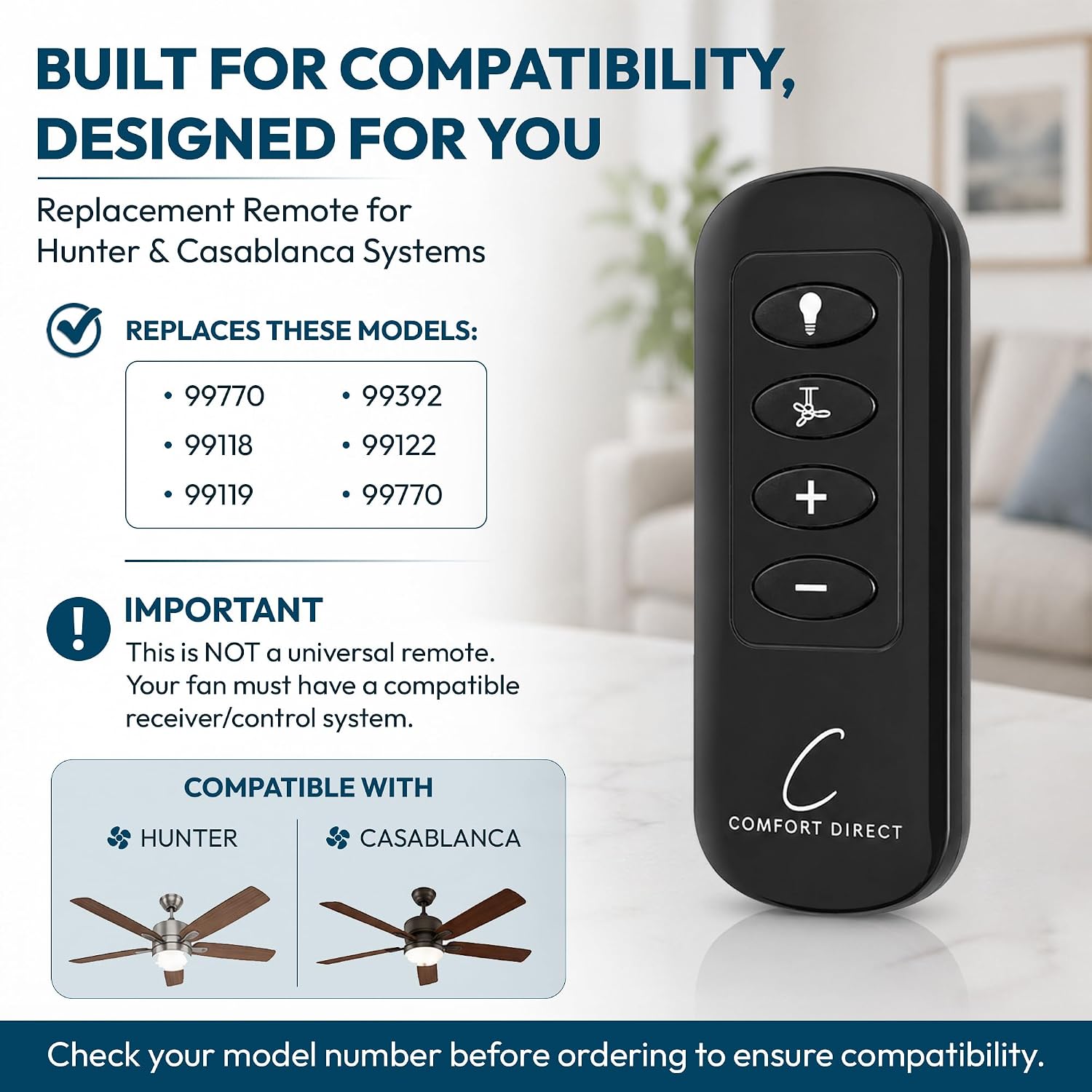
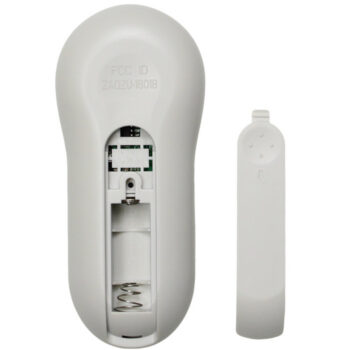
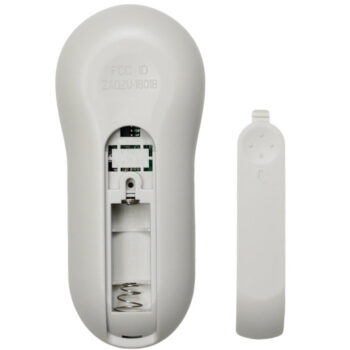
This remote is made to replace the 99118. Check the label on your old remote (often inside the battery cover) — if it reads 99118, this is the one you need.
Need help finding your model number? Not sure? Call (816) 586-8457 or email info@fanremotes.com.
About the Hunter 99118 Remote
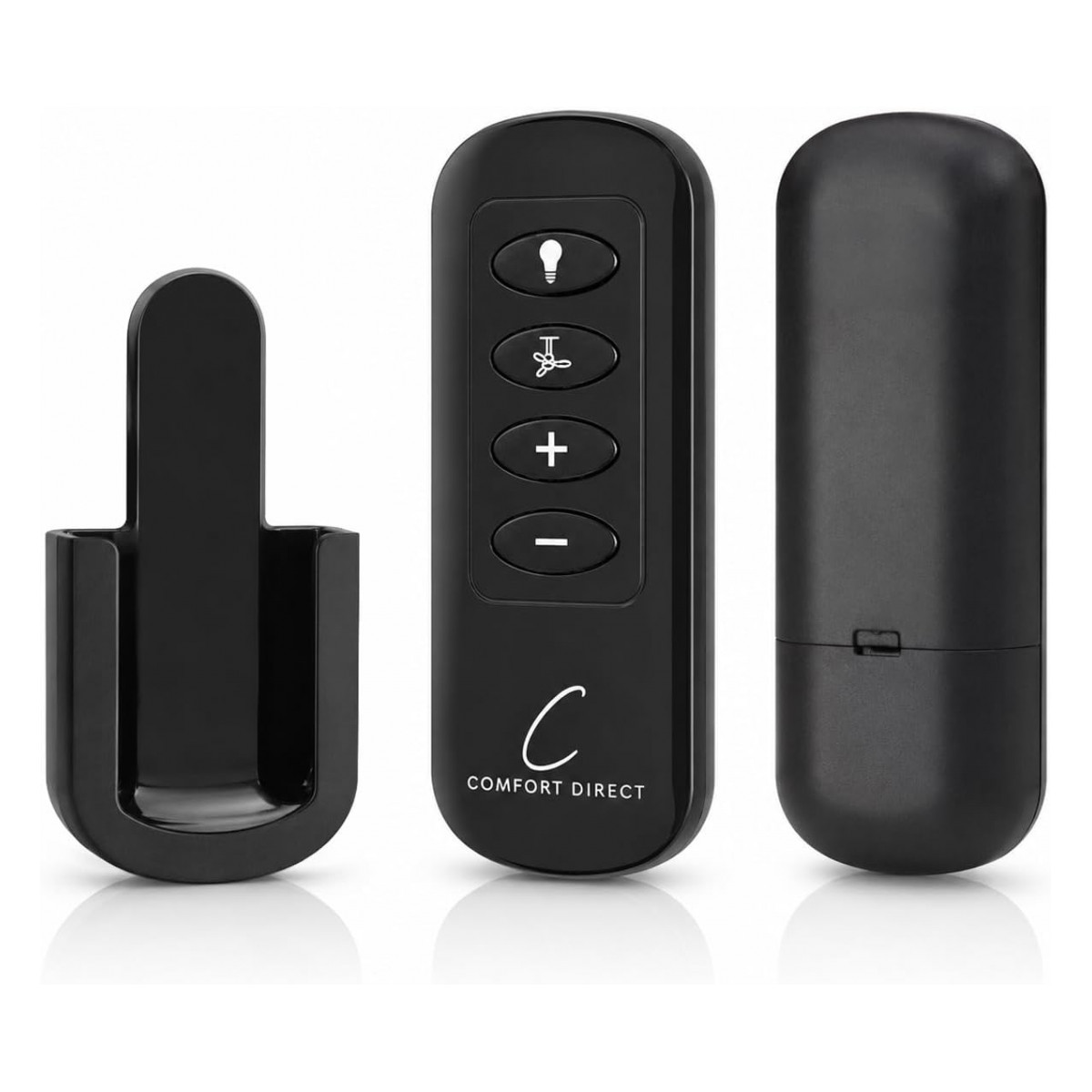
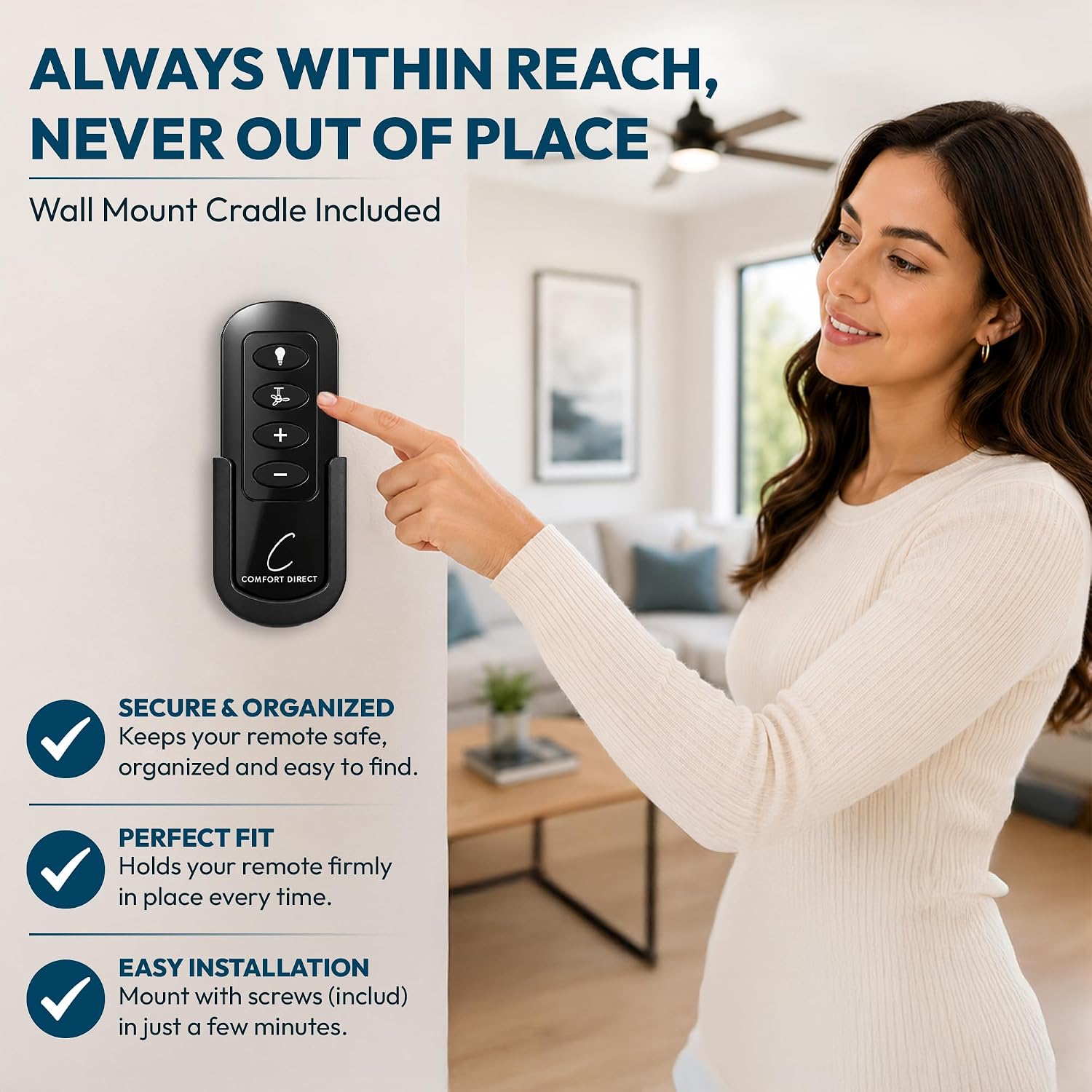
When the 99118 that came with your Hunter fan goes missing or quits, the fan is stuck on its last setting. Our replacement brings back four fan speeds, light on/off and smooth dimming. The 99118 number is usually on a label on the back of the remote, or inside the battery compartment next to the battery. Look at the keys on your old one: fan, plus, minus and light. That's the layout here too.
It's made to stand in for the 99118 on Hunter fans. It pairs with your fan's existing Hunter or Casablanca receiver after a power cycle.
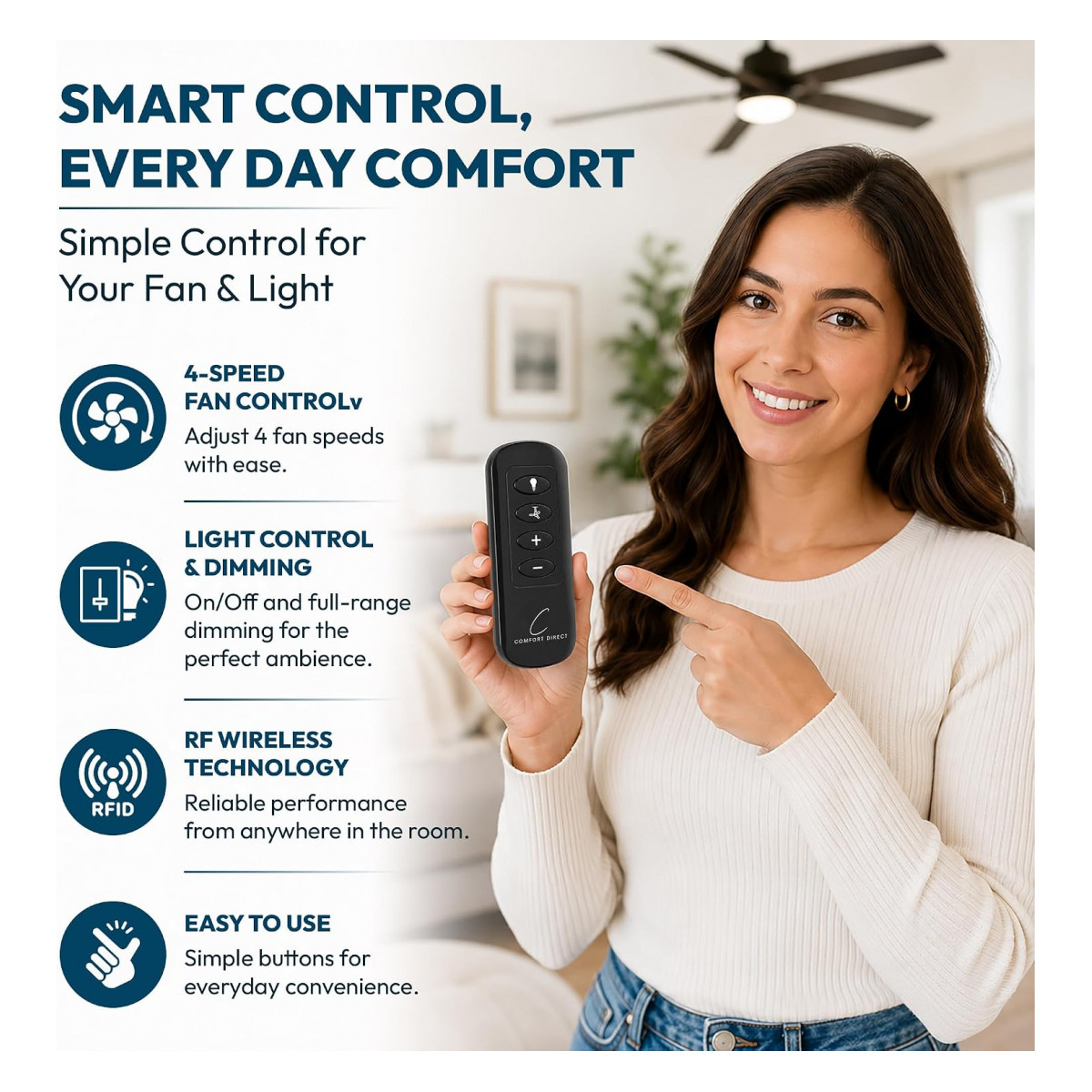
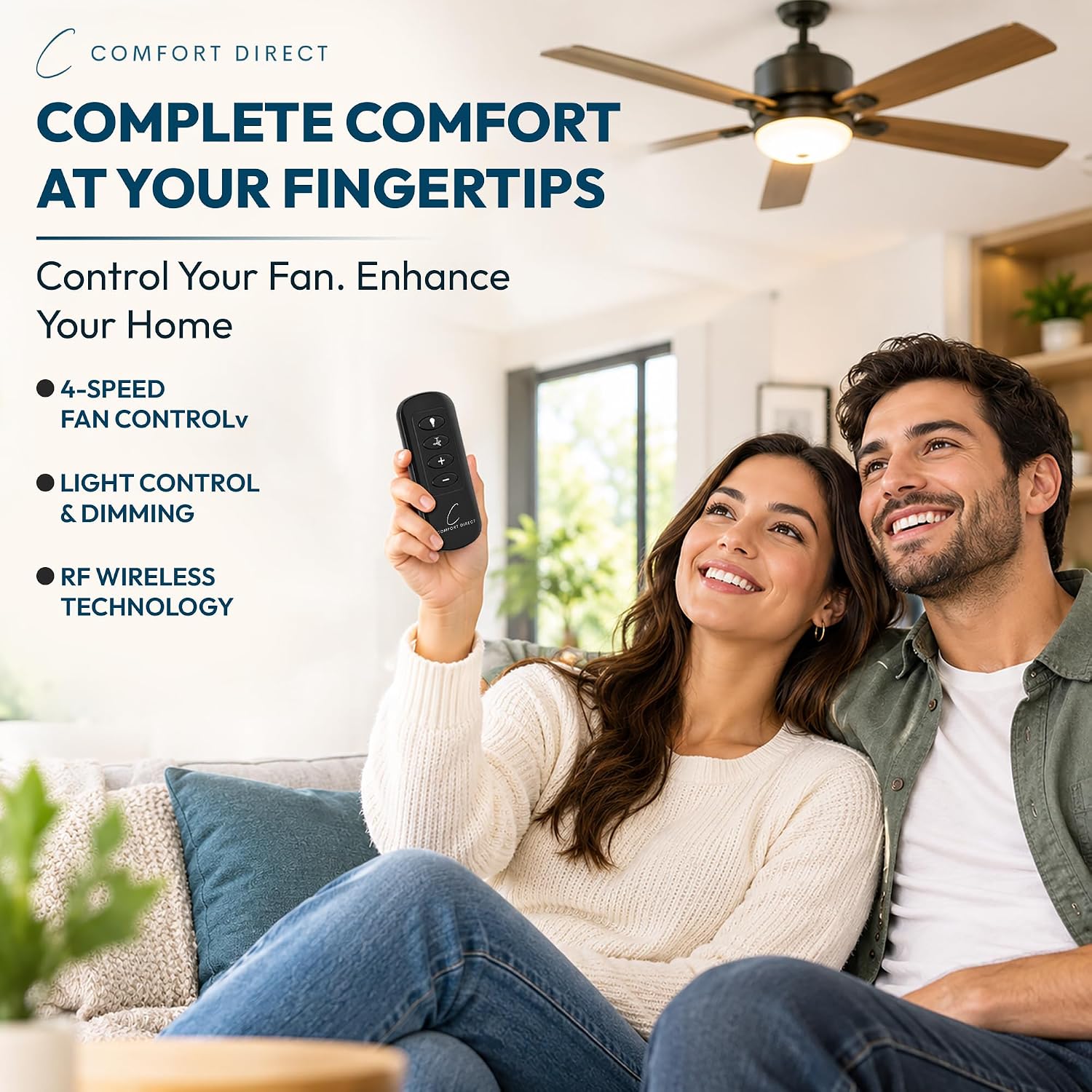
- 4-speed control with + and - keys
- Full-range light dimming
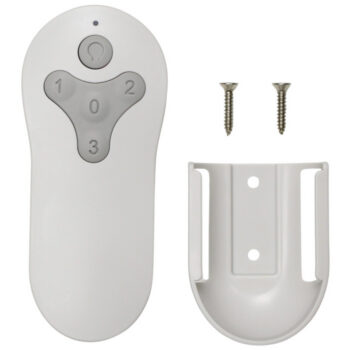
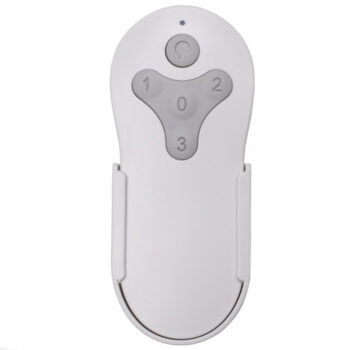
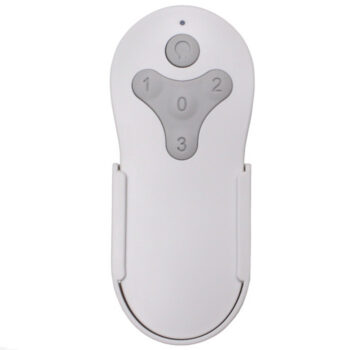
- Comes with a wall cradle
- Runs on two AAA batteries (not included)
One remote per fan
Each remote is meant to run one fan. Keep a dedicated one for every fan in the house and mark the back with the room name. That keeps the bedroom fan from starting when someone adjusts the living room, and it makes troubleshooting simple: if one fan stops answering, you know exactly which remote and receiver belong together.
The wall cradle
The included cradle mounts on the wall and holds the remote when you're not using it. Put it by the door or the bed, wherever you reach for the fan most.
Before you order
- Not a universal remote; not for other brands' receivers.
- Replacement remote only. It does not include a receiver, so the fan must already have a compatible Hunter or Casablanca receiver.
Setup & Pairing
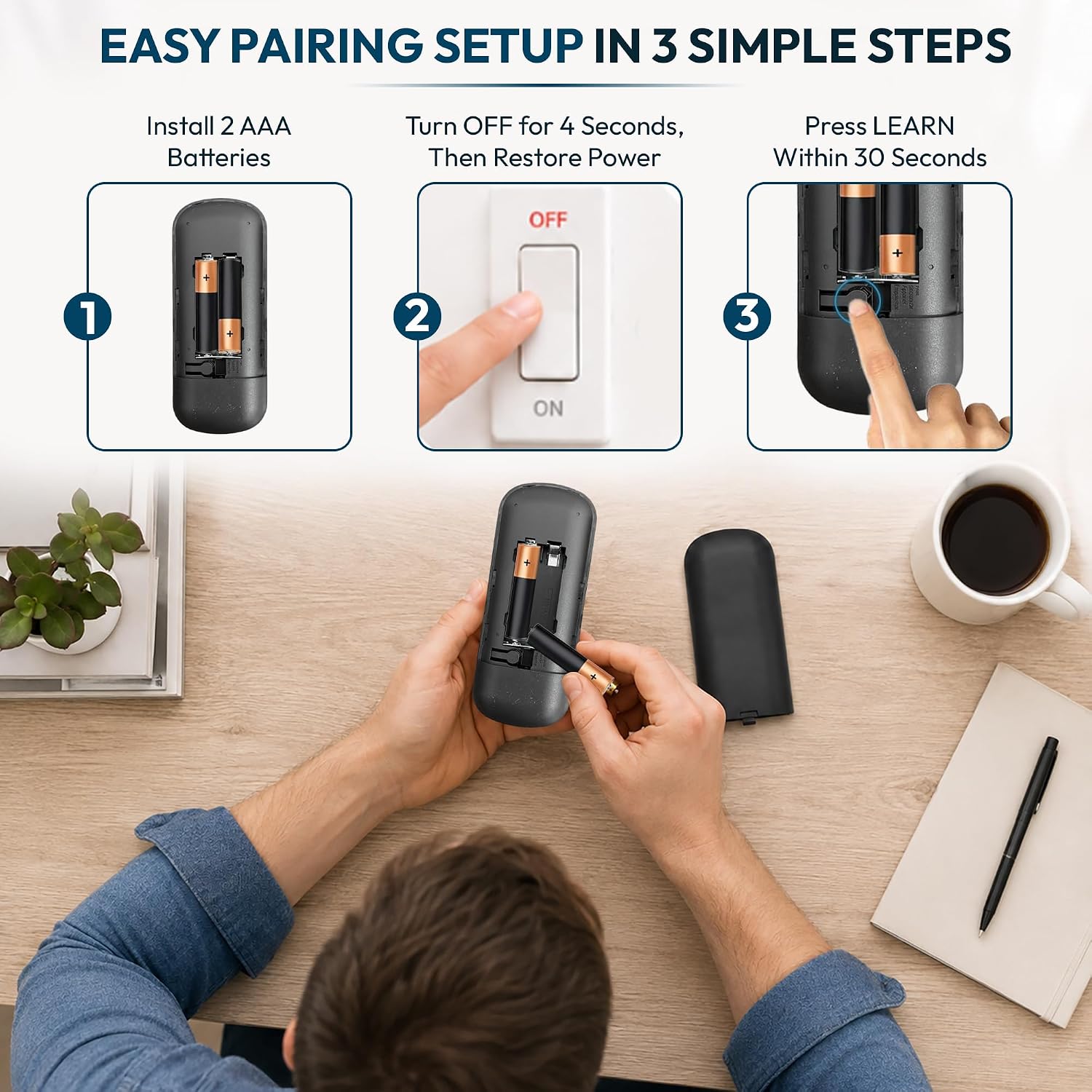
Here's how to sync the new remote with your fan's receiver.
- Put two AAA batteries in the remote.
- Turn power to the fan off for at least 10 seconds, then back on.
- While the receiver is still in its pairing window, hold the fan button, or the button your manual names, until the fan or light answers.
- Try all four speeds and the dimmer.
If the fan doesn't react, cycle the power and try again right away.
In the box: 99118 replacement handheld remote and wall cradle.
Product Details
| Part Number | 99118 |
|---|---|
| Fan Brand | Hunter |
| Product Type | Ceiling Fan Remote |
| Made By | Comfort Direct |
| Condition | New |
| Fan speeds | 4, with fan button and +/- keys |
| Light | On/off and full-range dimming (dimmable bulbs) |
| Battery | Two AAA (not included) |
| Receiver | Not included; uses your fan's existing receiver |
| Wall mount | Wall cradle included |
| Warranty | 1 year |
| Availability | In stock |
| Ships | Same business day if ordered by 4 PM |
| Returns | 90 days on unused items |
Why Buy From FanRemotes.com?
- 1-Year WarrantyEvery product is covered against defects
- Same-Day ShippingIn-stock orders placed by 4 PM ship the same business day
- 90-Day Return PolicyBuy with confidence
- Real Remote Experts(816) 586-8457 · Mon–Fri, 8 AM – 5 PM CT
Frequently Asked Questions
What if holding the fan button doesn't pair it?
Some fans use a different pairing button, named in the fan's manual. Cycle the power and try that button within the receiver's pairing window.
What batteries does it take?
Two AAA batteries, not included.
Will it work on a DC motor fan?
No. It is not for DC motor fans or Hunter Original fans.
Will a new remote fix a fan that won't run at all?
Only if the old remote was the problem. If the fan won't run, hums, or sticks on one speed, the receiver may have failed, and a new remote can't fix that. Call us and we'll help you sort it out.
Is there a warranty?
Yes. It comes with a 1-year warranty against defects.
When will my order ship?
In-stock orders placed by 4 PM, Monday to Friday, ship the same business day.
What is your return policy?
You can return items within 90 days. Items must be unused and uninstalled, in their original packaging. No restocking fees. Please read our return policy before sending anything back. Questions? Call (816) 586-8457 or email info@fanremotes.com.
Is there a warranty?
Yes. Every product we sell comes with a 1-year warranty against defects. If it fails because of a defect, contact us and we’ll send a replacement.
Help & How-To Guides
Related products
-
MZ44MBLK3LR Harbor Breeze Ceiling Fan Remote Control Replacement
$26.95 Add to cart -
TG52LW3D1RCS Harbor Breeze Ceiling Fan Remote Control Replacement
$26.95 Add to cart -
BRD60BNK6LRS Harbor Breeze Ceiling Fan Remote Control Replacement
$26.95 Add to cart -
TG52MBK3D1RC Harbor Breeze Ceiling Fan Remote Control Replacement
$26.95 Add to cart -
A25-FA0138 Harbor Breeze Ceiling Fan Remote Control Replacement
$26.95 Add to cart