
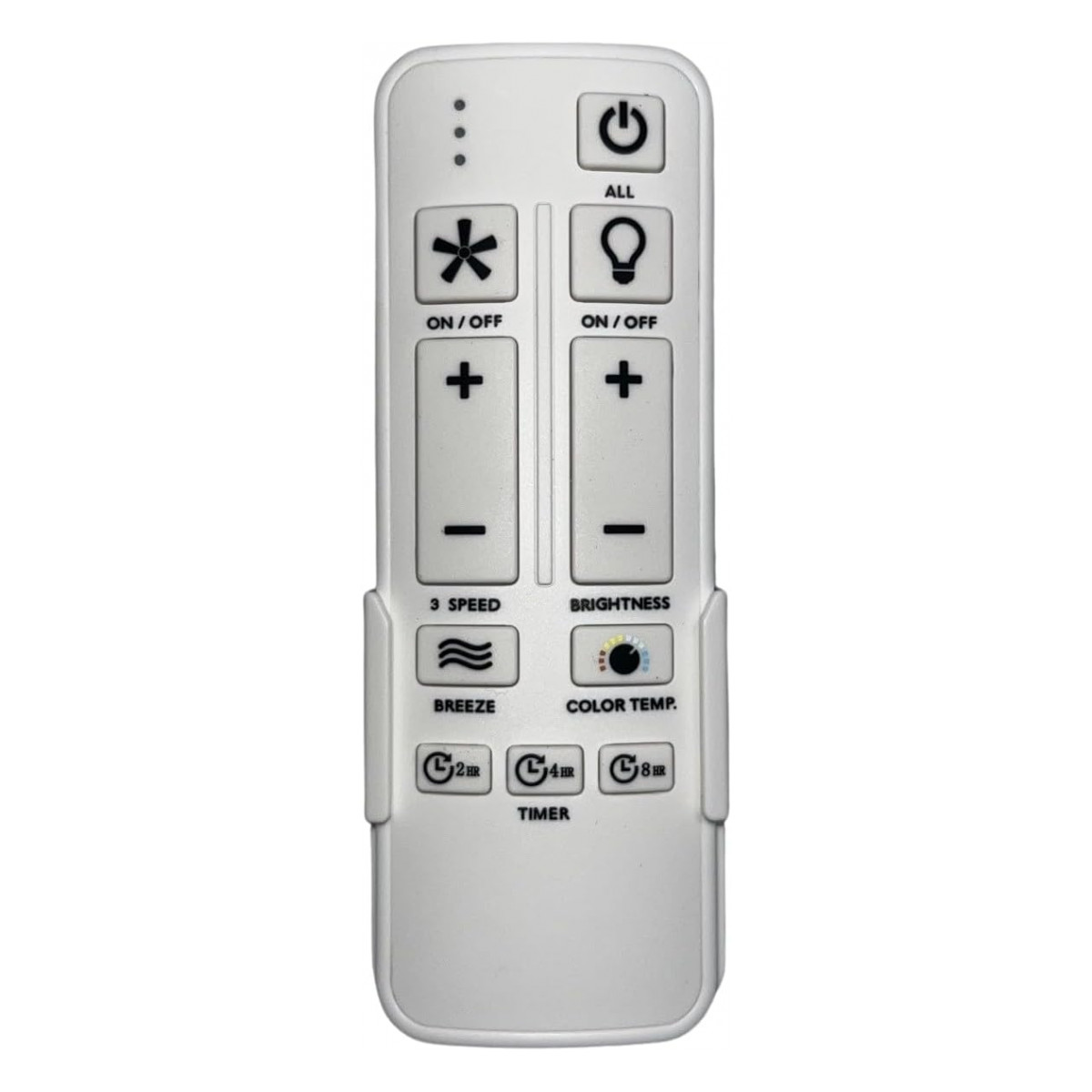
SW22008GD Ceiling Fan Remote Control for Hampton Bay
- Fan Model # SW22008GD
- Ceiling Fan Remote
- Fits 1 model
Run your Hampton Bay SW22008GD from across the room again with this remote: ready-to-go pairing with the battery installed.
$39.95
Ships today from FanRemotes.com
if ordered in the next
- 1-Year WarrantyOn every product
- Same-Day ShippingIn-stock orders by 4 PM
- 90-Day ReturnsSee return policy
- Expert Support(816) 586-8457Mon–Fri, 8 AM – 5 PM CT
Compatible Models
This replacement remote for the Hampton Bay SW22008GD fits 1 model. Check the model number on your fan’s label.
- SW22008GD Chelia 56-in Indoor Gold LED (Home Depot Internet #325060246, Store SKU 1009462365)
Not sure it’s the right one? Call (816) 586-8457 or email info@fanremotes.com and we’ll check it against your fan for you.
About the Hampton Bay SW22008GD Remote
The Hampton Bay SW22008GD is the Chelia 56-inch indoor ceiling fan in gold with a color-changing LED light, sold at Home Depot as Internet #325060246 (store SKU 1009462365). Our replacement remote handles light control for the color-changing LED, plus fan speeds and reverse, so the fan works the way it did out of the box.
It is made for the Hampton Bay SW22008GD. Check the model sticker on the fan: if it reads SW22008GD, this is the remote you need. The battery is already in, so you can pair it right away.
- Fan speeds and reverse
- Runs the fan's color-changing LED light
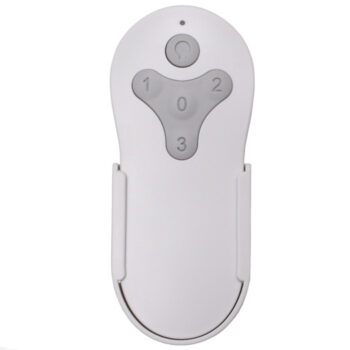
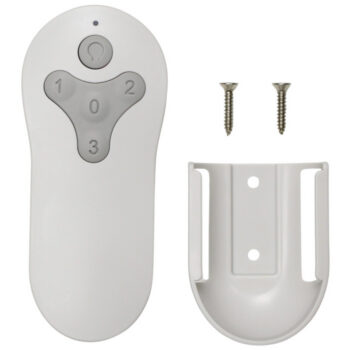
- Wall bracket and hardware included
- Backed by our 1-year warranty
Made for the Chelia 56-in
This remote follows the factory remote for the Hampton Bay Chelia 56-in indoor fan: fan speeds, reverse and control of the color-changing LED light. It pairs with the receiver already in the fan.
The color-changing LED
The Chelia's light is a color-changing LED, and this remote handles it just like the original did. Use the light key to switch it and work through the light settings.
Before you order
- Not a universal Hampton Bay remote; it will not pair with DIP-switch receivers.
- No receiver included.
Setup & Pairing
The battery is already in, so you can start right away.
- Cut the fan's power for roughly 10 seconds.
- Switch the power back on.
- Without waiting, press learn inside the battery compartment.
- When the fan or light reacts, it's paired. Test speeds, reverse and the light.
Pair again if the receiver is ever replaced.
In the box: Replacement remote for the Hampton Bay SW22008GD fan, battery installed, plus a wall bracket and hardware.
Product Details
| Fan Model | SW22008GD |
|---|---|
| Fan Brand | Hampton Bay |
| Product Type | Ceiling Fan Remote |
| Made By | Comfort Direct |
| Condition | New |
| Pairing | Learn button in the battery compartment |
| Battery | Included, installed |
| Fan | Fan speeds and reverse |
| Light | Control for the color-changing LED light |
| Wall mount | Wall bracket and hardware included |
| Warranty | 1 year |
| Compatible Models | 1 (see list) |
| Availability | In stock |
| Ships | Same business day if ordered by 4 PM |
| Returns | 90 days on unused items |
Why Buy From FanRemotes.com?
- 1-Year WarrantyEvery product is covered against defects
- Same-Day ShippingIn-stock orders placed by 4 PM ship the same business day
- 90-Day Return PolicyBuy with confidence
- Real Remote Experts(816) 586-8457 · Mon–Fri, 8 AM – 5 PM CT
Frequently Asked Questions
Will this replacement remote for the Hampton Bay SW22008GD fit my ceiling fan?
It fits the 1 model listed under Compatible Models on this page. If your model isn’t listed, call us at (816) 586-8457 and we’ll check for you.
Will this work on my Chelia fan?
Yes, it's made for this Hampton Bay Chelia 56-in indoor fan.
Do I need to buy a battery?
No, the battery comes installed.
How do I pair it?
Turn the fan's power off for about 10 seconds and back on, then press the learn button inside the battery compartment right away. The fan or light responds to confirm.
What if I miss the pairing window?
Nothing is lost. Turn the power off at the wall, wait about 10 seconds, turn it back on and try the pairing step again.
Do I have to point the remote at the fan?
No. It works by radio, so you don't need a clear line of sight. Weak batteries and distance are what limit its reach.
When will my order ship?
In-stock orders placed by 4 PM, Monday to Friday, ship the same business day.
What is your return policy?
You can return items within 90 days. Items must be unused and uninstalled, in their original packaging. No restocking fees. Please read our return policy before sending anything back. Questions? Call (816) 586-8457 or email info@fanremotes.com.
Is there a warranty?
Yes. Every product we sell comes with a 1-year warranty against defects. If it fails because of a defect, contact us and we’ll send a replacement.
Help & How-To Guides
Related products
-
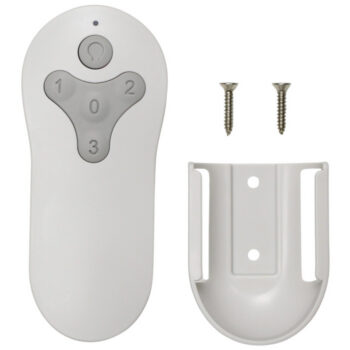
KUJCE10712 Harbor Breeze Ceiling Fan Remote Control Replacement
$26.95 Add to cart -
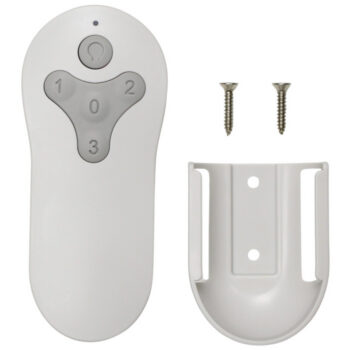
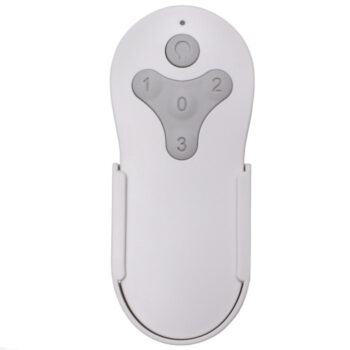
TG52LW3D1RCS Harbor Breeze Ceiling Fan Remote Control Replacement
$26.95 Add to cart -
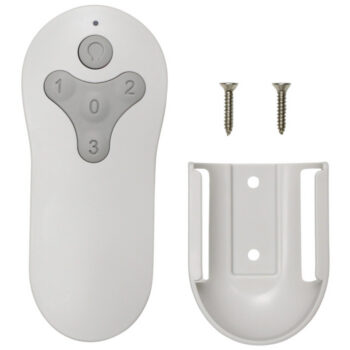
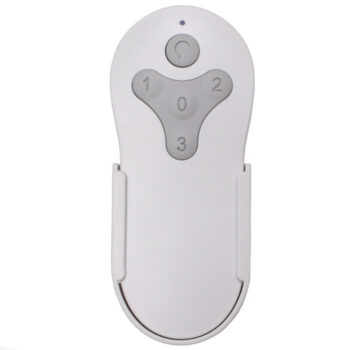
TG44LW3D1RS Harbor Breeze Ceiling Fan Remote Control Replacement
$26.95 Add to cart -
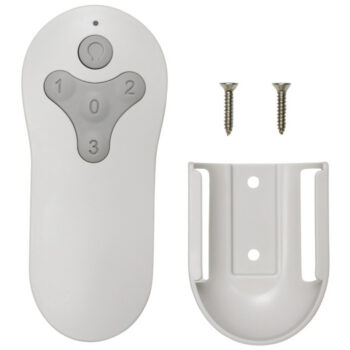
MZ44WW3LR Harbor Breeze Ceiling Fan Remote Control Replacement
$26.95 Add to cart -
BRD60MBK6LR Harbor Breeze Ceiling Fan Remote Control Replacement
$26.95 Add to cart