
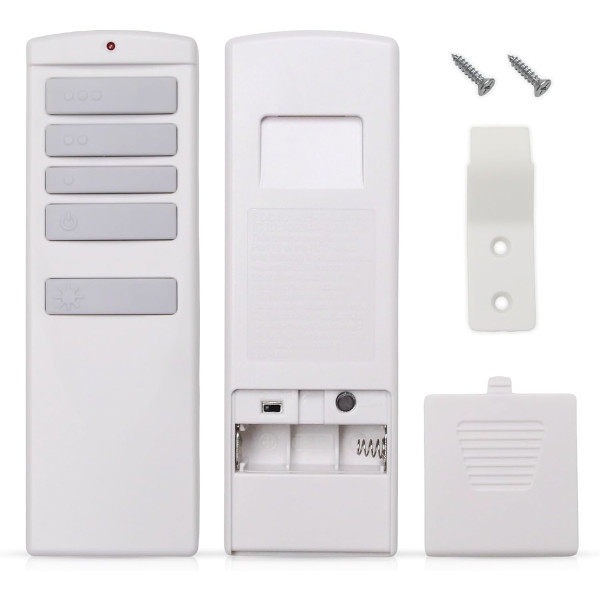
ZJF-RT01A Ceiling Fan Remote Control for Harbor Breeze
- Part # ZJF-RT01A
- Ceiling Fan Remote
Looking for a ZJF-RT01A remote for your Harbor Breeze fan? Check your old remote first: this three-speed dimming remote is a different system.
$29.95
In stock
- 1-Year WarrantyOn every product
- Same-Day ShippingIn-stock orders by 4 PM
- 90-Day ReturnsSee return policy
- Expert Support(816) 586-8457Mon–Fri, 8 AM – 5 PM CT
Will This Remote Fit?
This remote is made to replace the ZJF-RT01A. Check the label on your old remote (often inside the battery cover) — if it reads ZJF-RT01A, this is the one you need.
Need help finding your model number? Not sure? Call (816) 586-8457 or email info@fanremotes.com.
About the Harbor Breeze ZJF-RT01A Remote
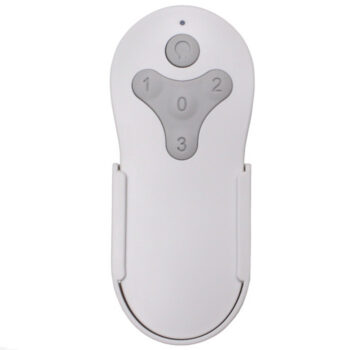
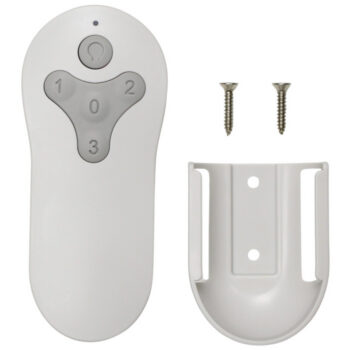
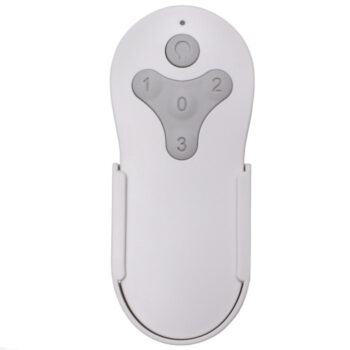
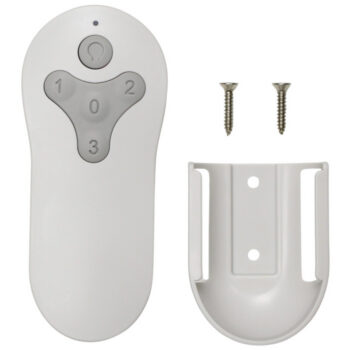
A ZJF-RT01A is a different remote system from the one sold here, so this listing won't replace it. Our remote has three speeds, off and a dimmable light, but no reverse button; if your old ZJF-RT01A had a direction button, that's another sign it's separate.
If the label on your old remote reads ZJF-RT01A, reach out at (816) 586-8457 or info@fanremotes.com before ordering and we'll help you find the remote that fits.
- 315 MHz RF signal, so you don't have to point it at the fan
- 1-year warranty from our team
- Three fan speeds, high, medium and low, plus a separate off button
Why it doesn't need aiming
The remote talks to the fan on 315 MHz radio, not infrared. You don't need a clear line of sight, so it works from the couch, the bed, or around a corner in an open room. Very thick walls or metal cabinets between you and the fan can cut the range.
Choosing dimmable bulbs
Look for the word dimmable on the bulb box. LED bulbs that aren't rated for dimming may flicker, hum or cut out at low levels. Warm white bulbs around 2700K give a soft, even glow when you turn the light down for movies or bedtime.
Before you order
- This is not a universal remote. Match it to your old remote's label or your fan's model sticker first.
- No fan direction button: reverse, if your fan has it, stays on the motor housing.
Setup & Pairing
- Put one 12V A23 battery in the remote, matching the + and - marks.
- Cut power to neighboring fans of the same type first; otherwise they may pair as well.
- Switch the fan off at its wall switch or breaker, wait a few seconds, and restore power.
- Within 30 seconds, press and hold the Learn button inside the battery compartment for about 5 seconds.
- A paired fan starts running on low with the light off. If that doesn't happen, start over from the power step.
- Some manuals use High plus Low instead: hold both for 5 seconds within 30 seconds of power returning.
Tip: write the pairing steps on a sticky note inside a cabinet door for next time.
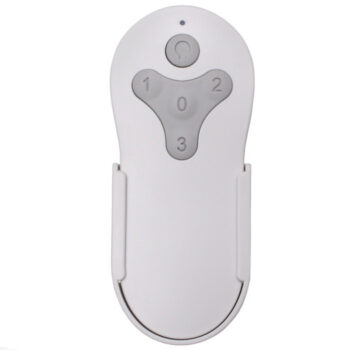
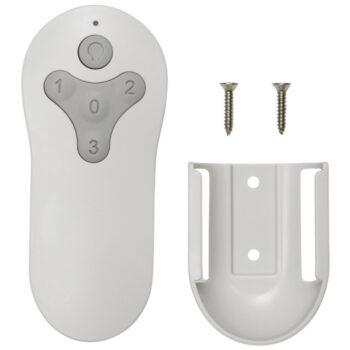
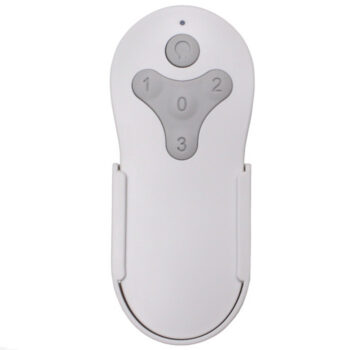
In the box: replacement remote, wall mount holder with screws, and instructions. Battery not included.
Product Details
| Part Number | ZJF-RT01A |
|---|---|
| Fan Brand | Harbor Breeze |
| Product Type | Ceiling Fan Remote |
| Made By | Comfort Direct |
| Condition | New |
| Frequency | 315 MHz RF (no line of sight needed) |
| Pairing | Learning code with Learn button, no DIP switches |
| Battery | One 12V A23 (not included) |
| Fan speeds | 3 + off |
| Light | On/off and dimming, D/CFL selector switch |
| Reverse | No reverse button |
| Wall mount | Included, with screws |
| Warranty | 1 year |
| Availability | In stock |
| Ships | Same business day if ordered by 4 PM |
| Returns | 90 days on unused items |
Why Buy From FanRemotes.com?
- 1-Year WarrantyEvery product is covered against defects
- Same-Day ShippingIn-stock orders placed by 4 PM ship the same business day
- 90-Day Return PolicyBuy with confidence
- Real Remote Experts(816) 586-8457 · Mon–Fri, 8 AM – 5 PM CT
Frequently Asked Questions
How can I tell which remote I have?
Read the label on the back or inside the battery door. If it says ZJF-RT01A, this listing is not the match, so give us a call first.
Will this replace a remote labeled ZJF-RT01A?
No. The ZJF-RT01A is a different remote system. Contact us at (816) 586-8457 or info@fanremotes.com and we'll help you find the right one.
What's in the box?
The remote, a wall mount holder with screws, and instructions. The A23 battery is sold separately.
Do I need to point it at the fan?
No. It uses a 315 MHz radio signal, so it works without a clear line of sight.
The light flickers when dimmed. Is the remote bad?
Usually not. Flicker at low levels points to bulbs that aren't rated for dimming. Try dimmable bulbs, or set the switch to CFL.
Can one remote run two fans?
We suggest one remote per fan. If two fans learn the same remote, they will respond together.
When will my order ship?
In-stock orders placed by 4 PM, Monday to Friday, ship the same business day.
What is your return policy?
You can return items within 90 days. Items must be unused and uninstalled, in their original packaging. No restocking fees. Please read our return policy before sending anything back. Questions? Call (816) 586-8457 or email info@fanremotes.com.
Is there a warranty?
Yes. Every product we sell comes with a 1-year warranty against defects. If it fails because of a defect, contact us and we’ll send a replacement.
Help & How-To Guides
- Harbor Breeze Ceiling Fan Remote: Find, Pair and Replace Yours
- Ceiling Fan Remote Not Working? How to Find and Fix the Problem
- How to Pair a Ceiling Fan Remote: Every Method Explained
- Ceiling Fan Remote DIP Switch Settings: Find, Match and Change Them
- Lost Ceiling Fan Remote? How to Find the Right Replacement
Related products
-
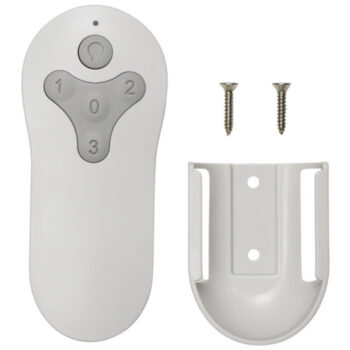
MZ44MBLK3LR Harbor Breeze Ceiling Fan Remote Control Replacement
$26.95 Add to cart -
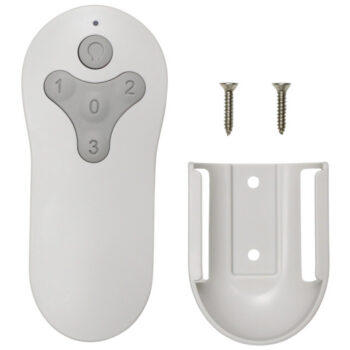
BRD60OSB6LR Harbor Breeze Ceiling Fan Remote Control Replacement
$26.95 Add to cart -
TG52LW3D1RCS Harbor Breeze Ceiling Fan Remote Control Replacement
$26.95 Add to cart -
BRD60MBK6LR Harbor Breeze Ceiling Fan Remote Control Replacement
$26.95 Add to cart -
TG44BNK3D1RC Harbor Breeze Ceiling Fan Remote Control Replacement
$26.95 Add to cart